15
Lifeloc FC10
www.Lifeloc.com | 303-431-9500
Selecting the Calibration Standard
If you move to a signifi cantly different altitude before calibrating, you will have to change
the standard in the FC10.
Wet Bath Calibration does not require altitude correction.
Note: The FC10 comes from the factory set for Wet Bath type and .100 BAC Calibration
Standard.
Press the Function button until display reads “CALIBRATION”.
Press the Execute button. The display reads either “WET CHECK” or ” DRY CHECK”.
Press the Function button until display reads “CAL SETTINGS”.
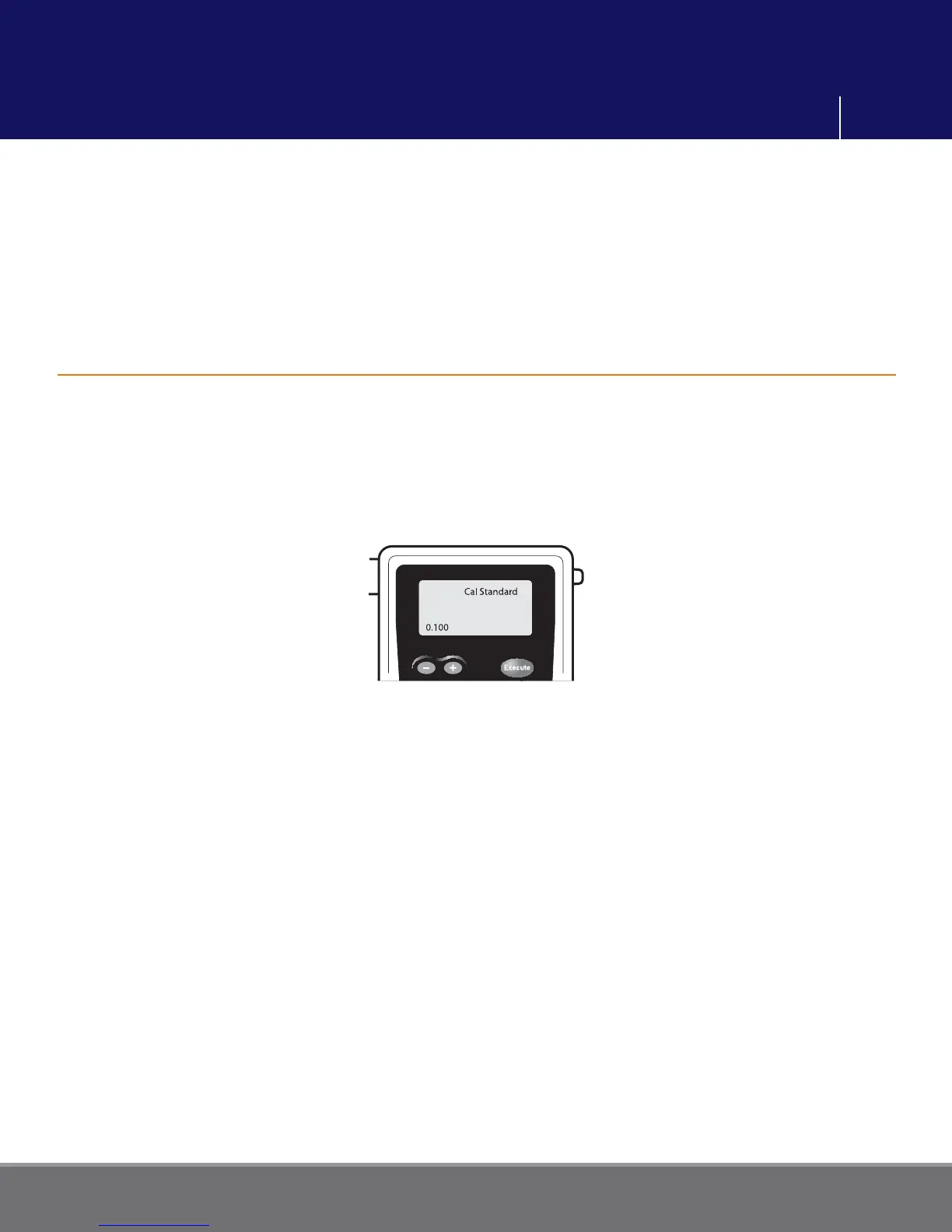
Press the Execute button. The display reads “CAL STANDARD”.
Use the + or – button to change the number to the BAC level of standard you will be
calibrating to. It should be the same as on the bottle of certifi ed solution or as your
altitude corrected standard, if using a dry gas tank. (See p. 14)
Press the Function button to save the settings. Momentarily press Power to return to the
testing mode.
Once you set the standard, you do not have to set it again unless you change solutions or
elevation (dry gas only).
Calibration Settings



 To Next Page