9. Start-up
The lift must always be connected to a 100-240V power point and be powered on. Under normal
circumstances the lift is always in stand-by mode, i.e. it is ready for use as soon as one of the
operating buttons is pressed.
If the emergency stop button is pressed, or the lift has been disconnected through the key
switch, this must be deactivated before the lift can be used (find out more in section 10).
10. Instructions for the use
10.1 Everyday use
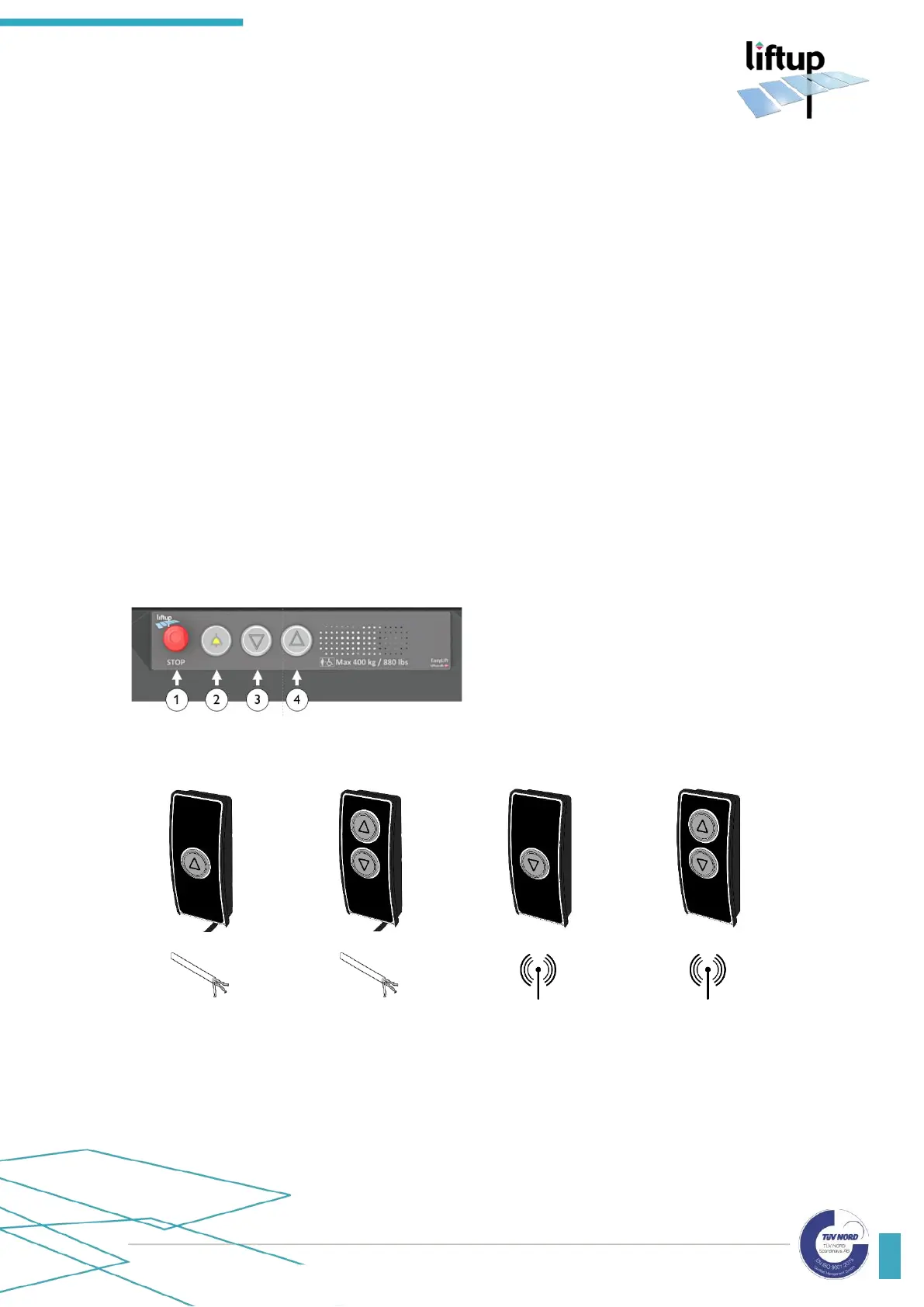
The lift can be activated and operated by means of the operating panel on the platform (fig.1),
a remote control (optional equipment) (fig. 10) or operating panels on the upper and lower
levels respectively: Standard call stations (figs. 2-5), call station columns (figs. 6-9), or the key-
operated call stations (fig. 11). In addition, the lift can be turned on and off by means of a key
switch (optional equipment) (fig. 12).



 To Next Page