USER MANUAL – EASYLIFT V3 PLUS – AU VERSION 09.02
Liftup A/S Hagensvej 21 | DK-9530 Støvring | Danmark | T: +45 96 86 30 20 | M: support@liftup.dk | www.liftup.dk | CVR: DK-1015 3964
If the lift makes an unintended or undesired movement, or if it must be stopped in
order to avoid potential risks, press the EMERGENCY STOP button.
To release the emergency stop, turn the button clockwise and the system is again
ready for use.
10.7 ON/OFF switch for the charger
The lift has an ON/OFF switch for the charger. The switch is used to disconnect the power from
the charger to the lift. If the switch is set to OFF, the lift runs on the batteries only. If the switch
is set to OFF and the emergency stop is activated at the same time, also the power supply from
the batteries to the lift will be disconnected. After approx. 10 seconds the lift turns off.
The ON/OFF switch for the charger is used for example in connection with service and
maintenance work.
When the power supply from the charger is reconnected (ON), and the emergency stop is
released, the control system restarts (see section 11.2). The switch is normally set to ON so as
not to damage the batteries.
WARNING!
The ON/OFF switch can disconnect the power supply from the charger to the lift. It is
not the mains. If it is set to OFF over a longer time-span, it may drain and damage the
batteries. In the event of a long-standing power outage, the emergency stop should
be activated to ensure that the batteries are not completely discharged.
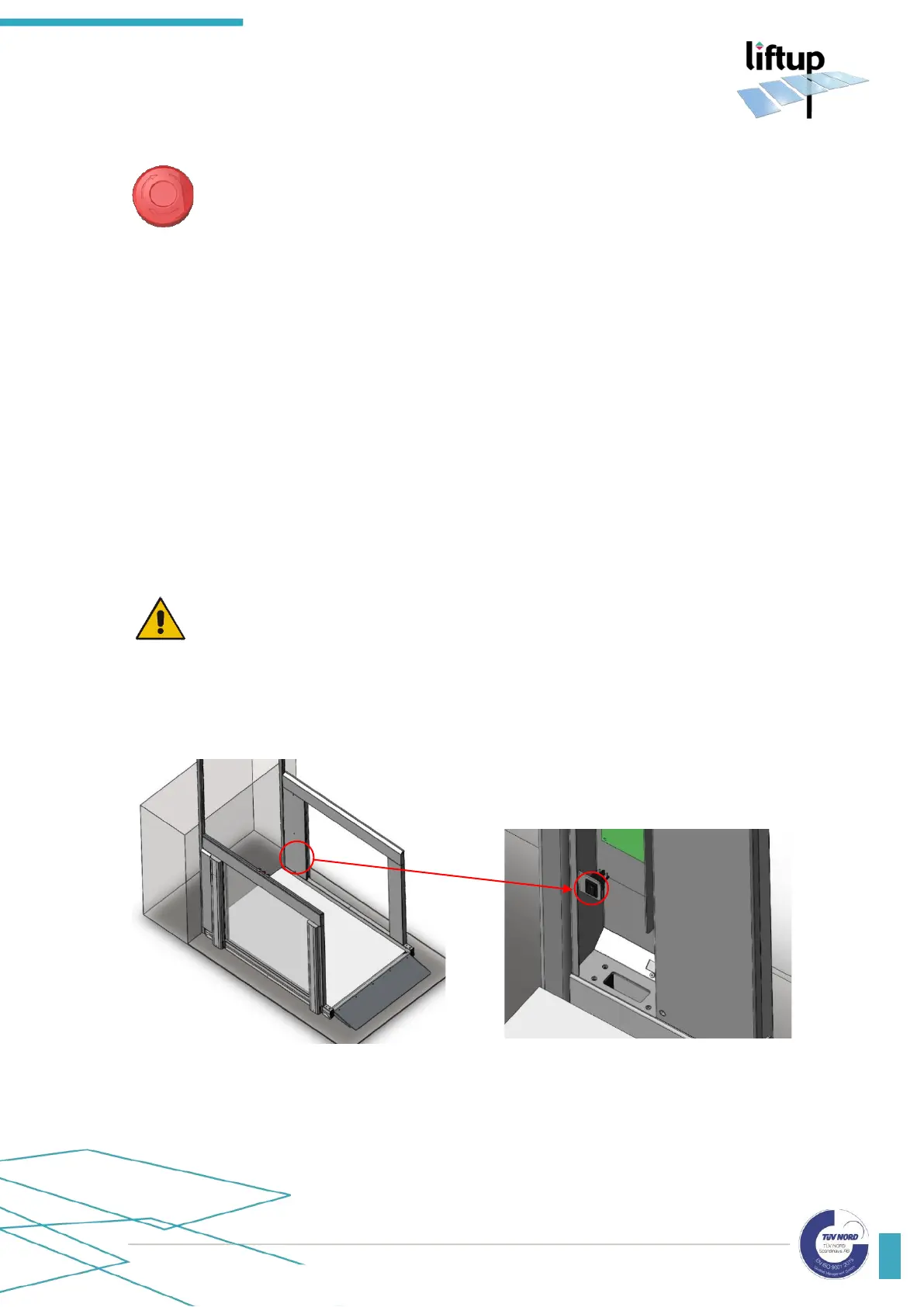
The switch is sited at the bottom right-hand side of the lift. The cover must be removed to access
the switch.



 To Next Page