EasyManua.ls Logo

liftup EasyLift V3 PLUS - Operating the Lift from the UPPER Level

liftup EasyLift V3 PLUS
46 pages
Print Icon
To Next Page IconTo Next Page
To Previous Page IconTo Previous Page
Loading...
USER MANUAL EASYLIFT V3 PLUS AU VERSION 09.02
Liftup A/S Hagensvej 21 | DK-9530 Støvring | Danmark | T: +45 96 86 30 20 | M: support@liftup.dk | www.liftup.dk | CVR: DK-1015 3964
23
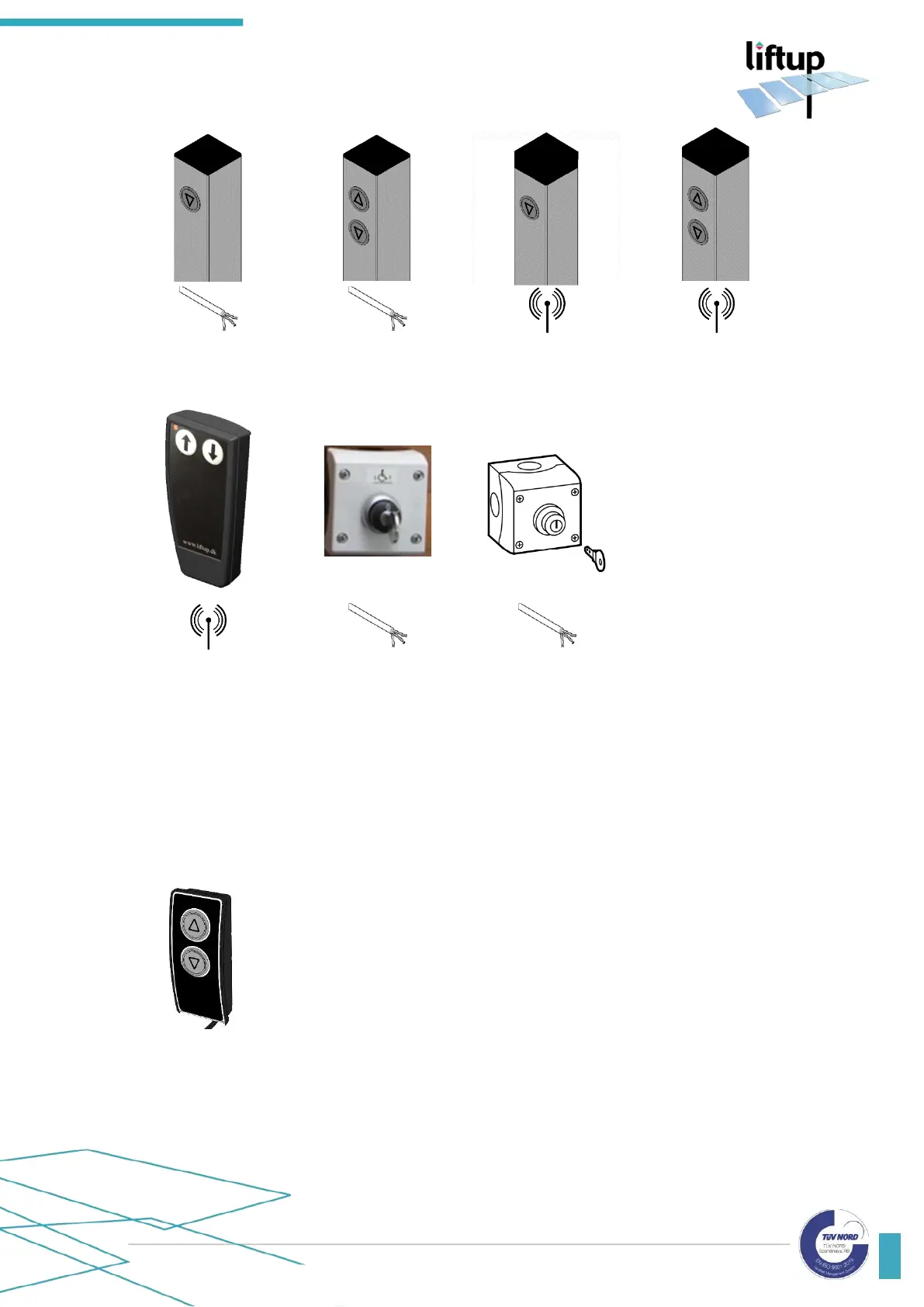
Fig. 6:
Call station column
with cable, 1-way
Fig. 7:
Call station column
with cable, 2-way
Fig. 8:
Call station column
wireless, 1-way
Fig. 9:
Call station column
wireless, 2-way
Fig. 10:
Remote control
(optional equipment)
Fig. 11:
Key-operated
call station
Fig. 12:
key switch ON/OFF
(optional equipment)
10.2 Operating the lift from the UPPER level
The lift is activated from the UPPER level by pressing and holding in the
arrow button () on the operating panel.
The platform then moves to the upper level and the barrier/door at the
upper level is opened so that access is given to the platform.
Drive onto the platform carefully and lock/brake the wheelchair.
Press and hold the arrow button (), upon which the platform will
move down to the LOWER level. When the platform has reached the
lower level, the door will open and/or the roll-off protection is lowered
to work as a drive-on/drive-off ramp. Drive away from the platform
carefully.
After approx. 60 sec. (standard programming) the platform will auto-
matically close the door/ramp.


Related product manuals