USER MANUAL – EASYLIFT V3 PLUS – AU VERSION 09.02
Liftup A/S Hagensvej 21 | DK-9530 Støvring | Danmark | T: +45 96 86 30 20 | M: support@liftup.dk | www.liftup.dk | CVR: DK-1015 3964
10.3 Operating the lift from the LOWER level
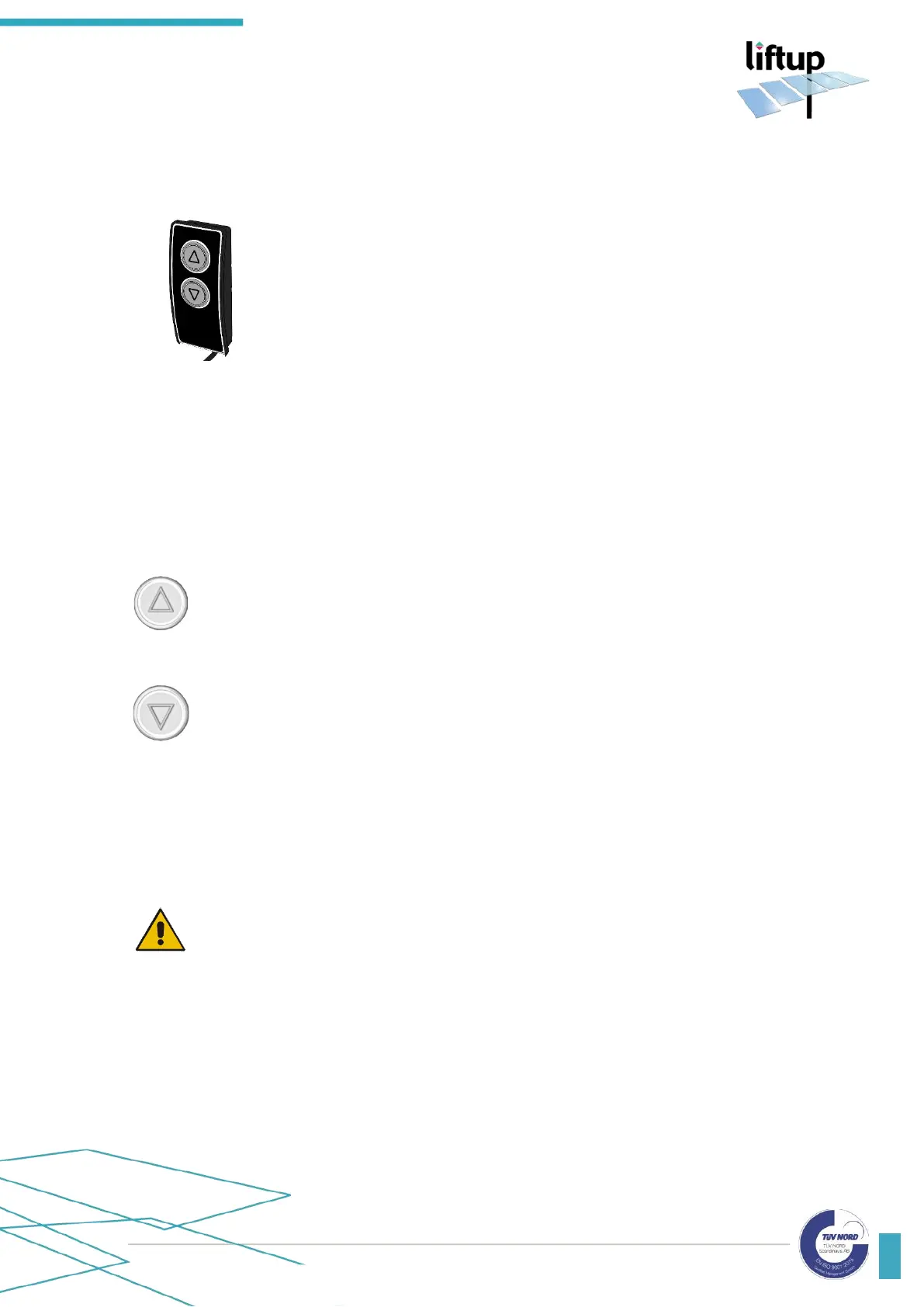
The lift is activated from the LOWER level by pressing and holding in the
arrow button () on the operating panel.
When the platform reaches the lower level, the roll-off protection is
lowered and acts as a drive-on/drive-off ramp. Drive onto the platform
carefully and lock/brake the wheelchair.
Press and hold in the arrow button (). The platform then moves to
the UPPER level and the barrier/door at the upper level is opened so
that it is possible to exit at the UPPER platform. Drive away from the
platform carefully.
After approx. 60 sec. (standard programming) the platform will auto-
matically close the door/upper barrier.
10.4 Operating the lift from the platform
Three buttons are available on the lift (see Fig. 9) – one with an UP arrow (), one with a DOWN
arrow (), and an emergency stop button (⚫).
When you are on the lift and wish to ascend to the upper level, press the up button.
The ramp or the doors will close, and the lift will start to move upward. Hold down
the button until you have reached the upper level, the lift has come to a stop and the
barrier/doors have fully opened. You can now exit the lift.
When you are on the lift and wish to access the lower level, press and hold the down
button. The doors will close, and the lift will start to move downward. Keep the button
pressed until you have reached the ground level, the lift has come to a stop and the
ramp/doors have fully opened. You can now exit the lift.
10.5 Auto return
The auto return function can be activated by an authorized service technician via the Liftup
Service Tool.
IMPORTANT!
Your authorized service technician can ascertain whether the automatic operation of
the lift is permitted, depending on the legislation in the country in question.
With the auto return function, the lift automatically closes the door and moves back to the
upper/lower level if no operating buttons or IR sensors have been activated for approx. 60
seconds (standard programming).
An acoustic alarm will be sounded during this operation (see section 10.8).



 To Next Page