10
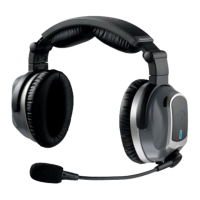
The headset
A. Battery door release: Push down on this button
to open the battery compartment door.
B. PowerindicatorLED:FlashesGREEN when
power is supplied and batteries are strong.
Flashes RED when batteries are low.
C. Power button: Press button once to turn the
headset on; press and hold to turn it off .
D. USBchargingport:PluginUSBcabletocharge
the battery.
E. ChargingLED:RED/AMBER indicates charging in
progress. GREEN indicates charging complete.
F. Channel select switch: Changes the channel
of the boom microphone link. Changing the
factory setting is only necessary when using
multiple Tango headsets in the same aircraft. See
“Multiple Headset” on page 14.
Getting Started
C
D
E
F
B
A


 To Next Page


