18
FlightLinkistherstin-ight
cockpit recording application for
the iPad® and iPhone®. The free
app works seamlessly with all new
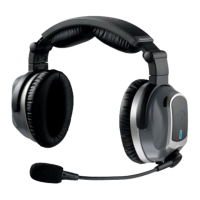
Lightspeed headsets to capture
and retrieve all incoming and
outgoing communications.
Features
• Recordallactivityovertheintercom
• ImmediatereplayofATCcalls
• Storehighresolutionorcompressedlesin
your library
• Drawnotes,codes,ordiagramsonthe
convenient iPad® scratchpad for reference
How to activate
DownloadtheFlightLinkappfromtheAppStore.
Connect the provided auxiliary cable between your
iOS device (iPhone® or iPad®) and your Tango panel
interface auxiliary input.
Tap the icon on your iPad® or iPhone® to begin using
the app.
Toggling between apps
Press your device’s Home button and select another
app. Your recording will continue uninterrupted as you
switch between different applications. A red bar at
the top of the screen indicates FlightLink is recording.
FlightLink


 To Next Page


