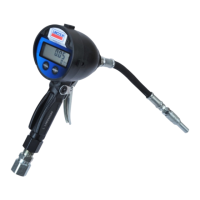
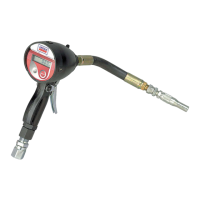
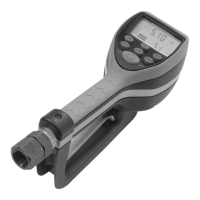
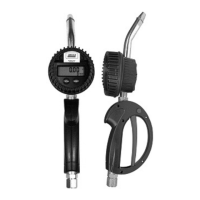
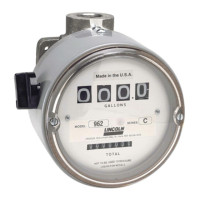
Meter operation
Manual mode
In the manual mode the meter operates as a
free flow dispensing handle.
!
Notice
Keypad auto button is used to
toggle between manual mode and batch
mode.
1 Pull the trigger to begin the flow.
2 The display shows the amount dispensed.
3 When the desired amount has been dis-
pensed, release the trigger
4 Press reset button once to reset the
counter display to zero.
!
Notice
Threaded end of meter always
has internal threads. Metal end of hose
must have external threads.
Inlet and outlet swivel connections are
either
1
/2 in. NPT (
1
/2 in. BSPP), depend-
ing on meter model.
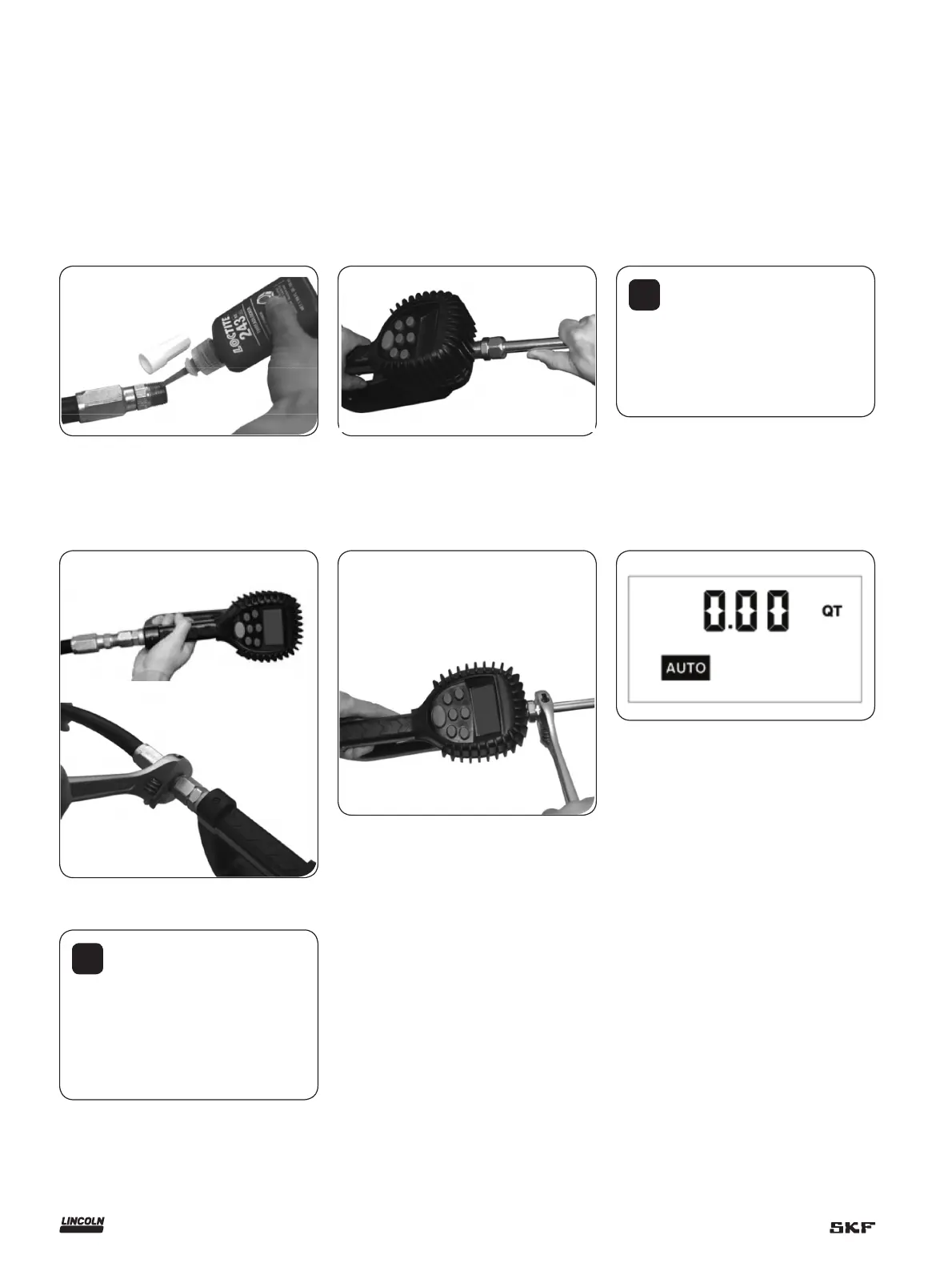
Apply meter to hose
Close the drain valve before starting this
procedure.
1 Attach swivel to meter. Apply thread
sealant to the external end of the hose.
Recommended sealant is Loctite 243.
Apply nozzle to meter
1 On the opposite end, apply sealant to the
end of the nozzle. Recommended sealant
is Loctite 243.
2 Insert the metal end of the hose into the
swivel. Tighten completely with an open
ended, adjustable, wrench.
Attach the hose
2 Thread the nozzle onto the meter.
Screw it in tightly with an open ended,
adjustable, wrench.
Attach the nozzle
3
Open all dispense position shut-off valves.
4 Start the pump to pressurize the system.
5 Before use, to ensure accuracy, purge all
air from the fluid lines and dispense
valve(s).
8


 To Next Page
 Loading...