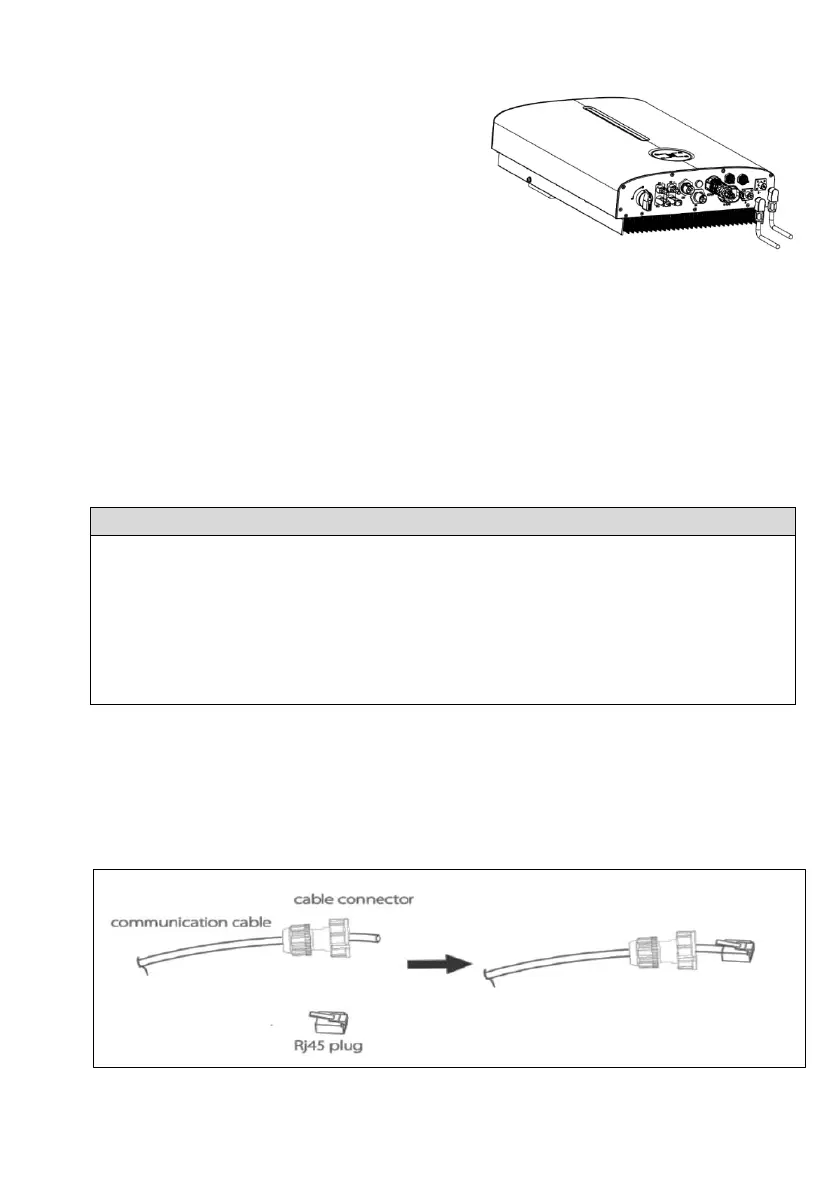
Step2: Connecting the Battery Connectors
Plug the battery connectors into the
corresponding BAT+ and BAT- terminals at the
bottom of the inverter. Ensure that the
connectors are securely in place.
Step 3: Connecting the Battery
Connect the negative battery cable into the negative battery port and the positive battery
cable into the positive battery port, and fasten the screws on the battery port by using a
torque screwdriver.
If the connector from wire to battery is not assembled, you need to contact with your battery
vendor for detailed information.
6.6.2 BMS Cable Connection
6.6.2.1 BMS Cable Connection
• Communication interface between inverter and battery is CAN with a RJ45
connector.
• The CAN cable enables the communication between the inverter and the Li-ion
battery from Pylon (48V), LIVOLTEK.
• The battery communication can only work when the battery BMS is compatible
with the inverter.
Wiring Connection Procedure
Step1: Assembling the BMS cable Connector
• Prepare a communication cable and insert the BMS cable connector which can be
found in the scope of delivery.
• Crimp the communication cable with an Rj45 plug which is inside of the cable
connector.




 To Next Page