63
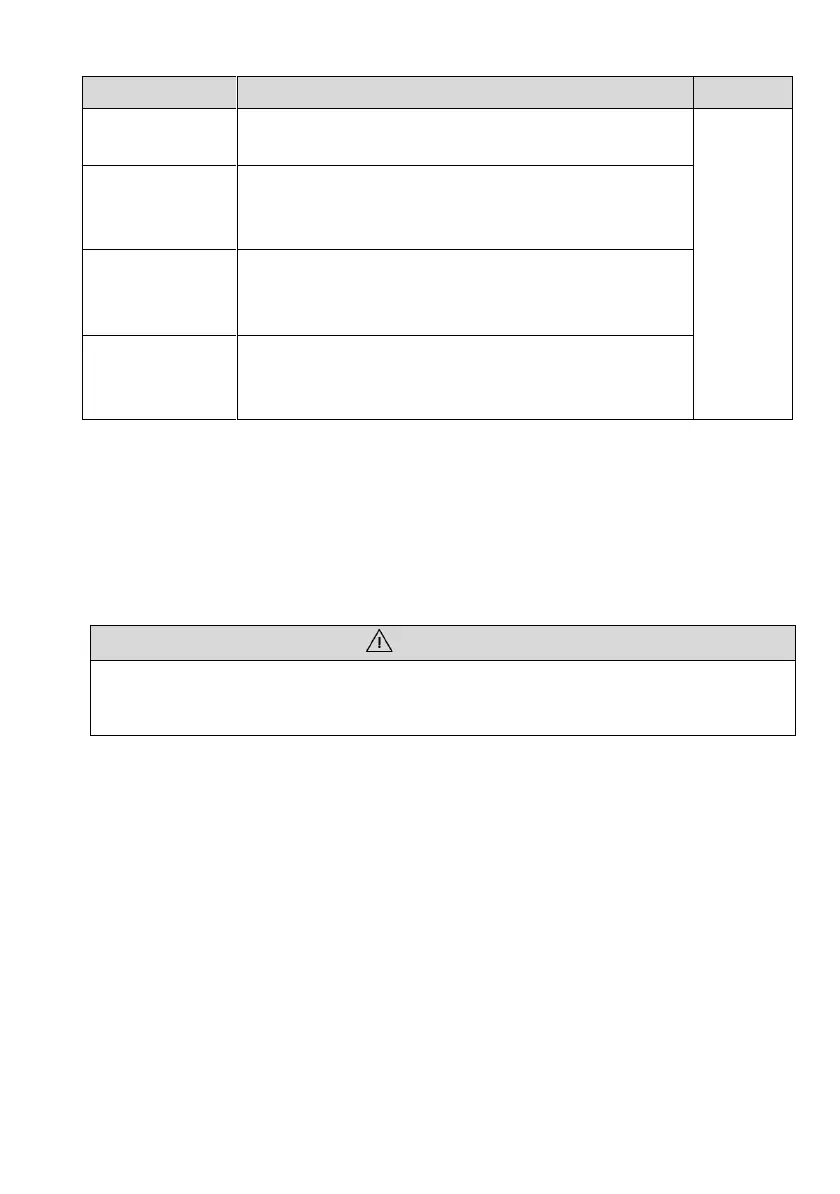
Check the temperature and dust of the inverter. Clean
the inverter enclosure if necessary.
Once
every 6
to 12
months
Check whether the inverter is not damaged or
deformed or can be operated with no abnormal sound.
Check whether the cable entry is insufficiently sealed,
or the gap is excessively large, and reseal the entry
when necessary.
Check whether all cables are firmly in place. Check
whether a cable is damaged, especially the part
contacting the metal enclosure.
9.3 Removing the Inverter
Perform the following procedures to remove the inverter:
Step 1: Disconnect all cables from the inverter including communications cables, DC
input power cables, AC output power cables, and PGND cables.
Step 2: Remove the inverter from the rear panel.
Step 3: Remove the rear panel.
• Before removing DC input connector double check DC input switch, is turned to
OFF to avoid inverter damage and personal injury.
9.4 Disposal of the Inverter
The inverter and its packing case are made from environment-friendly materials. If the
inverter service life has expired, do NOT discard it with household garbage; dispose the
inverter in accordance with local environmental laws and regulations.




 To Next Page