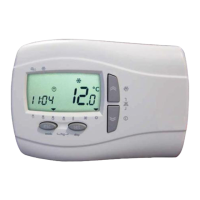
Electronic Control "LCM" Mode d'emploi
firmware 0.06 Vers.02 FR 5/ 15
5 Liste Menus
Menu pour la configuration des créneaux horaires, visualiser les états des entrées et des sorties, paramètres service et
constructeur et attribution profils quotidiens.
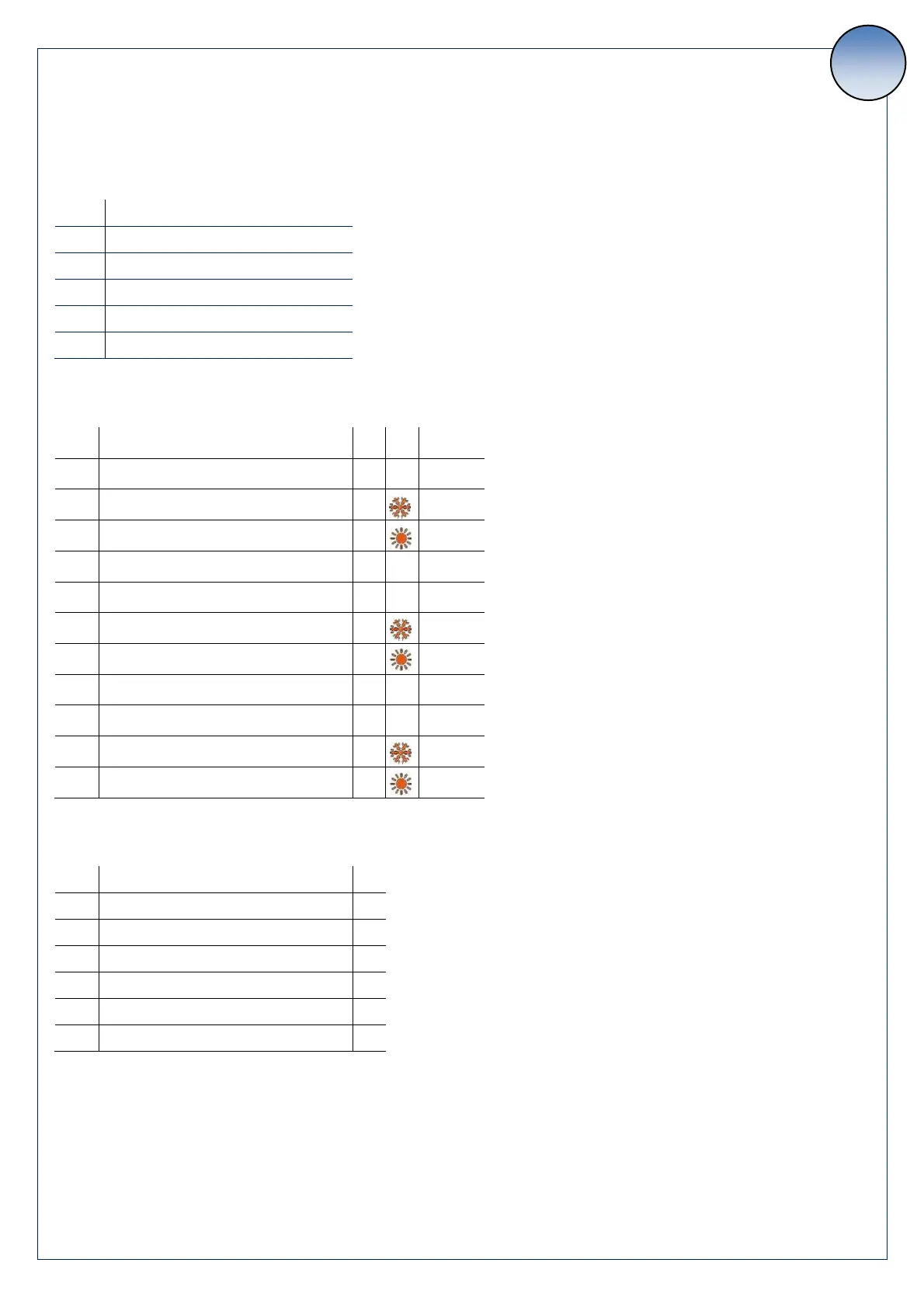
5.1. Menu Configuration
Appuyer sur Esc et “et
Visualiser entrées sorties
Liste historique alarmes
5.2. Créneaux horaires
(configuration profils)
Profil 1 : Départ bande 1
Profil 1 : Consigne bande froid 1
Profil 1 : Consigne bande Chaud 1
Profil 1 : Départ bande 2
Profil 1 : Consigne bande froid 2
Profil 1 : Consigne bande Chaud 2
Profil 2 : Consigne froid
Profil 2 : Consigne chaud
5.3. Jours
(attribution profils)
Il est possible de choisir parmi 4 programmes pour chaque jour de la semaine :
Prograe P : l’uité s'allue à deux créneaux horaires (par exemple un le matin et un le soir)
Prograe P : l’uité s'allue à u seul créeau horaire
Prograe P : l’uité s'allue toute la jourée
Prograe P : l’uité est éteite toute la jourée



 To Next Page