InitializeInitialize
InitializeInitialize
Initialize
Drives OnDrives On
Drives OnDrives On
Drives On
Home 0,0Home 0,0
Home 0,0Home 0,0
Home 0,0
LinerLiner
LinerLiner
Liner
PartPart
PartPart
Part
BlankBlank
BlankBlank
Blank
JobJob
JobJob
Job
Auto Cut Tab
Options available when the AUTO CUT TAB, is selected.
In this window:
Auto Cut Buttons:
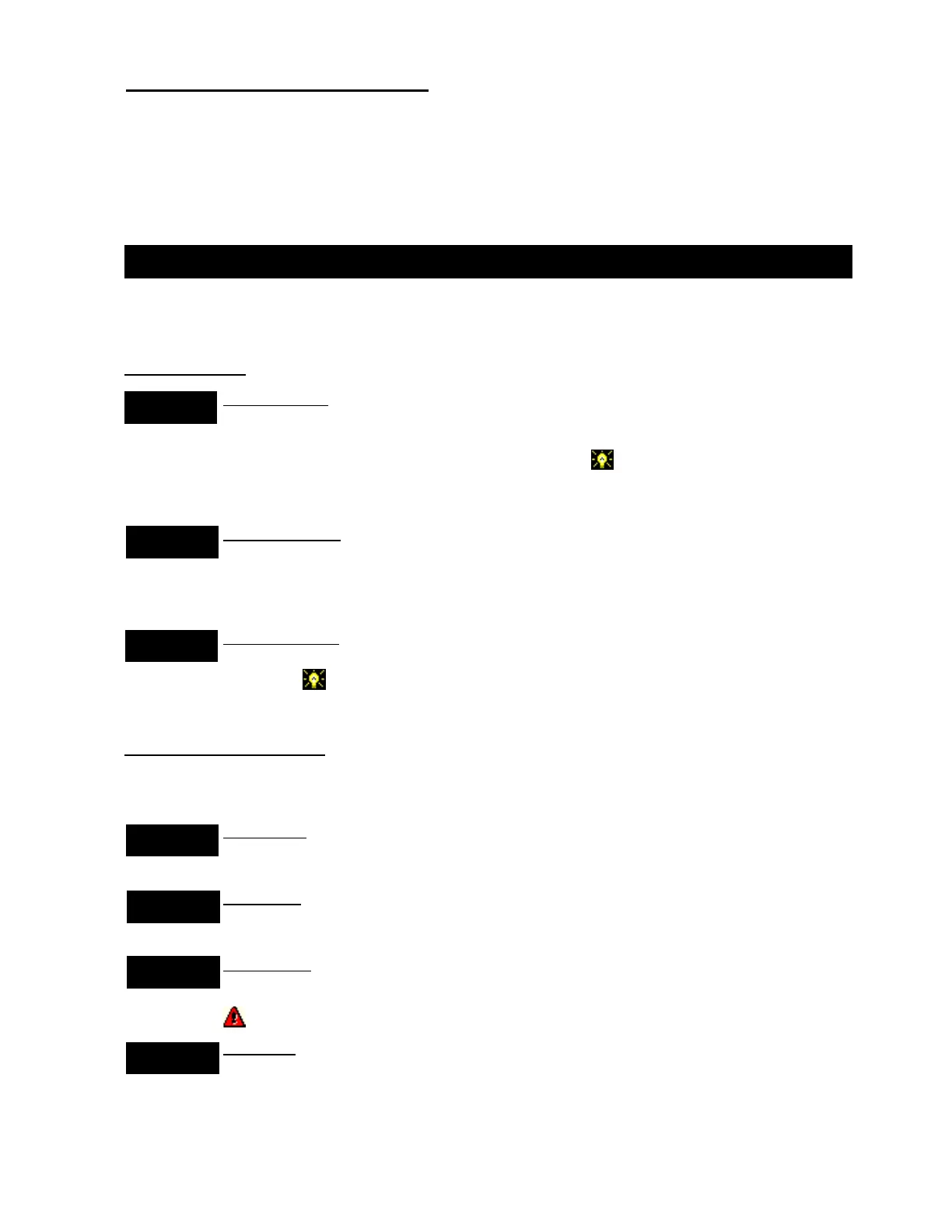
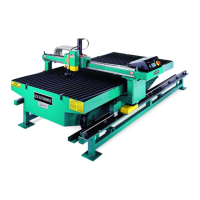
Initialize Button Loads a file, which tells the program what type of cutting table is
present. It also initializes the control box (checks to see if it’s on, etc.) located in the
middle compartment at the auto home end of the table. The controller will
disengage the servos if they were previously on. The head may be physically
hand-positioned at any location desired.
Drives On Button Initializes the servos. This feature checks if power is present to the
servos, then engages them. (At this point the head CAN NOT be moved manually
because the servos are engaged). Note: The E-Stops must be disengaged and the
drive enable button pressed.
Home 0,0 Button Moves the head to a table 0,0 point using two proximity switches. It
then positions itself slightly off of the proximity switches to a point over the corner of
the metal. The red crosshair cursor on the display indicates the position of the
torch head.
Auto Cut / Download Buttons:
After the torch has gone to the Home position (0,0) you may download one of the
following:
Liner Button Touch to download a LINER job. This will display an input keypad. Enter
the number of the LINER to be cut.
Part Button Touch to download a specific PART. This will display an input keypad.
Enter the number of the PART to be cut.
Blank Button Touch to download a specific BLANK. This will display an input keypad.
Enter the number of the BLANK to be cut.
To download a BLANK, A Job must first be downloaded.
Job Button Touch to download a specific JOB. This will display an input keypad.
Enter the number of the JOB to be cut.
2. OPERATING PROCEDURE
Detailed screen by screen operating instructions are contained on the following pages:
Operation / Procedures... Page 2
H. WEISS MACHINERY & SUPPLY
H. WEISS MACHINERY & SUPPLY
PHONE: (718) 605-0395 - www.hweiss.com


 To Next Page