How to enter and download a JOB.
Entering a Job Number:
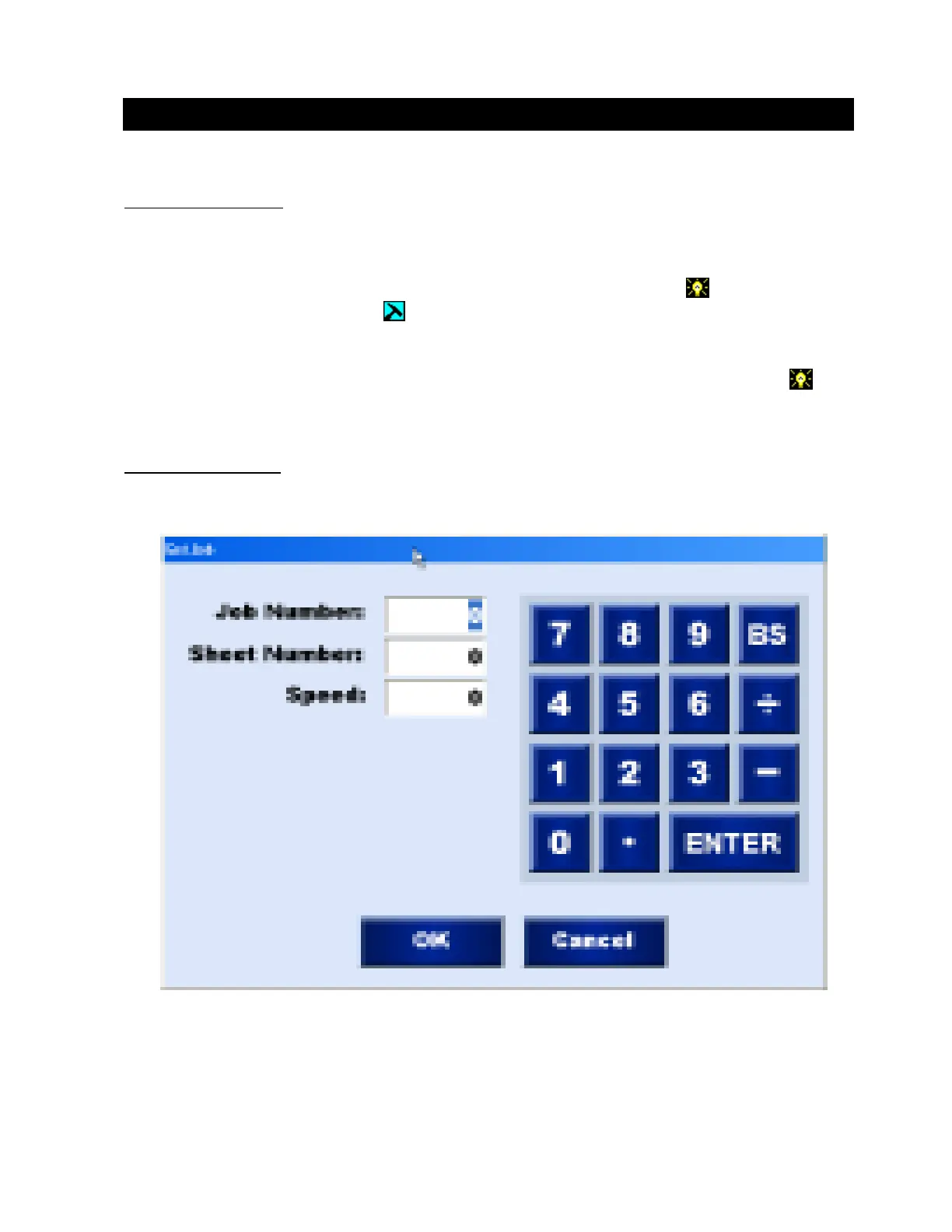
1. Press the Job Button. This will display the JOB NUMBER PAD.
2. Enter the Job Number you wish to cut and touch enter.
3. Enter the sheet number that you want to start from and touch enter. The system will
default to sheet number 1. For example you can restart a JOB at any sheet number by
simply selecting that sheet number.
4. The Cut Speed information may be entered or it may be set in the Shop Setup /Metal/
Gauge Tab. If entered in the shop setup this number will be downloaded for you.
You
may always change the cut speed that is downloaded.
5. After you set the cut speed press the OK button to enter.
Job Input Number Pad:
Downloading A Job
Operation / Procedures... Page 6
H. WEISS MACHINERY & SUPPLY
H. WEISS MACHINERY & SUPPLY
PHONE: (718) 605-0395 - www.hweiss.com


 To Next Page