These features are not currently available.
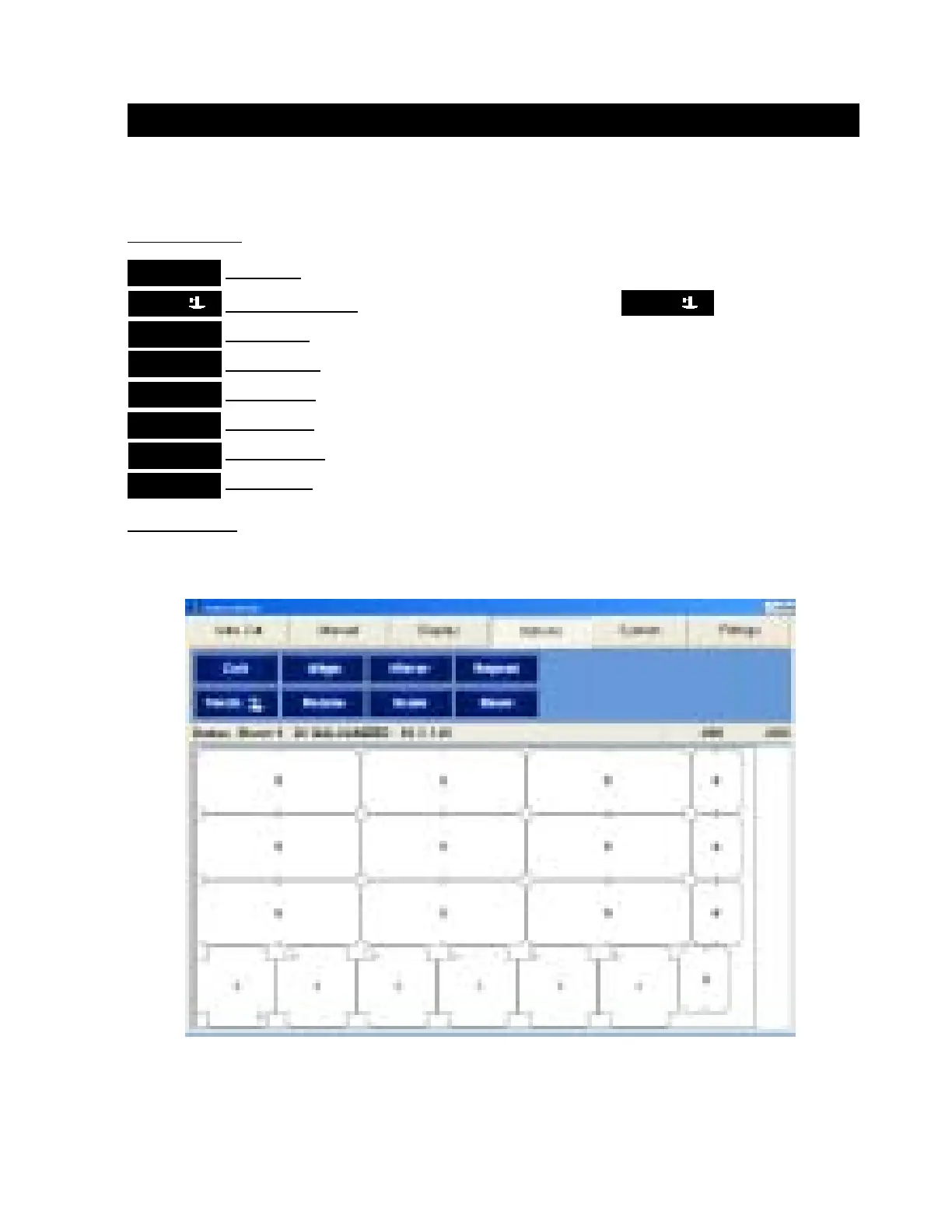
In this window:
Options Buttons:
Exit Button exits and discards the Job data that has been downloaded.
Torch Down Button moves the torch head up or down.
Align Button is not currently available.
Rotate Button is not currently available.
Mirror Button is not currently available.
Scale Button is not currently available.
Repeat Button is not currently available.
Skew Button is not currently available.
Options Screen:
Options Tab
TorchTorch
TorchTorch
Torch
ExitExit
ExitExit
Exit
AlignAlign
AlignAlign
Align
SkewSkew
SkewSkew
Skew
RepeatRepeat
RepeatRepeat
Repeat
MirrorMirror
MirrorMirror
Mirror
RotateRotate
RotateRotate
Rotate
ScaleScale
ScaleScale
Scale
TorchTorch
TorchTorch
Torch
Operation / Procedures... Page 11
H. WEISS MACHINERY & SUPPLY
H. WEISS MACHINERY & SUPPLY
PHONE: (718) 605-0395 - www.hweiss.com


 To Next Page