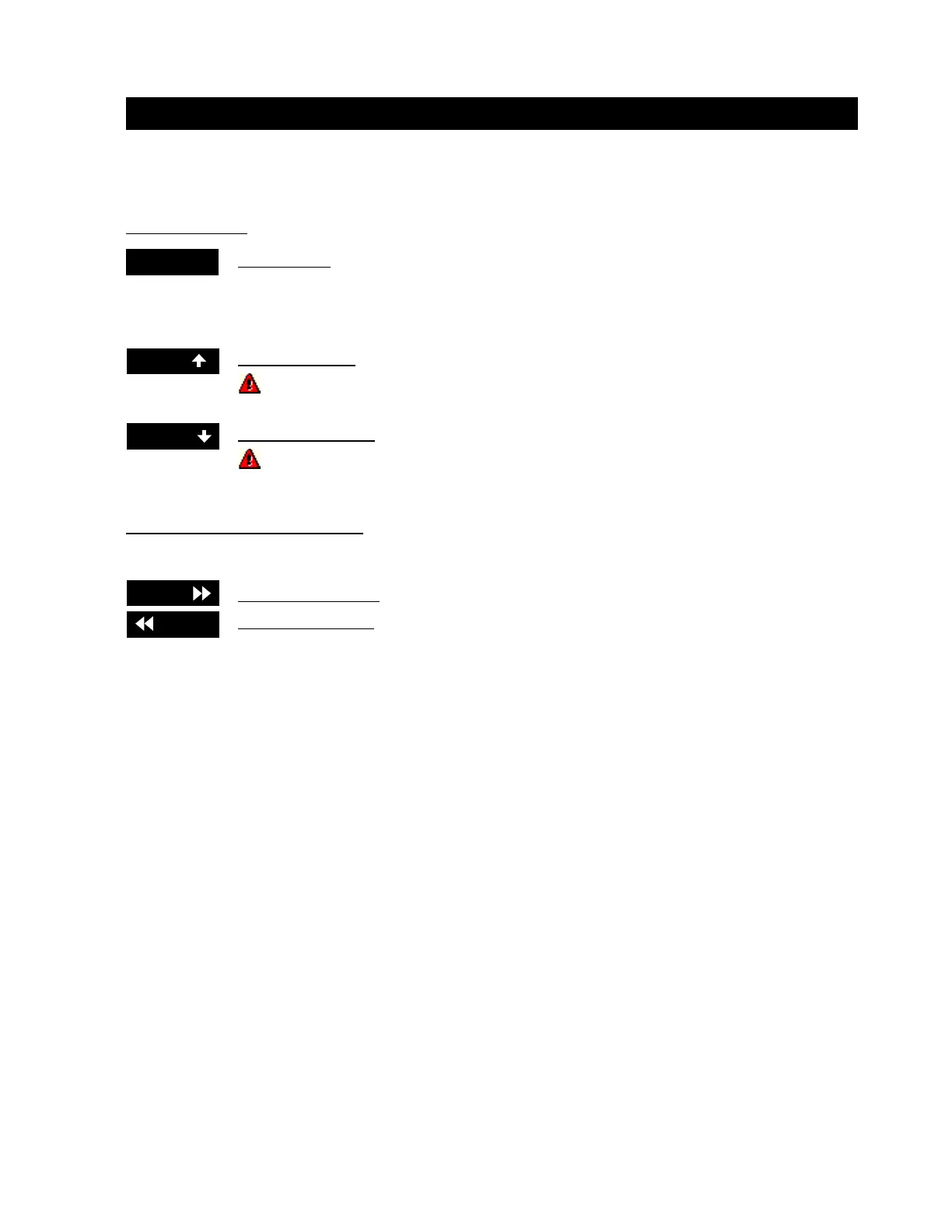
Options available after downloading a JOB and touching the START CUT button.
In this window:
Auto Cut Buttons:
Pause Button pauses the cut.
While the torch is cutting you may change the speed up or down on the fly by using these two
buttons.
Speed Up Button increases your cut speed by 3% each time it is touched.
If you wish to change the percentage to increase your speed, please call customer
service @ 1-800-441-2840
Speed Down Button decreases your cut speed by 3% each time it is touched.
If you wish to change the percentage to decrease your speed, please call customer
service @ 1-800-441-2840
Auto Cut Buttons After You Pause:
After a job has been started, then paused, the next two buttons will be displayed.
Forward Path Button moves forward in the cut path.
Rewind Path Button reverses in the cut path.
After Start Cut Has been Pressed
SpeedSpeed
SpeedSpeed
Speed
PausePause
PausePause
Pause
SpeedSpeed
SpeedSpeed
Speed
r-Pathr-Path
r-Pathr-Path
r-Path
r-Pathr-Path
r-Pathr-Path
r-Path
Operation / Procedures... Page 8
H. WEISS MACHINERY & SUPPLY
H. WEISS MACHINERY & SUPPLY
PHONE: (718) 605-0395 - www.hweiss.com


 To Next Page