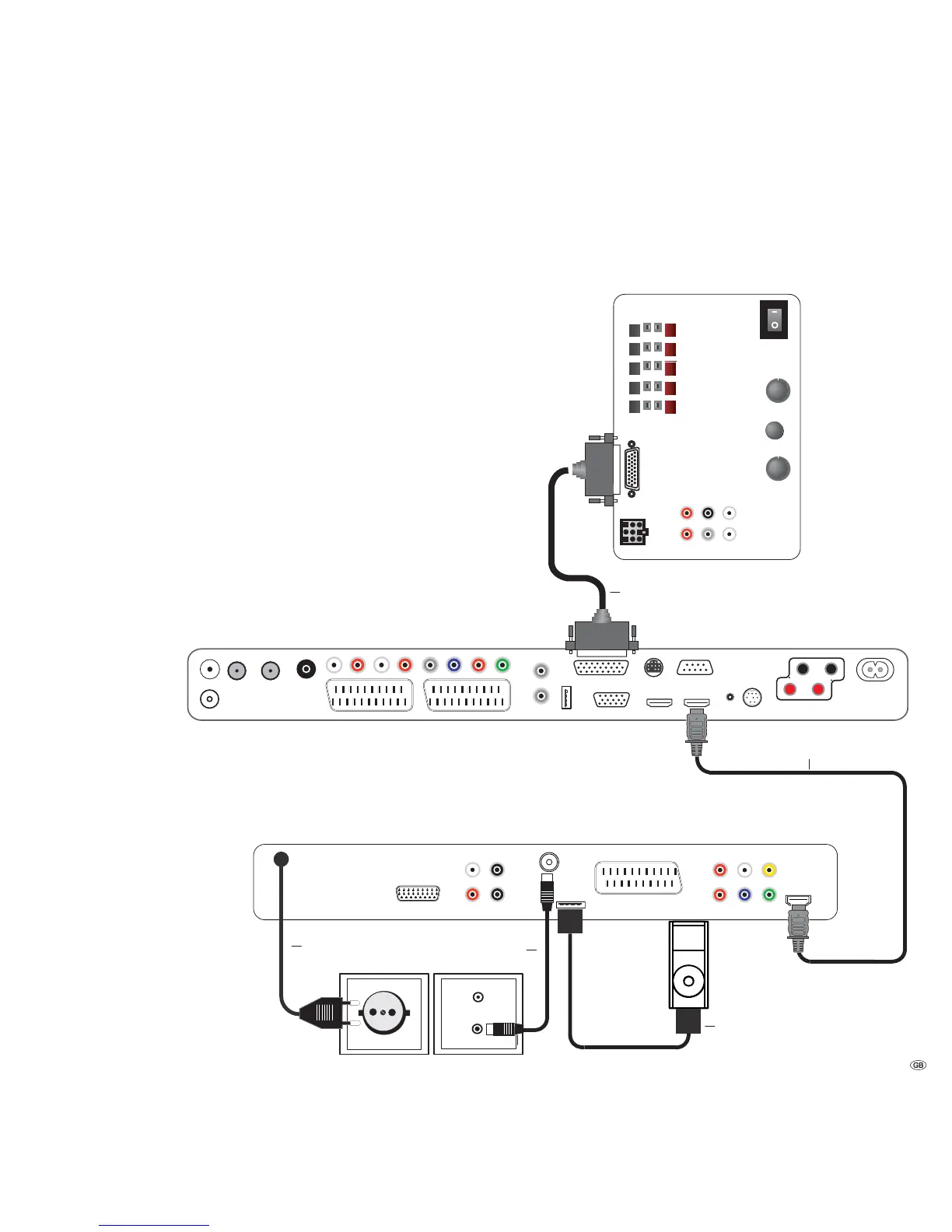
Cabling AudioVision (from Mainframe
L271x) - Integrated Network
With this configuration, the audio signals are controlled via your Loewe TV set.
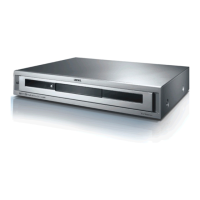
AudioVision serves as an audio and video source.
Connect the socket HDMI OUT of AudioVision with the socket HDMI IN on your
TV set using the provided HDMI cable.
You can also make the connection to a TV set using a SCART cable plugged into
the socket EURO AV (however this means that the sound/picture quality and
functionality are limited).
Use an FM antenna cable to connect the socket ANTENNA FM to an antenna
socket.
Connect the iPod cable to the socket iPod (24pin).
Use the Audio Link cable to connect the AUDIO LINK socket on the TV set to the
SubWoofer. If the AUDIO LINK socket on your Loewe TV set is not available ex
works, please ask your specialist retailer about the option of having it retrofitted.
Plug the mains cable into a 220-240V 50/60 Hz wall socket.
➠ It is possible that your Loewe TV set may need a software update. Please
contact your specialist retailer.
Connecting up
Line IN
Front
Right
Surr.
Front
Subw.
Left
Right
Center
Left
R
R
L
C
L
Bass Intensity
Phase
Min. Max.
0 180
Crossover Frequency
Audio Link
System connector
50 250.
Loewe Flat TV set (from L271x)
AudioVision
Loewe SubWoofer
FM Antenna
iPod cable
Audio link cable
Mains cable
HDMI cable
11 -



 To Next Page