Preparation
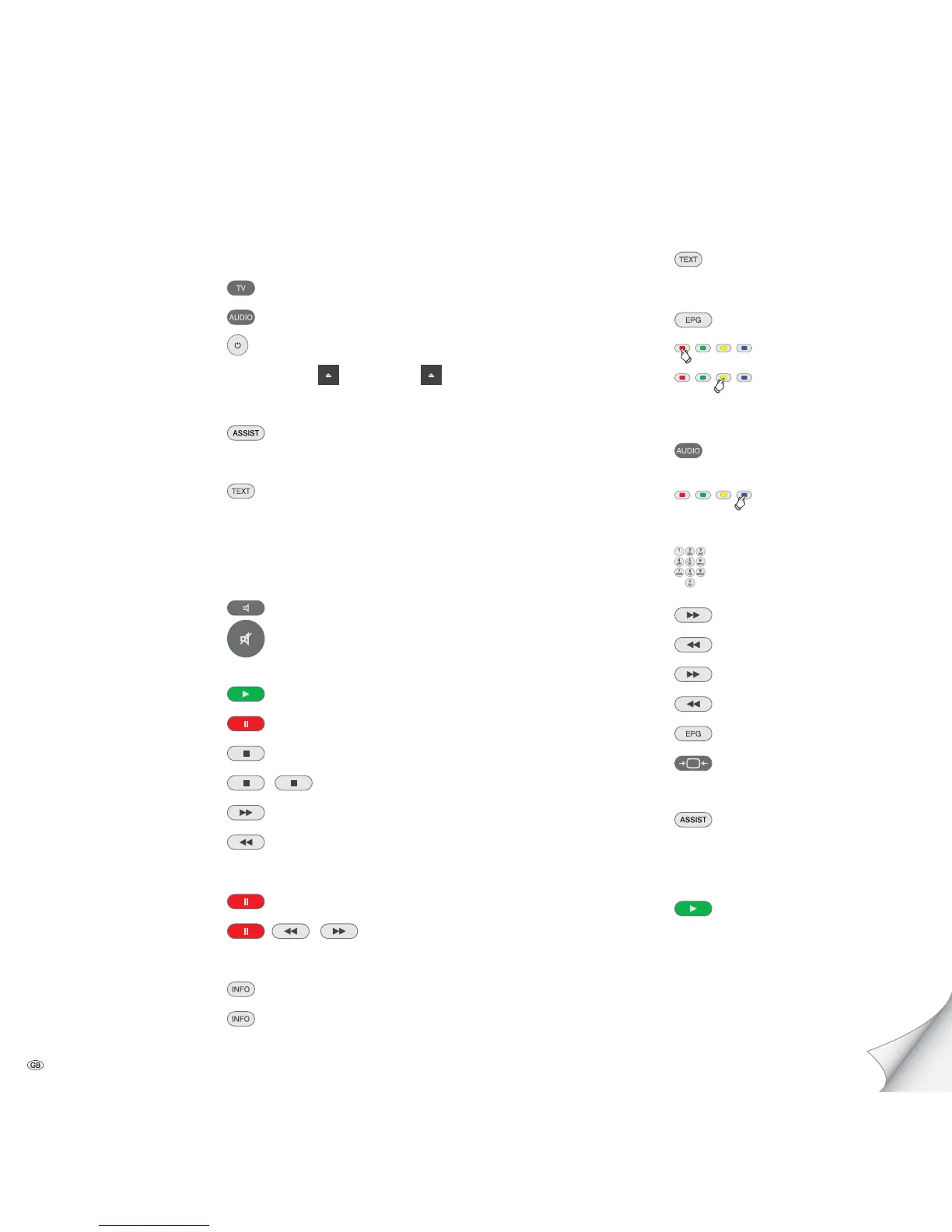
TV operation
AudioVision operation press briefly
Switching device on/off
Insert disc Button on device – Insert Disc –
Operating modes
Select operating mode
DVD/CD - USB - iPod
(press several times)
Select media type
Music - Photo - Video
(press several times)
Sound
Volume V+/-
Sound mode
(press several times)
Sound on / off
Playback
Playback
Pause
Stop (Continue)
Stop
Search forwards (press several times)
Search backwards
(press several times)
Next/Previous Chapter P+/-
Individual frame (press several times)
Slow motion
/
(press several times)
Detail information (Media files)
Title menu
Disc Menu (DVD)
Scroll page by page press and hold
Repeat
(press several times)
Screen off/on
Zoom (press several times)
Radio
AudioVision Radio operation
press and hold
Station search run
press for an extended time
Select station up/down. P+/-
Select station
Fine-tuning forwards (press several times)
Fine-tuning backwards (press several times)
Search run forwards
(press and hold)
Search run backwards (press and hold)
Select RDS/MHz display
(press several times)
Mono/Stereo
iPod
Select operating mode
DVD/CD - USB - iPod
(press several times)
Select function OK
Playback
Getting Started
Please unfold this page.
- 2



 To Next Page