Start-up
Menu Display
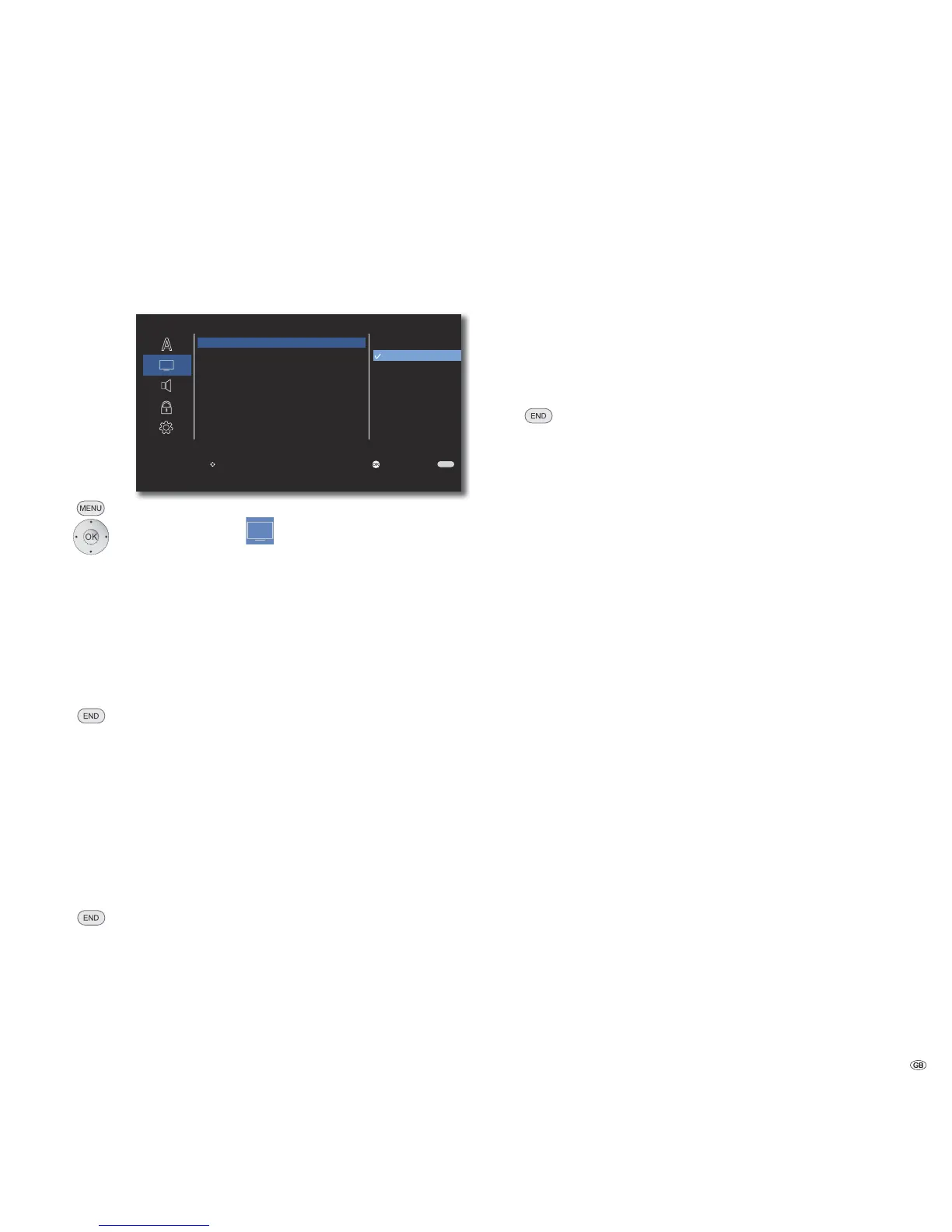
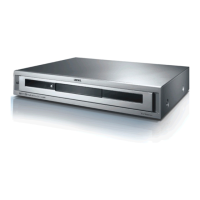
In the menu DISPLAY you can set the on-screen display of your AudioVision to
your TV set.
END
S
DISPLAY
TV Aspect
Display Mode
TV Output Select
4 : 3
16 : 9
Move Enter
W Return
Call up Main Menu.
Select option DISPLAY.
TV Aspect
Select option TV Aspect.
4 : 3 Select this setting if a standard TV set with the
picture format 4:3 is connected.
16 : 9 Select this setting if a wide screen TV set with
16:9 TV Aspect is connected.
Confirm OK.
Close menu.
Display Mode
This option is available if in the menu TV Aspect you have
selected option 4: 3.
Select option Display Mode.
Letterbox Shots in wide screen format appear with a black bar
at the top and bottom edge of the screen.
Panscan The picture fills the entire screen but if necessary cuts
off areas at both sides.
Confirm OK.
Close menu.
TV Output Select
Select the video output signal depending on which video output
socket you use (page 11).
Select option TV Output Select.
RGB The TV set is connected to the socket EURO AV
YPbPr The TV set is connected to the OUTPUT
COMPONENT sockets
Confirm OK.
Close menu.
➠ Before changing this settings, make the necessary cable
connection so that you do not see a black screen.
➠ While using the HDMI socket this setting is not required.
17 -



 To Next Page