Start-up
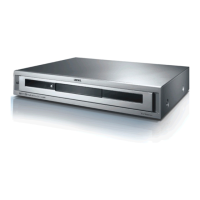
Connecting to the Mains Supply
Plug the mains plug (page 6) into a mains socket 220-240V/50-60 Hz.
Switching On/Off
Set the remote control for AudioVision operation by briefly
pressing the button AUDIO.
Your AudioVision it getting switched on. If you have connected
a Loewe TV set (from L271x) via HDMI, then this will switch on
as well. Otherwise, switch your TV set on and set the respective
AV programme slot.
➠ If necessary, you should set your TV set to the operation of
AudioVision for the input jack used (see e.g. ”Operation of
additional devices” in the corresponding user guide of your TV
set).
As soon as AudioVision is ready to go, the green Operating
Display (page 6) lights up.
To switch the device off, press the Off/On button on the
AudioVision or on the Assist remote control again.
Digital Link HD
With the Digital Link HD, the Loewe TV sets and other TV sets supporting CEC
standard transmit the signals of the remote control via HDMI connection from
the TV set to the AudioVision. However, only the drive functions are supported.
➠ The TV set needs to be switched on.
On the TV set, select the AV programme slot for HDMI.
As long as HDMI is selected as the programme slot, most TV remote control com-
mands (ASSIST in TV mode) will be passed on to the connected HDMI unit. Volume,
sound on/off, sound adjustment and TV aspect however, still affect operation of the
TV set. The AUDIO commands (ASSIST in AUDIO mode) are not passed on by the TV.
By pressing the TV button for a long time, you can switch between
HDMI and TV operation. Pressing the TV button briefly switches
back to TV mode.
With the TV button (press briefly), in TV operation you switch
back to the last station watched and terminate the device
control.
➠ It is possible that your Loewe TV set may need a software
update. Please contact your specialist retailer.
Digital Link HD ( HDMI CEC)
With Digital Link HD, Loewe TV sets (from Mainframe L271x, Software V9.5) pass
the signals from the remote control via the HDMI connection from the Loewe TV
set to compatible additional devices, such as AudioVision. Digital Link HD makes
sense if you want to set up AudioVision in a concealed place and all the devices
are to be controlled via the Loewe TV set.
First of all, adjust the HDMI CEC function for the Assist
remote control as described on page 14 to Code 22 on the
required device button (e.g. AUDIO).
Then carry out the allocation of the Digital Link HD function to
the HDMI interface of the TV set used by pressing the button
set above (e.g. AUDIO) for 5 sec.
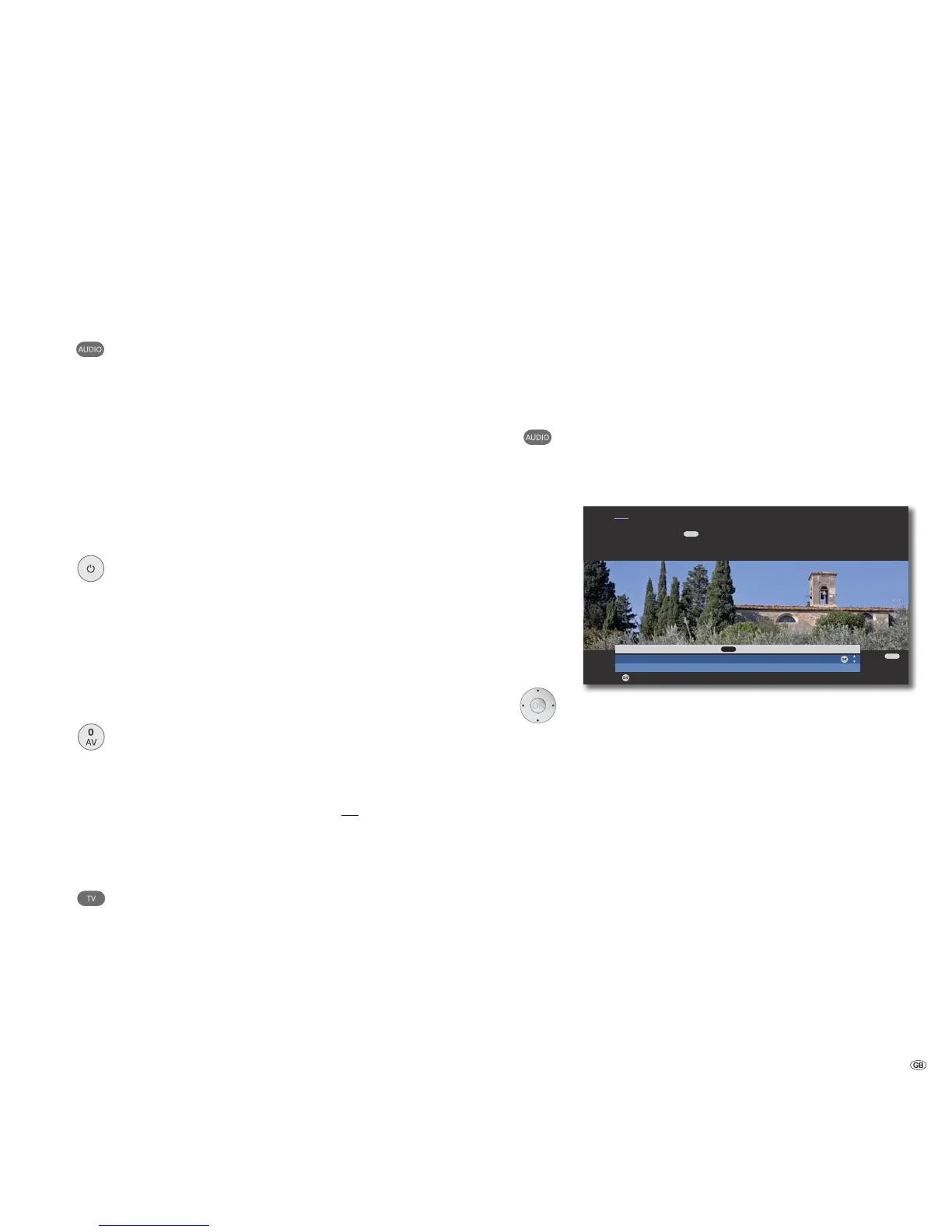
A selection menu will appear.
OK
END
OK
Select HDMI device for key
AudioVision
No device
Adopt
Hint
Here you select the device which you want to switch over your remote
control to with the key. After confirming the selection with OK all
remote control commands are passed on to the selected device via the TV set
in future when you press this key.
AUDIO
AUDIO
Select required device (e.g. AudioVision).
Confirm with OK.
From now on, the signals of the Assist remote control are
transmitted from the TV set to the AudioVision if the
corresponding device button (e.g. AUDIO) has been actuated
before.
➠ It is possible that your Loewe TV set may need a software
update. Please contact your specialist retailer.
➠ If you switch the screen in the DVB radio mode with the
colour button red off, only some button functions of the
Assist remote control (e.g. V+/-, P+/-, sound off) on
AudioVision will be transferred.
➠ FM radio cannot be used if there is a concealed installation
(see page 27).
15 -



 To Next Page