FM Radio
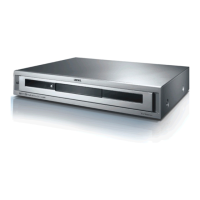
You can receive FM radio stations with your AudioVision. The device can save up
to 40 stations. If the station transmits additional information via RDS, it can be
seen on the display of the AudioVision.
Radio Setup
Connect the AudioVision via the ANTENNA FM socket (page 6) and the antenna
cable supplied with the FM antenna socket (page 11).
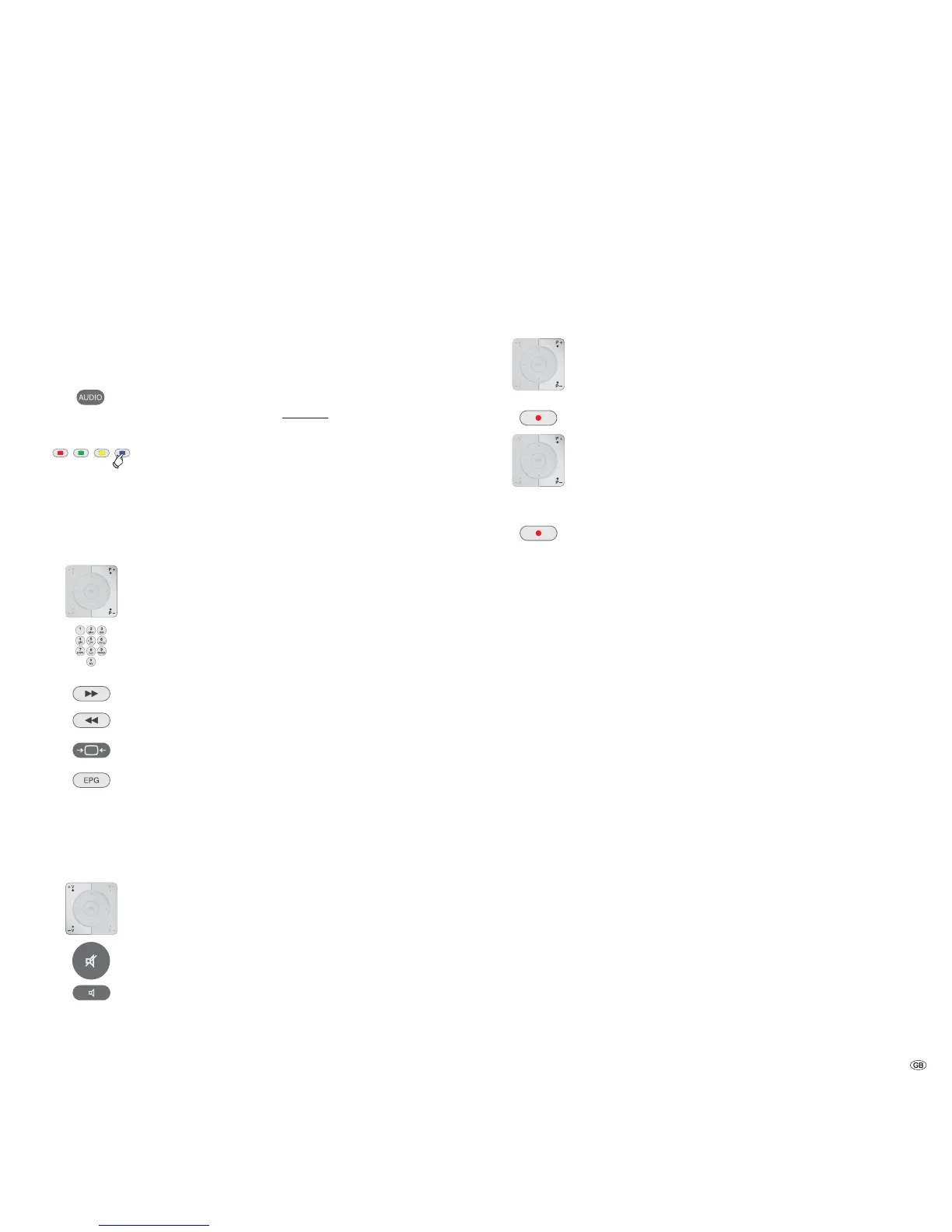
Set the remote control for AudioVision FM radio operation by
pressing the AUDIO button and hold.
Press the blue button for > 5 sec.: Automatic station search is
started.
Your AudioVision searches the entire transmission range for
receivable stations and saves them in the station list. This proc-
ess takes some time.
Radio Operation
P+ / P- Select station up/down.
Enter the two digit station number.
Short: Fine-tuning forwards; Long: Search run forwards
Short: Fine-tuning down; Long: Search run down
Select Mono/Stereo.
Press several times: Select RDS display.
PS Station name
PTY Type of programme
RT Text messages
CT Station time
V+ / V- Volume up / down.
Sound on / off.
Select sound mode (processing of audio signals via the AudioVi-
sion) - see page 18 and page 23.
Sort List of Radio Channels
You can change the order of the list of stations at any time. For example, you can
put your favourite station at 1st position. Please note however that the station
that was in 1st position will then be overwritten.
P+ / P- Select required station number.
Press button: The display flashes.
P+ / P- Select the new required station number.
Press button: The selected station is saved.
➠ If required, save the station in another storage space, before
overwriting it.
➠ FM radio cannot be used if there is a concealed installation
(see page 15).
27 -



 To Next Page