101 -
english
Environment
Environmental protection
Energy consumption
Your TV set is equipped with an eco-standby power supply. In the standby
mode, the power consumption drops to low power (see Technical data
on page 93). If you want to save even more energy then switch the device
off with the mains switch. Please also note that the EPG data (Electronic
Programme Guide) is lost under certain circumstances and possibly pro-
grammed timer recordings cannot be carried out via the TV set.
The power consumed by the TV set during operation depends on the
energy efficiency preset in the initial installation (see page 22) or the setting
in the TV menu (see page 34).
Packaging and box
You have made a decision to purchase a high-quality technical product
with a long service life. For disposal of the packaging, in accordance
with national legislation we have paid a fee to a commissioned recycler
to pick up the packaging from the dealer.
The set
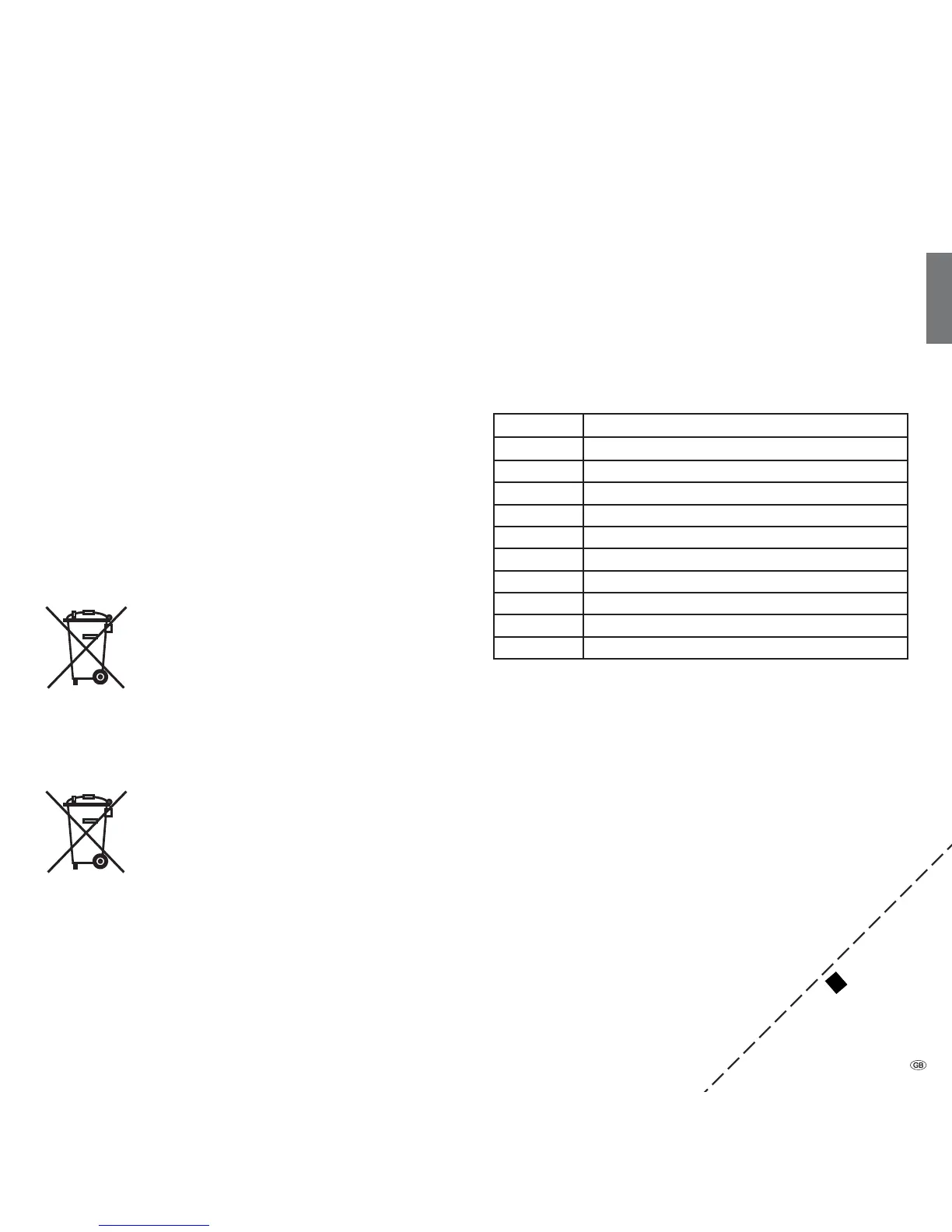
The EU directive 2002/96/EC regulates the proper way
to recycle, handle and utilise used electronic devices.
Old electronic devices consequently must be disposed of
separately. Please do not dispose of this device in normal
household trash!
You may return your used set free of charge at designated
recycling centres or at your specialist dealer whenever you purchase a
new, comparable set. Additional details about return (also for non EU
countries) are available from your local municipal authorities.
Batteries
The batteries supplied as initial equipment do not contain
any pollutants such as cadmium, lead, or mercury.
Used batteries should no longer be disposed of in the do-
mestic waste according to the Battery Ordinance. Dispo se
of your batteries at no charge in the collection containers
which are set up for this purpose in retail stores.
Character table
Key assignment for text input
For certain functions the input of letters or characters is required. As with
a cell phone press the numeric button (0-9) repeatedly until the desired
character appears.
➠ The characters available are language dependent.
Here the key assignment is for the menu language English.
Button Character (uppercase - lowercase)
11
2 A B C 2 - a b c 2
3 D E F 3 - d e f 3
4 G H I 4 - g h i 4
5 J K L 5 - j k l 5
6 M N O 6 - m n o 6
7 P Q R S 7 - p q r s 7
8 T U V 8 - t u v 8
9 W X Y Z 9 - w x y z 9
0 0 [space] . / \ - + _ , ; : ? ! = & # % ~ @ $ * ´ | ( )
The code number cancels an access
code and thus the parental
lock. Please keep
in a safe place.
✄
Miscellaneous










 To Next Page