81 -
english
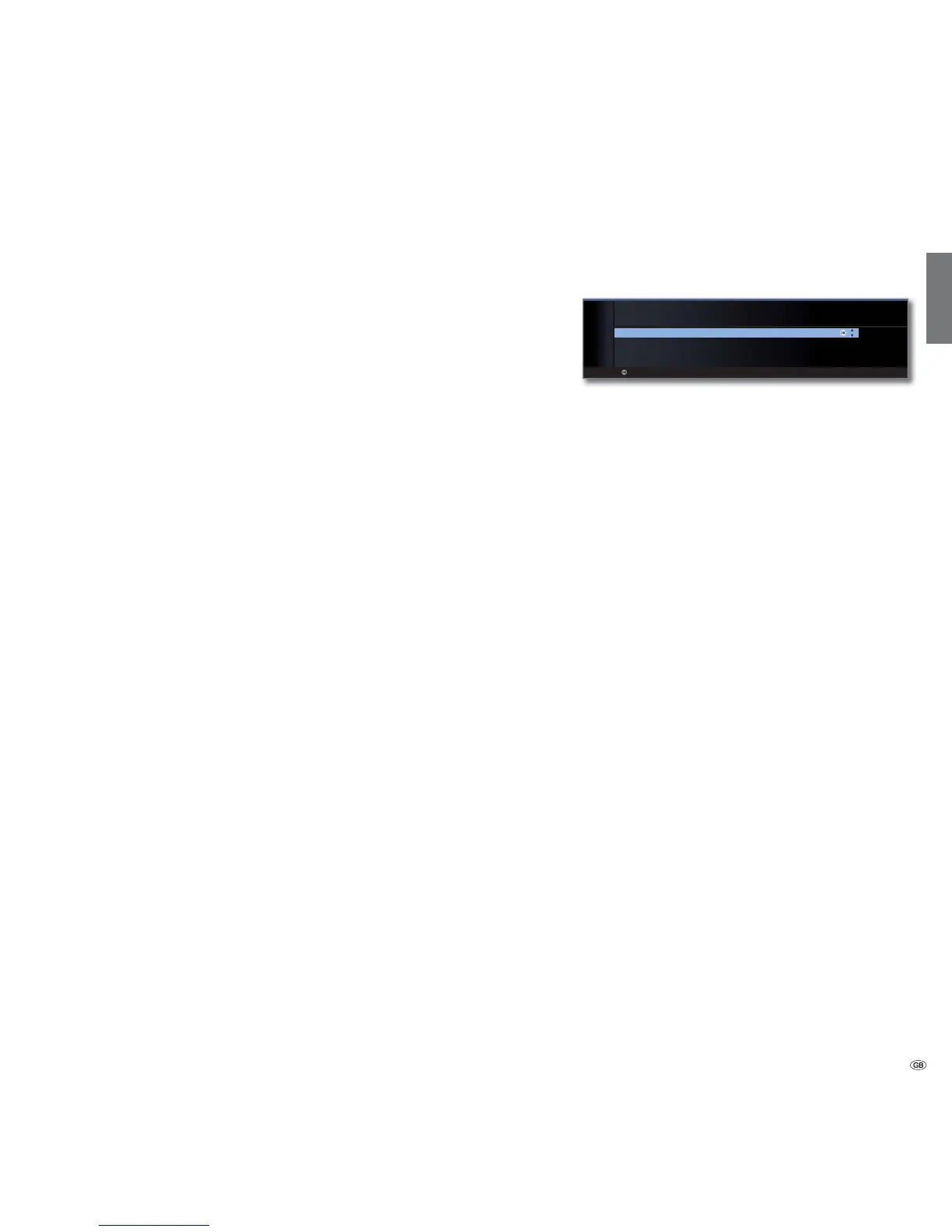
Sound components wizard
The sound components wizard helps you to configure the components
used to play the TV sound.
You can also connect a digital HiFi/AV amplifier in addition to the TV
speakers.
The sound components wizard is preset to playback via TV speakers at
the factory.
Sound reproduction in TV sets without an integrated digital multi-channel
audio decoder
Sound reproduction via the built-in TV speakers (factory
setting).
The sound is played by a connected digital audio amplifier.
The TV speakers can be used as centre speakers. In the sound
menu playback can be switched between the TV speakers
and the external audio amplifier with Sound via... .
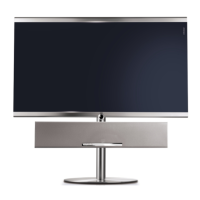
Sound reproduction via a sound projector, e.g. Loewe
Individual Sound Projector SL. For further information,
refer to the operating instructions of the sound projector.
External devices
OK
OK
SOUND COMPONENTS
Sound playback via ...
TV speakers
HiFi/AV amplifier or TV speakers (switchable)
Sound projector
Sound projector or TV speakers (switchable)
End of wizard
TV speakers
HiFi/AV-
amplifier or TV
speakers
(switchable)
Sound
projector
(1
/
Sound projector
or TV speakers
(switchable)
(1
(1
Equipment and upgrade options, see page 99.










 To Next Page