- 2
english
Colour key function during radio operation
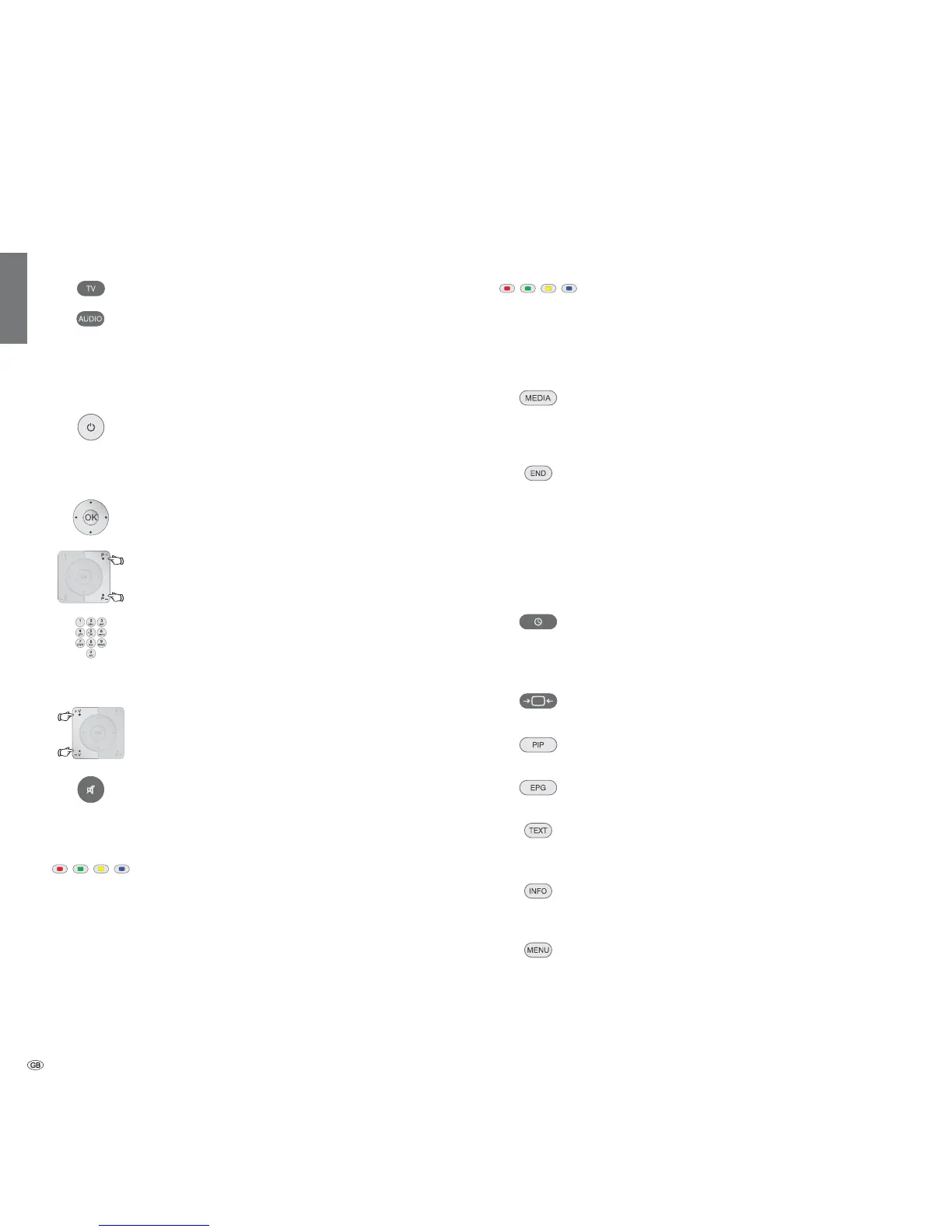
Red button: On/Off screen
Yellow button: Last selecting station
Button functions
Call MediaPortal,
select operating mode or function.
(e.g. Index)
With on-screen display: Info display,
info text appropriate to the content that can assist you
further, should you have any questions about your TV
device;
Without on-screen display: Access status display,
with status display open and repeatedly pressing
programme information (if available)
Call timer list
Press button twice in quick succession:
Show / hide time permanently
Adjust picture format
On/Off PIP (picture in picture)
On/Off EPG (Electronic Programme Guide)
On/Off teletext,
select teletext page
Call TV menu,
carry out settings
With opened menu: Exit menu;
Terminate inserts
Set operating mode
TV operation
Radio operation (standard assignment)
The assignment of the AUDIO button can be changed
(see page 87).
On/Off of the television set
On/Off device in standby
(Main switch must be turned on)
Selecting stations
OK Call station overview and with
Select station
or
P+/P– Programme +/–
or
Select station with numeric buttons
Sound
V+/V– Volume up/down
Sound on/off
Colour key function during TV operation
Red button: Freeze on/off;
start interactive data service
Green button: Teletext functions
Yellow button: Last selected station
Blue button: Programme information
Overview of the most important functions










 To Next Page