71 -
english
Media
+
Explanation of the symbols in the playback window
The symbols at the top right show you information about the current
playback.
Playback
Pause
Rewind
Fast-forward
_ Replay current title
Replay all titles in the current folder
Random play activated
The bar behind the playtime shows you how far the music file has been
played.
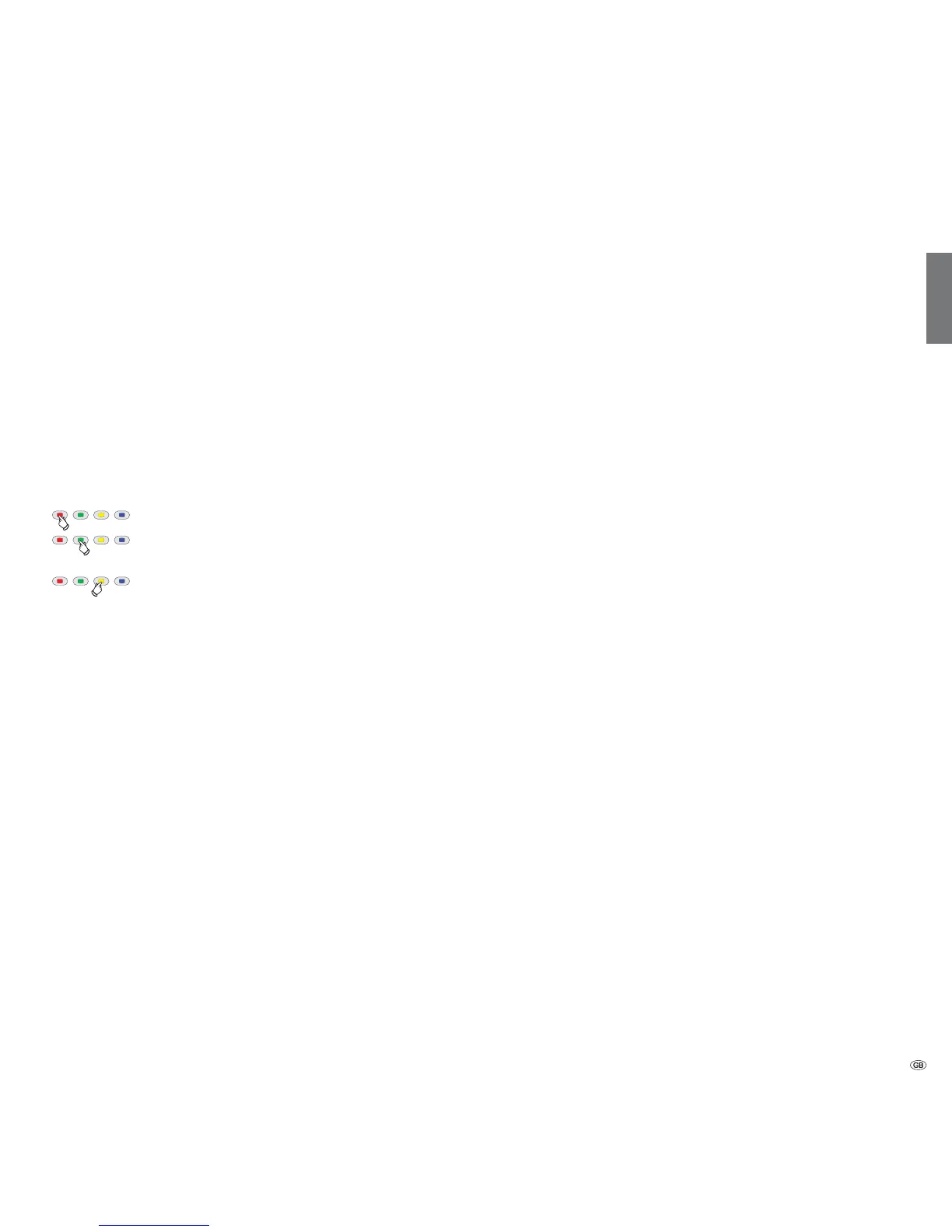
Function of coloured buttons during music playback
Red button: Switch screen off/on.
Green button: Repeat individual title / all titles /
Repeat off.
Yellow button: For music files from local media
Random play of files in currently selected
folder on / off.
for Internet radio:
Change to the last radio station listened
to.










 To Next Page