UK
For instructions on making electrical connections, see the attached diagram. The wires must have a minimum cross section size
of 1.5 mm². Install a 4 A (ampere) fast safety fuse on the + wire of the battery. Do not use the voltage generated by the engine battery
set to provide power.
The instrument complies with EMC standards (EN55022) and must be positioned at a distance of:
- 30 cm (~1 Ft) from the compass; -50 cm (~1.5 Ft) from radio equipment;
- 2 metres (~6.5 Ft) from radio transmitter equipment; -2 metres (~6.5 Ft) from the radar beam.
3 ELECTRICAL SYSTEM
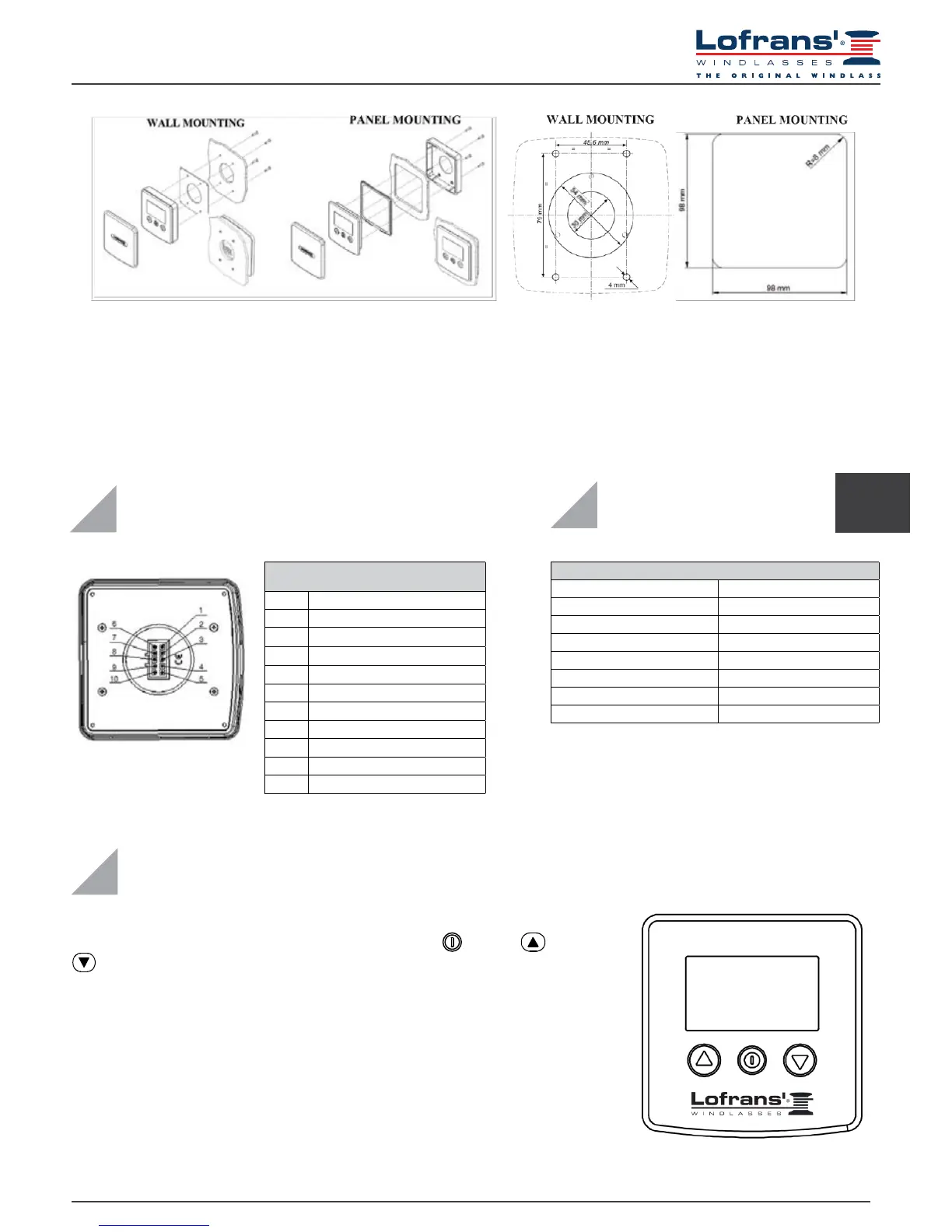
10 -POLE REAR CONNECTOR
PIN SIGNAL
1 + battery
2
3 - battery
4
5
6 UP command
7 DOWN command
8
9
10 Magnetic sensor
4 TECHNICAL DATA
Receiver
Power supply from 12 to 24 Vdc
No-load current intake min. 5 mA – max 40 mA
Protection rating IP67*
Operative temperature -10 : +60
Graphic display 128 x 64 pixels
Max. chain length 999 metres – 999 feet
Size (mm) 110 x 105 x 23**
Net Weight (g) 160**
*Excluding cable connection zone
** without protective cover
5.1 Starting up
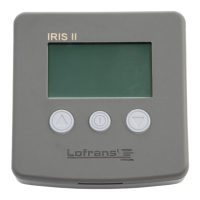
The chain counter features a graphic display and three keys: (ON), (UP) and
(DOWN). There is also a buzzer that indicates the pressing of the keys or attracts
the user’s attention in particular conditions (alarm triggering). The ON key switches on
the display and enables the other two keys. It must be used to access the parameter
setting menus. For selecting the parameters to be modied and to conrm the values set.
The display backlight will switch off 30 seconds after the last command given (adjustable
default time – see “BkLight Time”).
The UP key commands the hoisting of the anchor and the DOWN key casts it. When the
key is released, the action is stopped. During parameter setting, the two keys allow the
User to move around the menu and vary parameter values.
5 MENU



 To Next Page