5
2. Hardware Installation
Preparation
The following items are needed in order to install the
Broadband DSL/Cable Firewall Router unit:
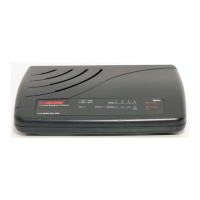
The Broadband DSL/Cable Firewall Router unit
One AC power adapter
UTP cable (Cat.5 Twisted-pair)
One DSL/Cable modem with RJ-45 LAN interface
Install Firewall Router to the DSL/Cable
Modem (WAN)
1. Turn off the modem’s power.
2. Connect one end of the UTP cable to the Broadband
DSL/Cable Firewall Router’s WAN connector at the
rear panel of the device.
3. Connect the other end of the UTP cable to the
modem’s UTP (RJ-45) port.


 To Next Page
 Loading...