118
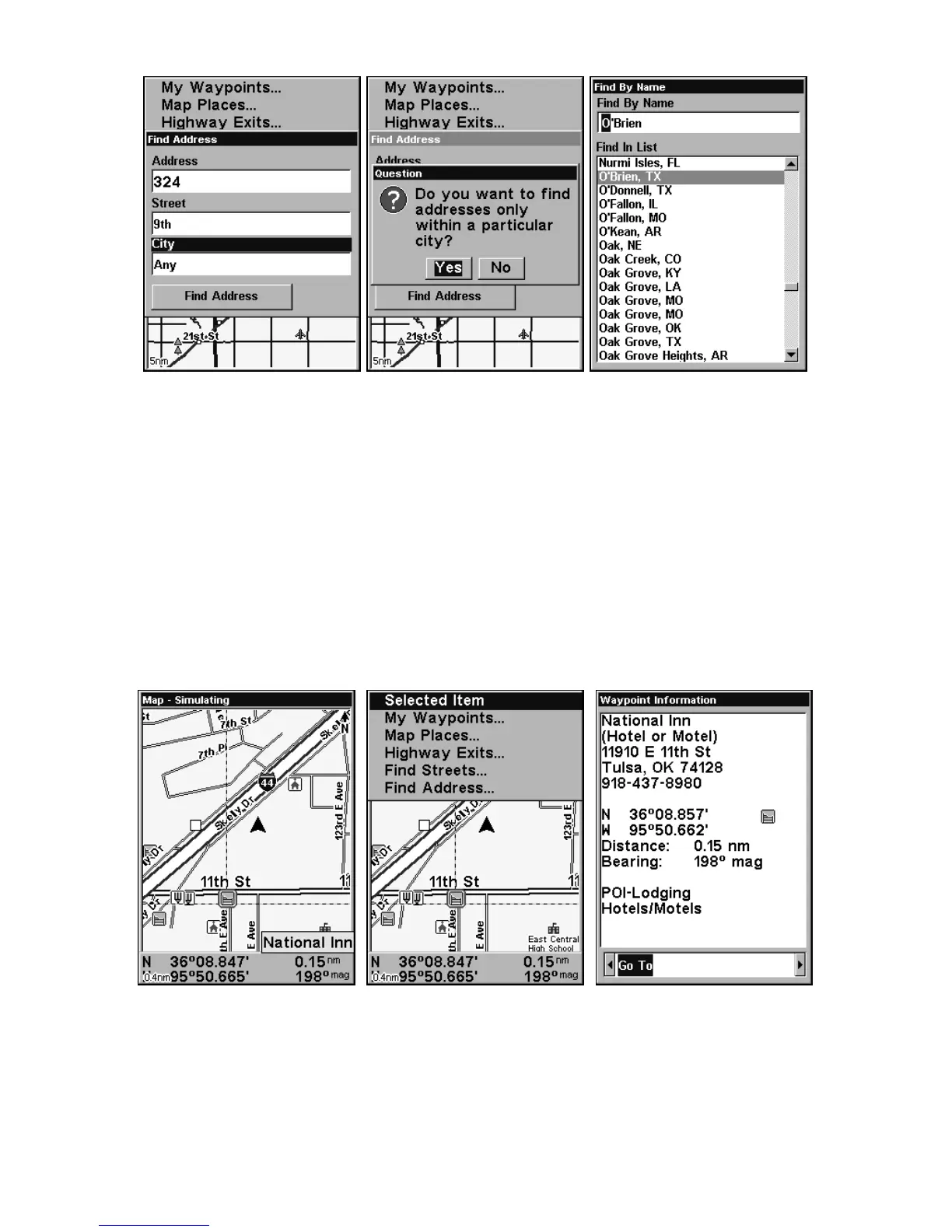
Find city field, left, Search in particular city only option, center,
Find City by name, right.
NOTE:
It is recommended that you not enter a city name unless the list
you are given is too large when you try searching without one. Air-
Map can search quicker without a city entered, and you save time
by not entering one in.
Find Any Item Selected by Map Cursor
1. With an item selected by the cursor, press FIND|ENT. To return to the
previous page, press
EXIT.
A POI selected by the cursor, left, The Find Menu, center,
POI information screen, right.
NOTE:
You can "navigate" to the POI by pressing
ENT while in the POI in-
formation screen.









 To Next Page