L-STAT User Manual 14 LOYTEC
Version 1.0 LOYTEC electronics GmbH
2.2 User Interface
2.2.1 General Description
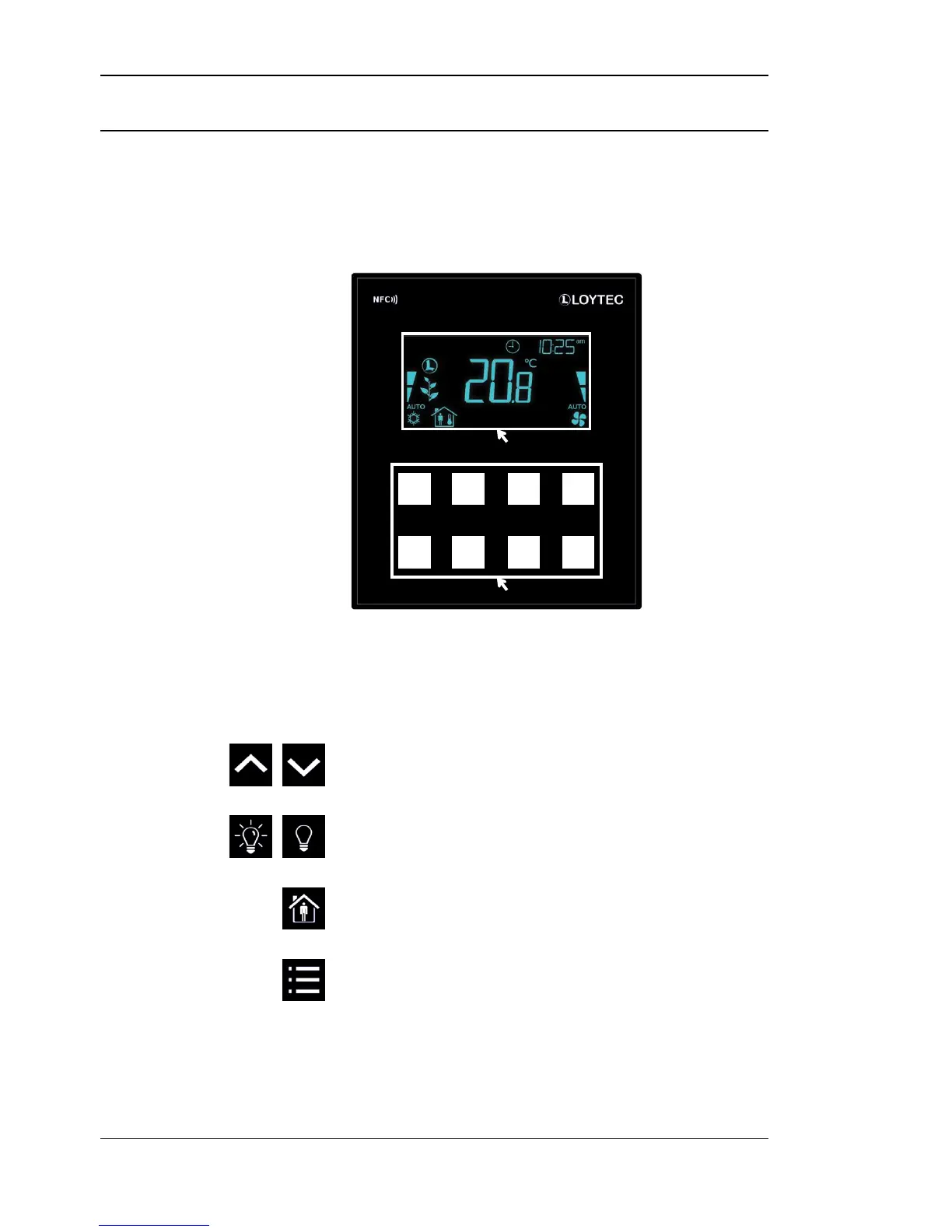
The user interface consists of the LCD for displaying any desired value and up to eight
touch buttons which are used to adjust set points and change settings. Additionally up to
four external push-buttons can be connected to the device.
Figure 3: Front View LSTAT-80x-Gx-Lx
Each button can individually be configured via a Modbus register for its function (see Table
24 on Page 35). The following listing gives you an overview which functionality can be
associated with the buttons.
long press: switch between DISPLAY-mode and EDIT-mode
short press: cycle through display values, set points or device settings


 To Next Page