L-STAT User Manual 17 LOYTEC
Version 1.0 LOYTEC electronics GmbH
2.2.4 Device Settings
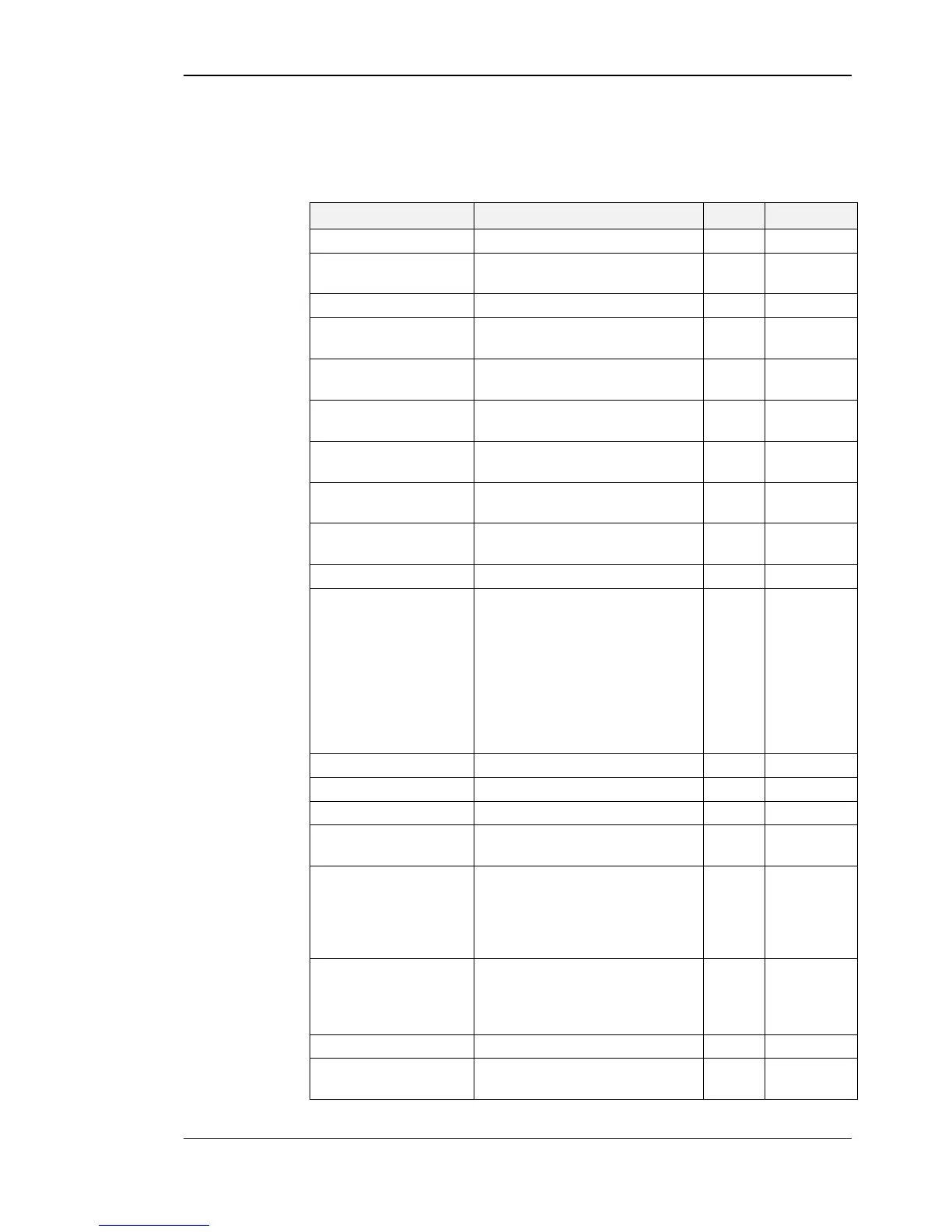
The following Table gives an overview of the device settings accessible through the button
interface as well as via Modbus. For the corresponding Modbus registers please refere to
Table 18, Table 19 and Table 20 on Page 30 and following.
1.2kB / 2.4kB / 4.8kB / 9.6kB /
19.2kB / 38.4kB / 57.6kB / 115.2kB
Pincode System
Administrator
0000 – 9999
(if 0000 the pincode is disabled)
0000 – 9999
(if 0000 the pincode is disabled)
Color Setting LCD
Backlight Red
Color Setting LCD
Backlight Green
Color Setting LCD
Backlight Blue
0 – user (as defined above)
1 – white
2 – red
3 – green
4 – blue
5 – orange
6 – magenta
7 – cyan
Acoustic Feedback (for
Touch Buttons)
Goto First Display Value
(the first display value
will be displayed after 1
minute with no inter-
action)
Display Auto Dim
(lcd brightness will be
dimmed after 2 minutes
with no interaction)
off / 50% / 10% / 0% / OCC*
* built-in occupancy sensor
activates display
off – if a DOWN-button is pressed
the device will restart


 To Next Page