L-STAT User Manual 16 LOYTEC
Version 1.0 LOYTEC electronics GmbH
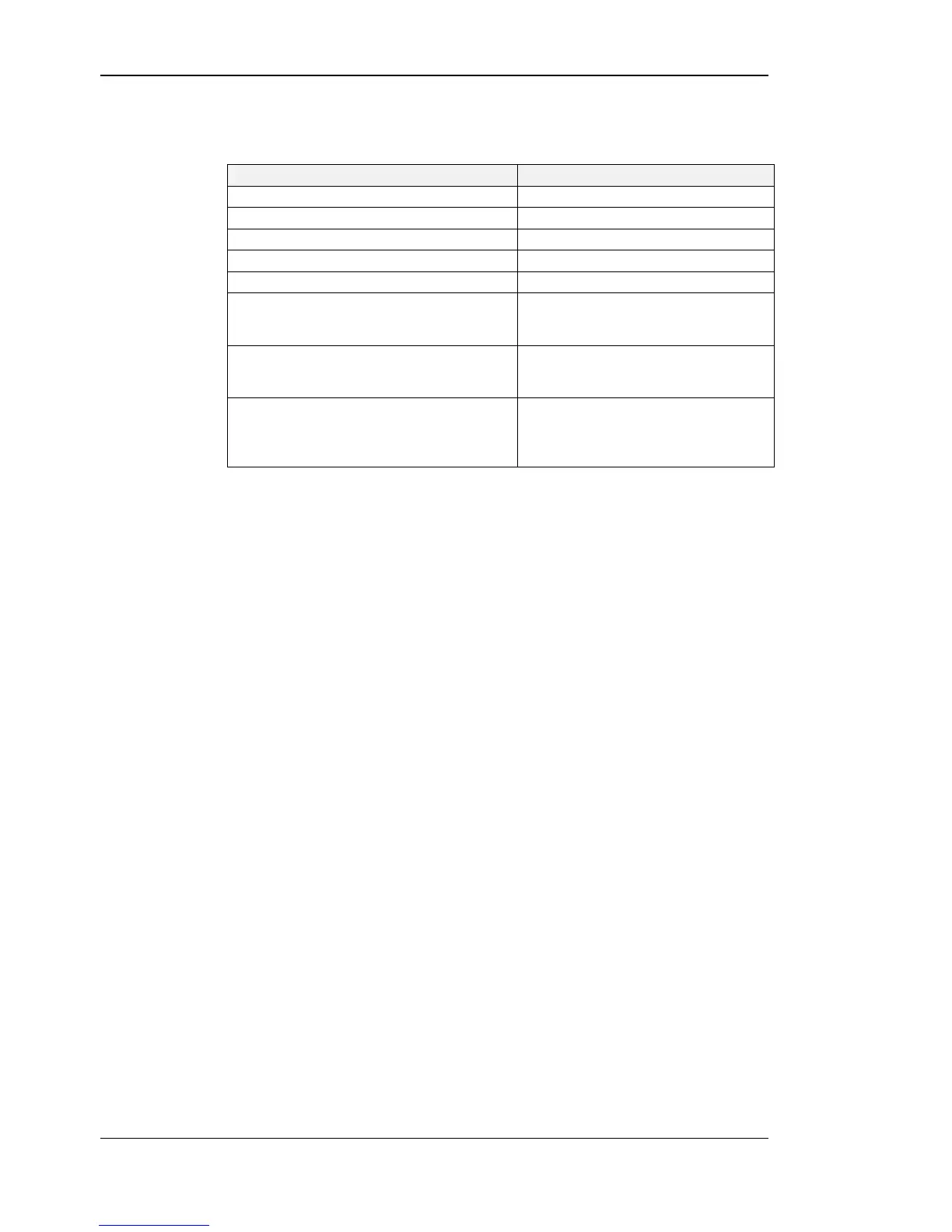
An overview of all possible operating modes is given in Table 4 below. The operating mode
can also be defined by the Modbus master by writing the user interface direct access register
(see Table 13 on Page 26).
Order of L-STAT Operating Modes
DISPLAY-mode / display values
Display values are shown.
DISPLAY-mode / set points
Set points can be edited.
EDIT-mode / device settings
Device settings can be edited
CALIBRATION-mode / offset values
Offset values can be edited
The pincode for the end user has to be
entered to show and/or edit the requested
value.
PINCODE-ENTRY / system administrator
The pincode for the system administator
has to be entered to show and/or edit the
requested value.
DIRECT_ACCESS-mode / set points
A defined set point can be accessed and
edited without entering EDIT-mode. It
can be entered by pressing a defined
button (see Table 24 on Page 35).
Table 4: Operating Modes
2.2.3 Access Levels
The L-STAT has two access levels (end user & system administrator) with configurable
rights to display and edit values. Each access level is secured by a four digit pincode that
will be requested when EDIT-mode or DIRECT_ACCESS-mode is entered if the desired
value is pincode protected.
Per default the pincode for end user and system administrator access level is disabled (0000).


 To Next Page