Digital Video Recorder User Manual
60
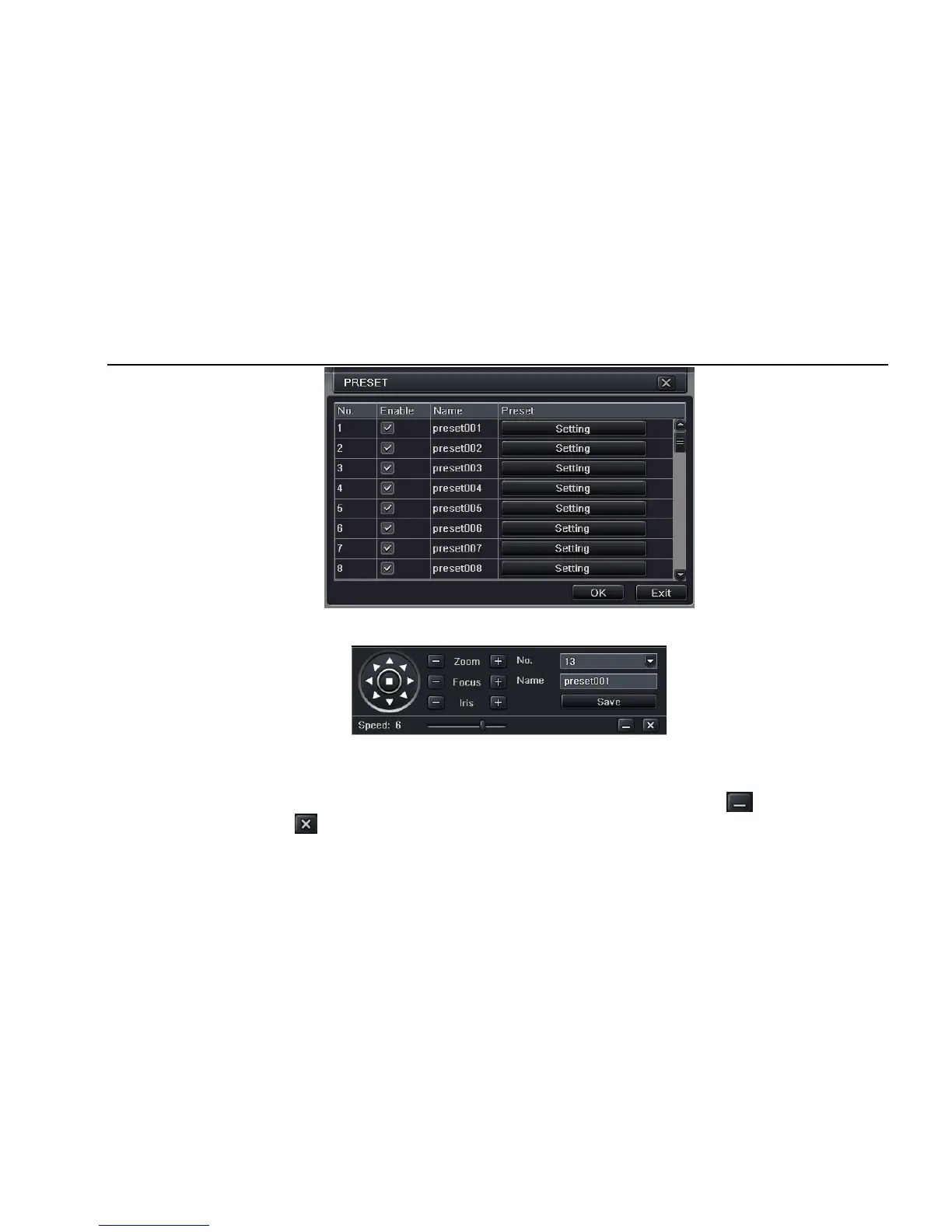
Fig 4-39 advance-preset setting
a. in the preset set interface, click Setting button, a dialog will pop-up as Fig 3-40:
Fig 3-40 preset set-setting
b. user can control the dome rotates up, up left, down, right down, left , left down, right and up right and stop rotating; adjust the rotate speed
and the value of zoom, focus and iris of the dome;
c. select the serial number of the preset point, set the preset name. Click Save button to save the settings, click icon to hide the tool bar,
right-key can remerge it; click icon to exit the current interface.
d. in the preset interface, click OK button to save the setting; click Exit button to exit current interface.



 To Next Page