Digital Video Recorder User Manual
61
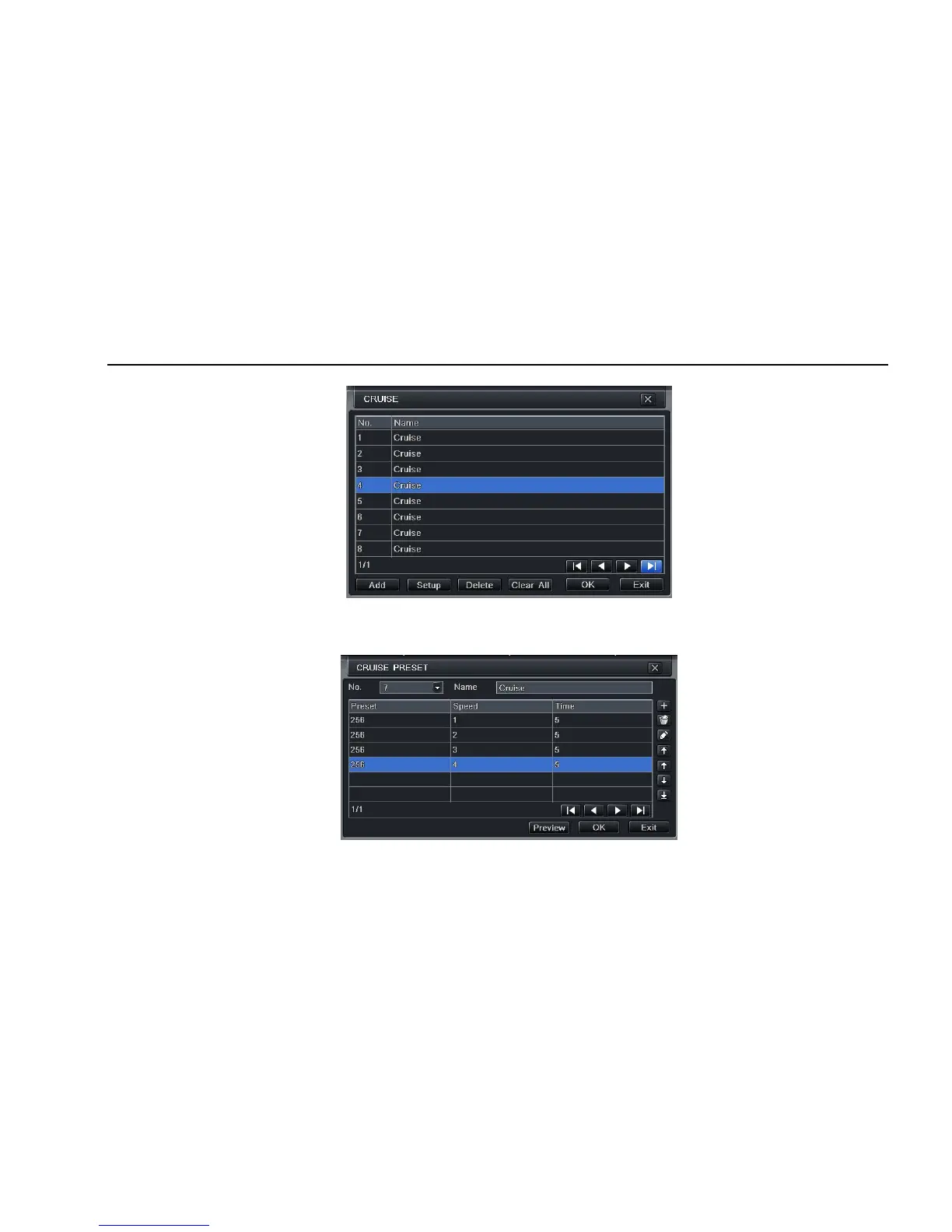
Step3: in the Advance interface, click cruise “Setting” button, a dialog box will pop-up as Fig 4-41:
Fig 4-41 cruise set
a. click Add button to add cruise line in the list box (max 8 cruise line can be added); select a cruise line, click Setup button, a dialog box will
pop-up as Fig 4-42:
Fig 4-42 cruise set-modify cruise line



 To Next Page