Digital Video Recorder User Manual
78
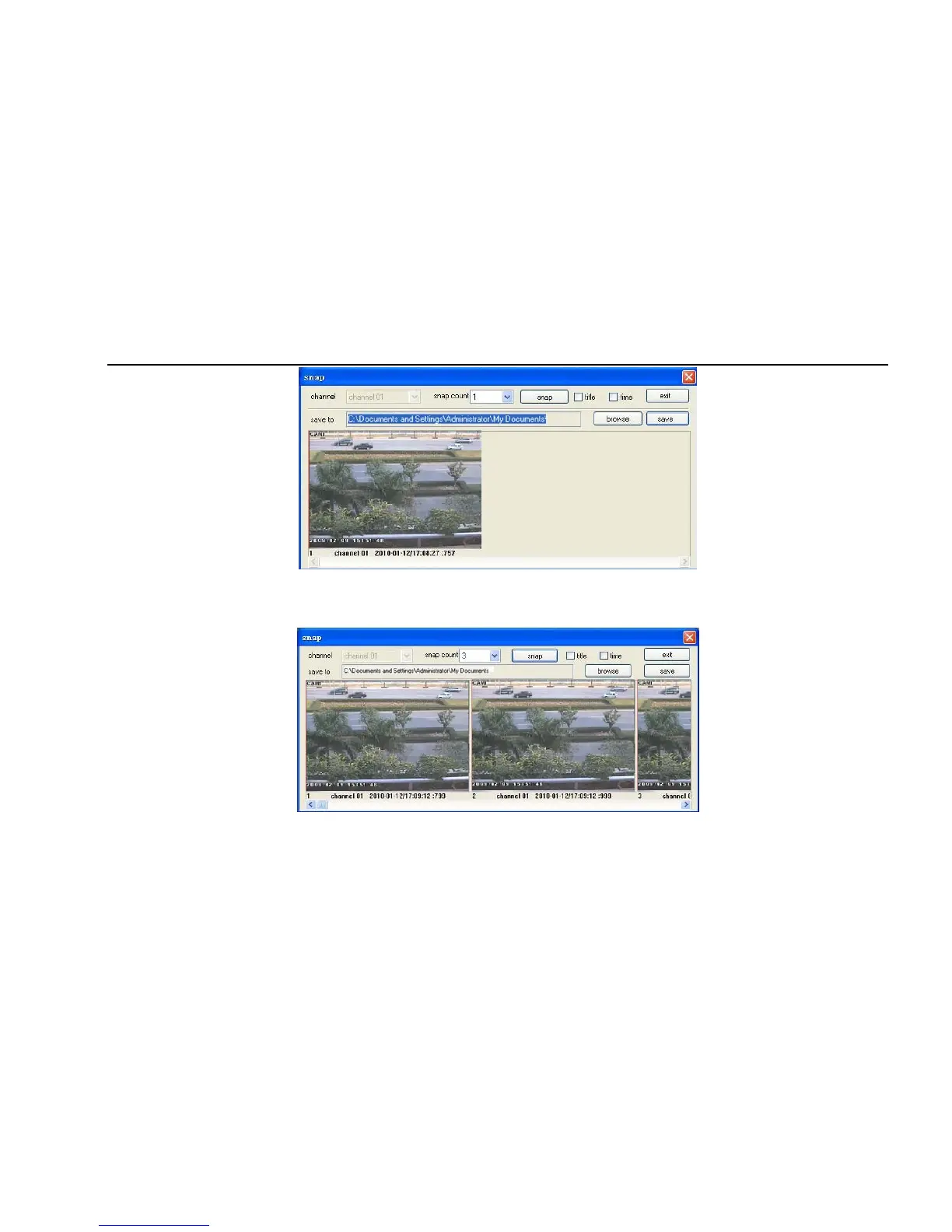
Fig 7-4 Single snap
2. User can multiple pictures , select the picture number from Frame pull down list box, such as 3, tick off “Title” and “Time”, it will show capture
title and time on the snap pictures simultaneously. Refer to Fig 6-5:
Fig 7-5 Multi-picture snap
3. Click “Browse” to set saving path; Click “Save” to save pictures to HDD on the computer; click Exit button to exit current interface.



 To Next Page