Digital Video Recorder User Manual
83
data, click those data; select the record channels in area③
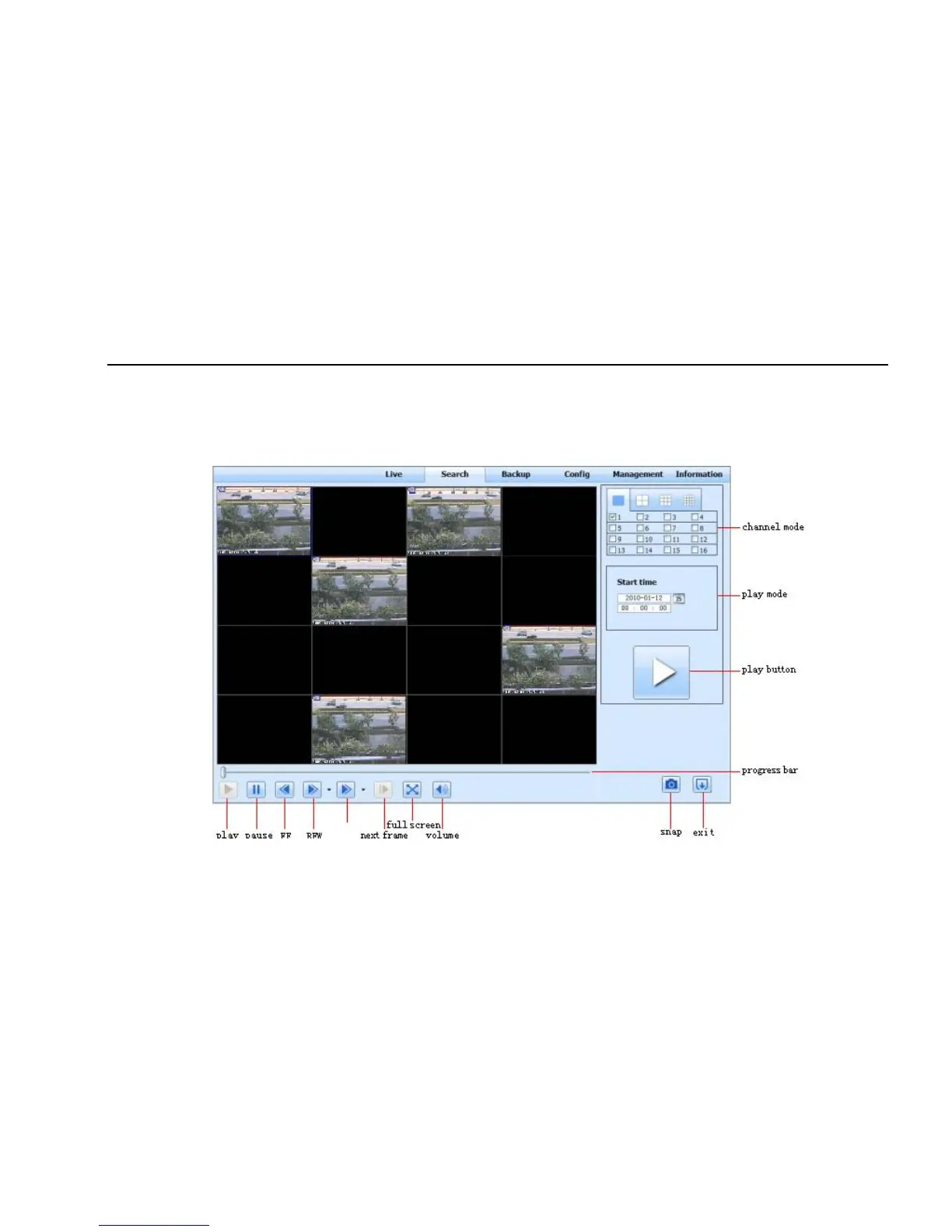
Step3: User can set the data playing time and display mode in the area① as required
Step4: Select certain item from the data information list box, click “play” button to playback
Step5: Click the relevant buttons in the interface; user can do some operations such as: FF, pause, change channel mode, research, etc. refer to
Fig 7-9:
Fig 7-9 Time search playback



 To Next Page