Digital Video Recorder User Manual
84
By Event Search:
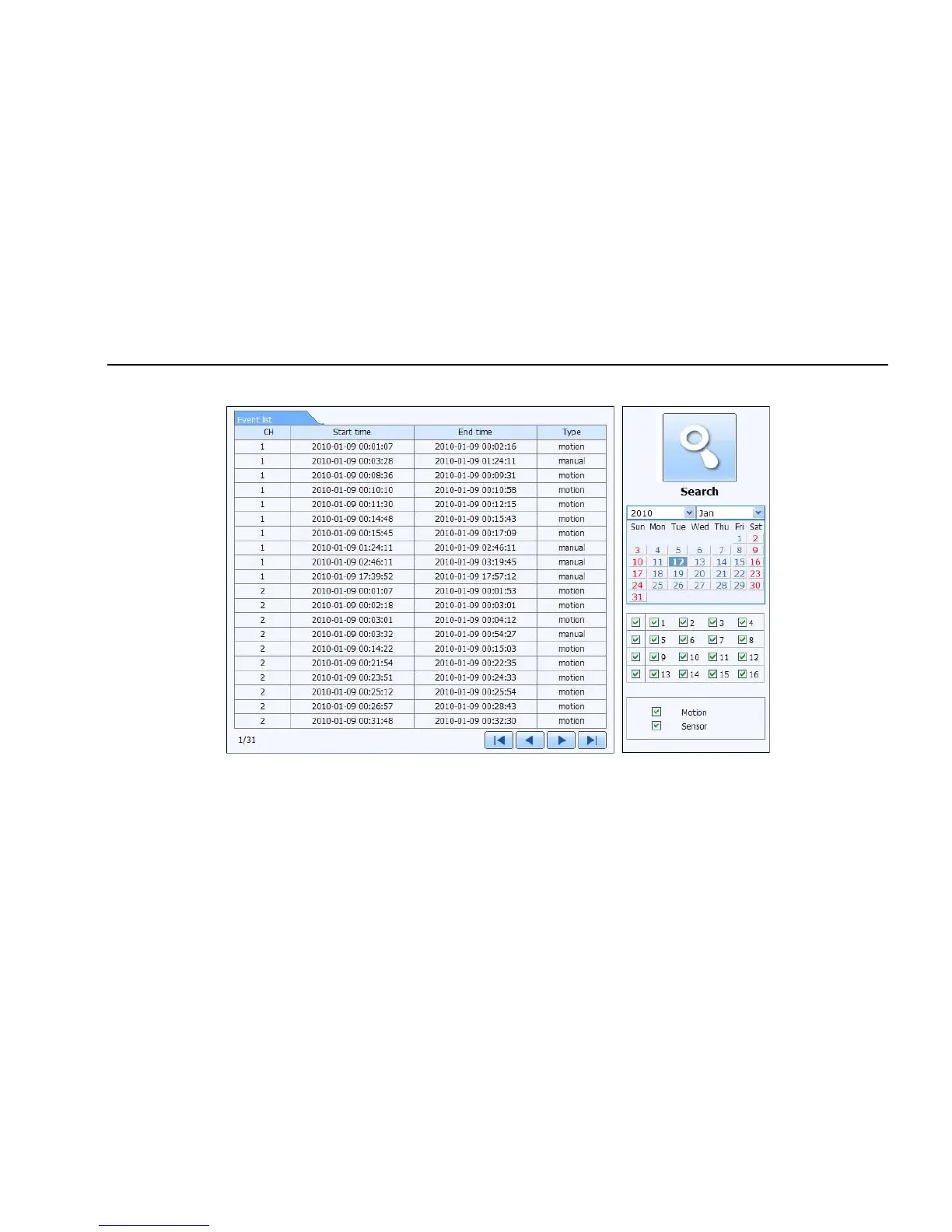
Step1: Enter into SearchÆevent search; refer to Fig 7-10:
Fig 7-10 event search interface
Step2: click the highlight date and select record channels and then tick off the event type: motion and sensor, click “search” button
Step3: the events will be display in the event list box, double-click certain item to playback
File Management
Step1: Enter into SearchÆfile management; refer to Fig 7-11:



 To Next Page