Digital Video Recorder User Manual
85
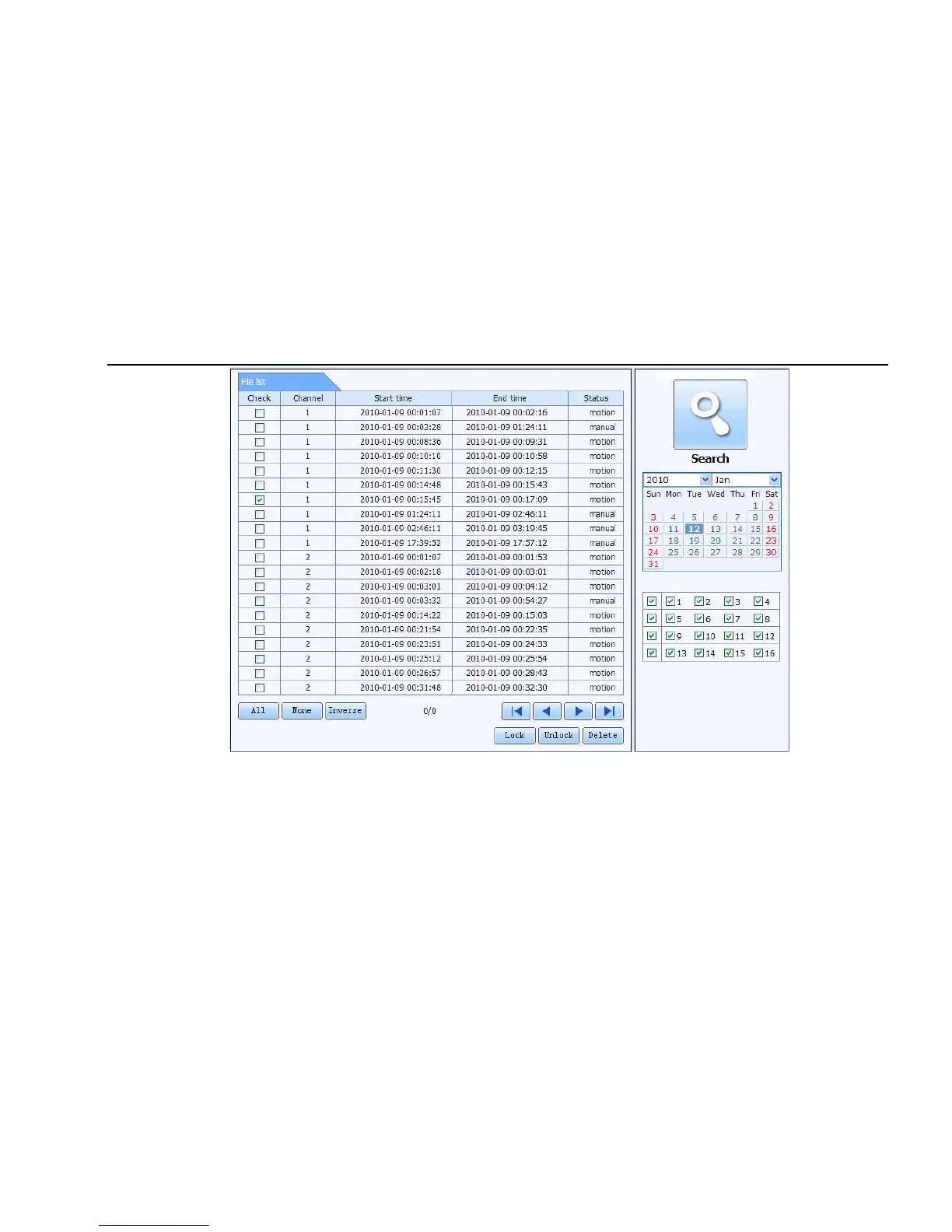
Fig 7-11 file management interface
Lock: select certain file item in the file list box, click “Lock” button to lock this file that ca not be deleted or overlaid
Unlock: select a locked file, click “unlock” button to unlock this file
Delete: select an unlock file, click “delete” button to delete this file from file list



 To Next Page