Piccolo 27 from 82
www.lt-light.com
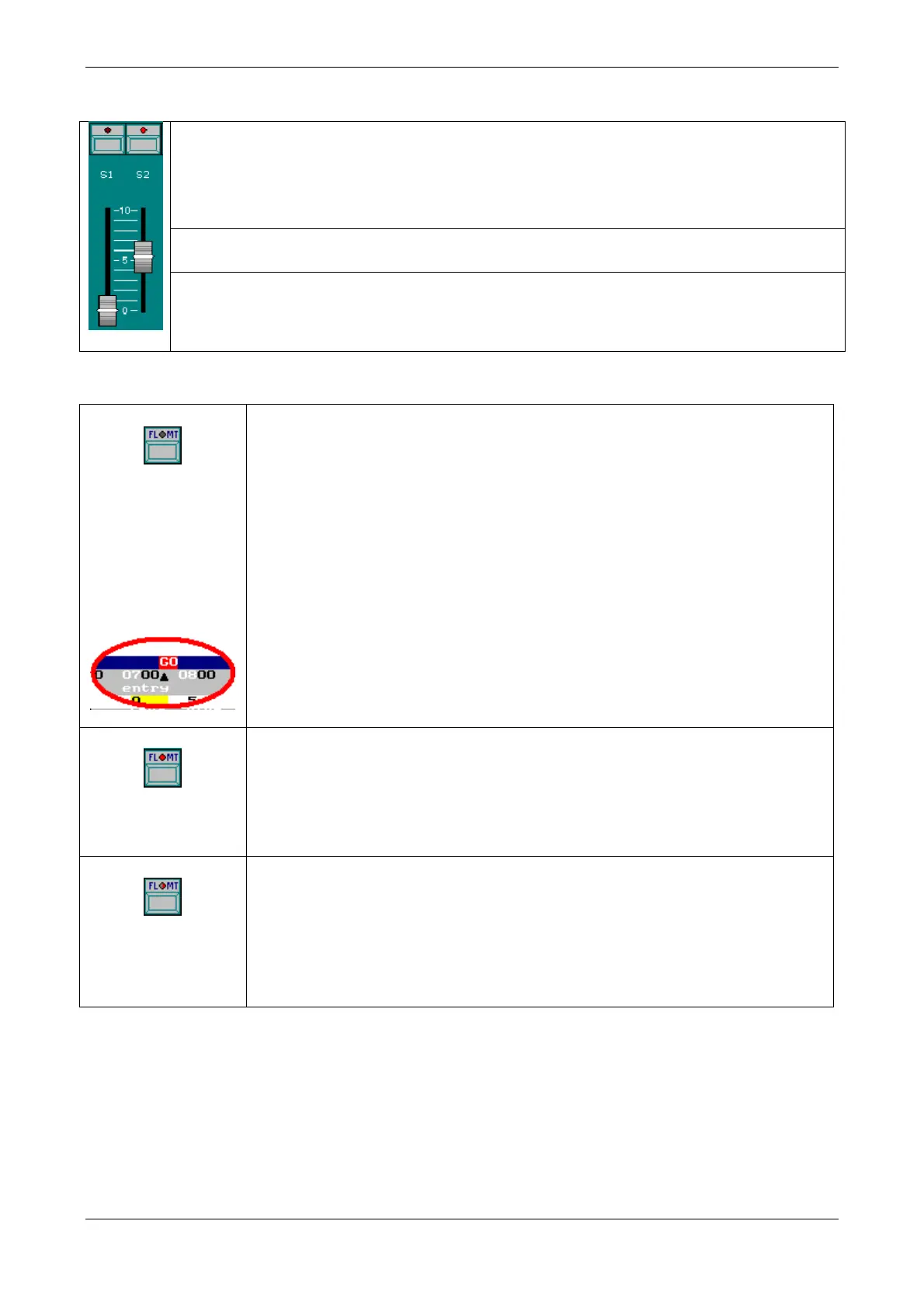
Each Submaster has:
A status LED, LED of S# (LED of S1, LED of S2…). Indicating:
Off, for Submasters with no content
On at 50%, for loaded but not activated Submaster
On at 100%, for loaded but activated Submaster
Blinking, for loaded & activated Submasters, during process of time running
A function key, [S#] [S1], [S2], …), that can work in mode: GO, FLASH or SOLO
(see below). This key is used to load and to empty the Submaster.
A fader, S# ( S1, S2, …)
Using the fader it is possible to play the Submaster (with group or cue) manually.
Move the fader to the desired output level to bring the in scene.
Press [FL.MT] to select the desired mode for the keys of the Submasters:
[S#] allows start a Submaster in an automatic way. For groups and cues:
[S#] Start an input fade, from 0 to FF, of the cue or group, using the input
time programmed (T).
If the Submaster is at FF, [S#] starts an output fade, from FF to 0, of the cue
or group, using the input time programmed (T).
If the Submaster is not at 00 or FF:
If the Submaster has a time [S#] stops the current fade. If the Submaster is
stopped [S#] restarts the fade from the current level to FF
After an automatic fade, the physical fader level and the output level are
different. To “take” manual control with the fader, it is necessary to move
the fader up to output level. At this moment, Piccolo emits a “beep” and the
fader is again controlling the output level manually.
[S#] are now Flash keys
As long as a Flash key is pressed, the Submasters content (group or cue)
will be in scene at FF*
*This level can be changed inside MENU 31, option Flash Level
[S#] the Flash keys are in SOLO mode.
As lon as a SOLO-Flash key is pressed, the Submasters content (group or
cue) will be in scene at FF*, at the same time the output of all other active
Submasters** is forced to 00
**It is possible to influence this using the Crossfader output. From the
MENU 31, select option Solo Off X
To empty a Submaster, press [DELETE] [S#]. The Submaster will be free (its LED turned Off)
To empty all the Submasters at the same time, press [DELETE] [FL.MT]



 To Next Page