Touchclave Ecotech
28
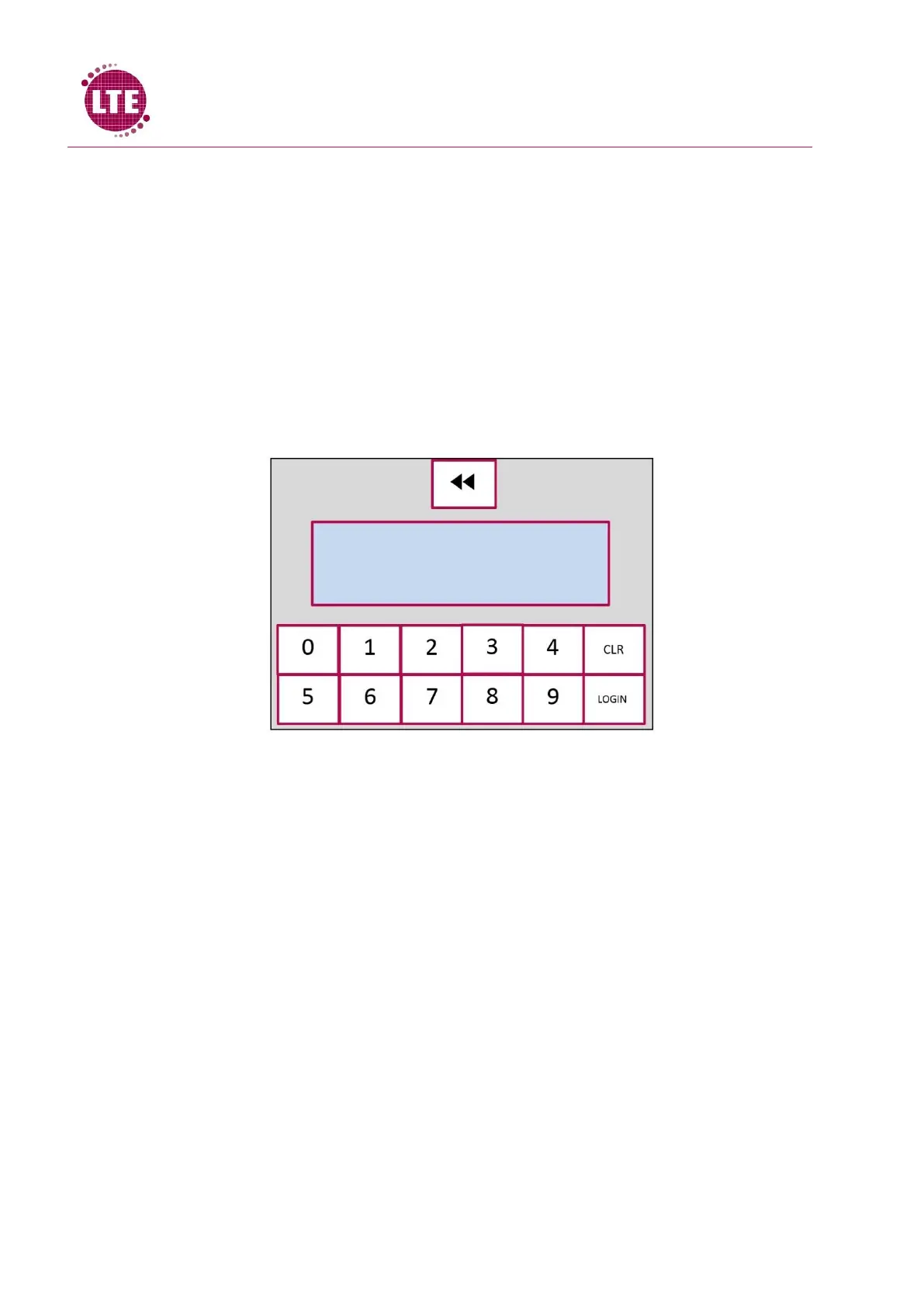
3.4 Password Entry Screen
The control system is programmed to only allow use of the autoclave for users with authorised
Password. In order for the user to gain access to the autoclave, user must enter password and user
level into the Password entry screen.
Screen gives arrow buttons to select user level- Operator, Supervisor, Maintenance Engineer or
Commissioning Engineer.
Buttons displaying numbers 0-9 are given to allow user to enter 4-digit password, Clear button
allows user to delete numbers entered in the event of incorrectly entering password, login button
allows user to log in after password entry. Abort button is also displayed should the user want to
abort the login process.



 To Next Page