Touchclave Ecotech
46
Warning: Do NOT attempt to remove the USB memory stick while “Please Wait…” message is
displayed on the screen. Removing the memory stick while data is transferring could damage the
memory stick and cause loss of data.
7.2 Transfer Cycle Data To PC
Cycles are viewed, organised and stored using LTE Ecotech Tools software.
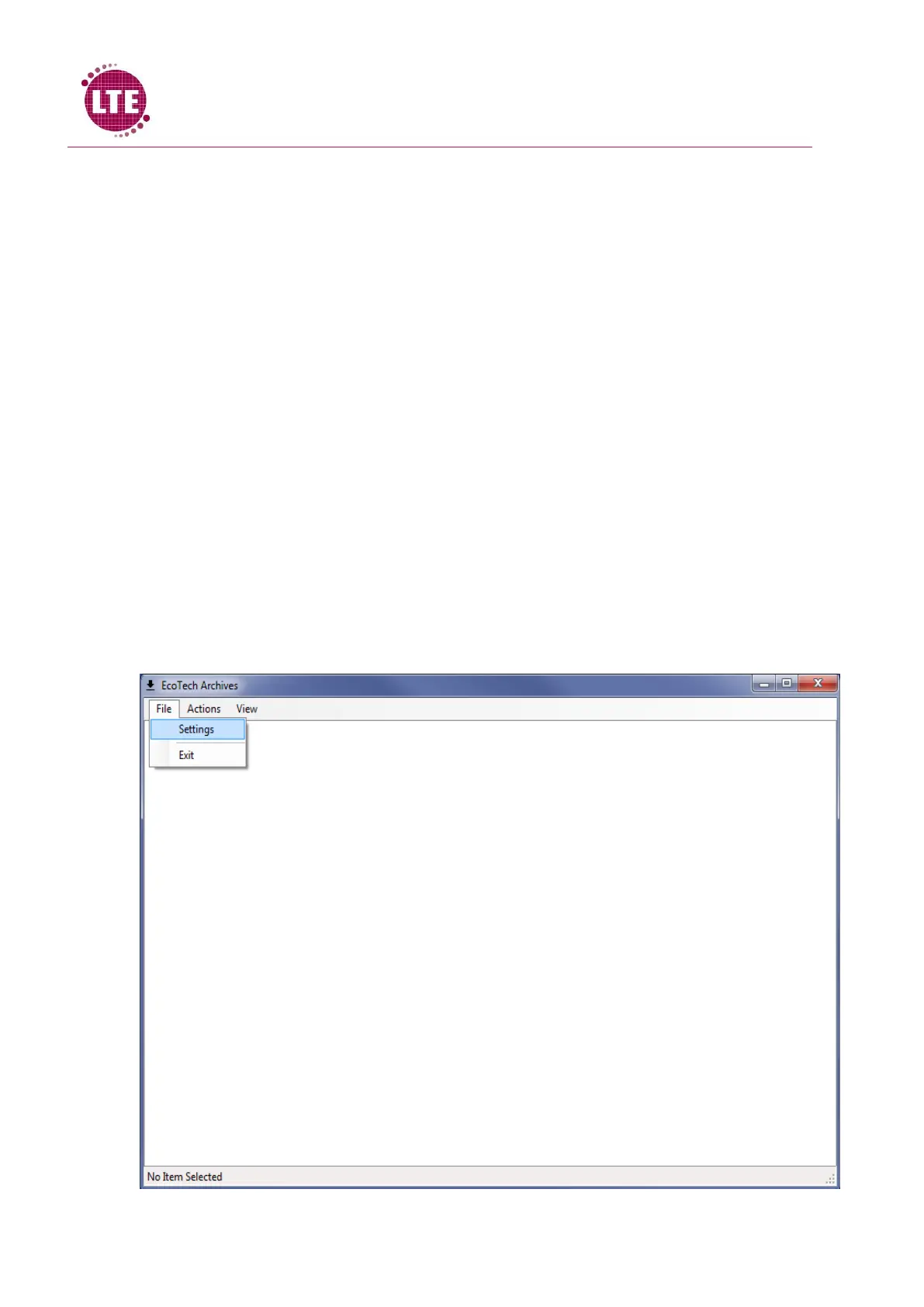
Install Ecotech Tools on PC and open the “Ecotech Archives” program.
Ecotech Archives
Ecotech Archives is a software package developed by LTE Scientific that allows users to archive data
from multiple TC Ecotech machines and view cycle data from each machine. A detailed report is
given of each cycle that has been run on each machine and so provides a vital platform for
Touchclave Ecotech data storage.
Machine Setup
Note: Machine Setup will only be required the first time the software is used.
In order to upload machine data, the machine must be set up in the software.
1. Select “File”
2. Select “Settings”



 To Next Page