Touchclave Ecotech
30
Section 4- Running a Cycle
Note: All screens/ images shown are for illustrative purposes only
4.1 Starting a cycle
Close Chamber door
Load the autoclave and close the chamber door to the latched position (note: door does not sit flush
to the front face of the autoclave in this position, this is OK as the locks will pull the door in when the
cycle begins).
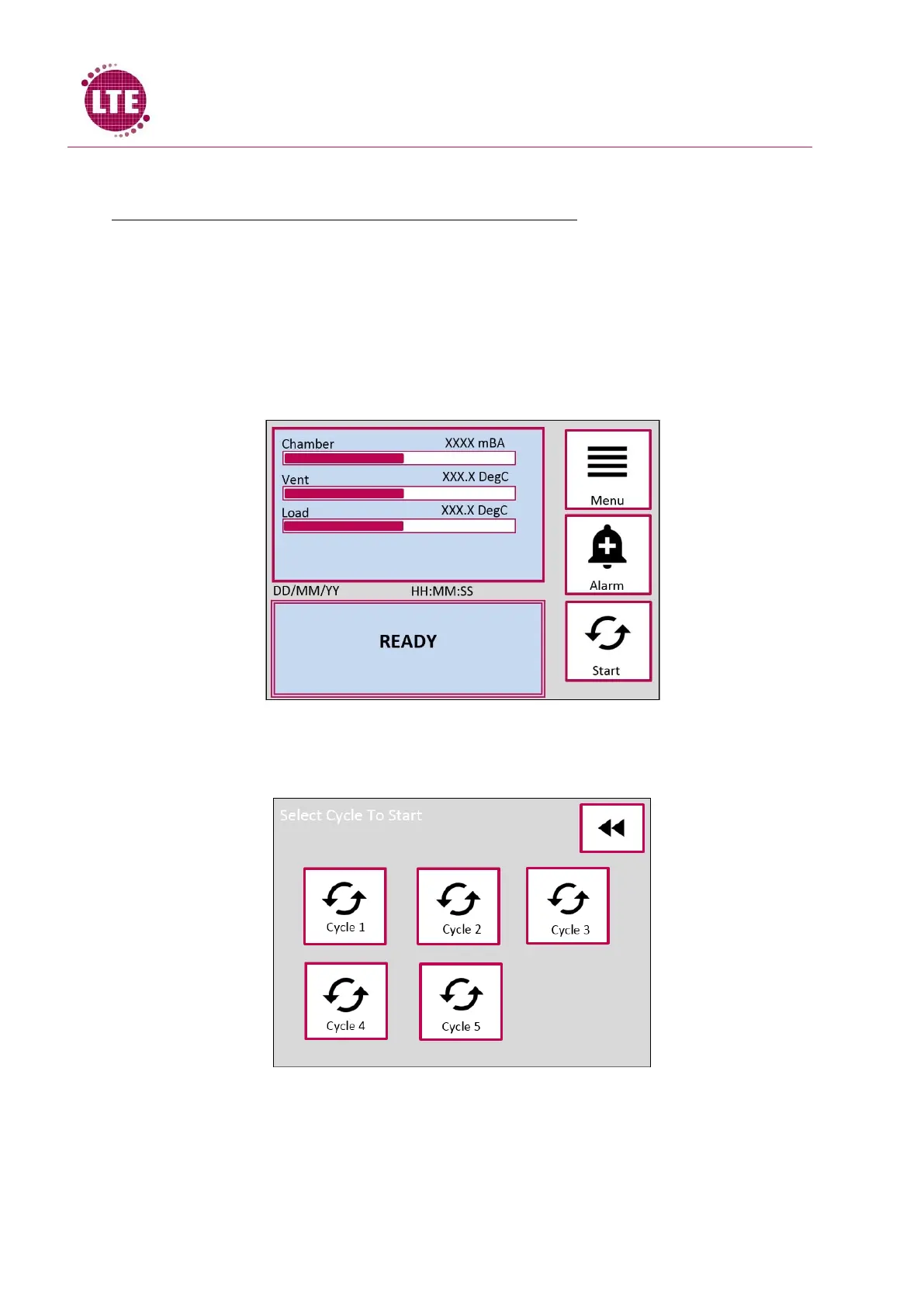
Select Cycle
Press the start icon and the



 To Next Page