Touchclave Ecotech
40
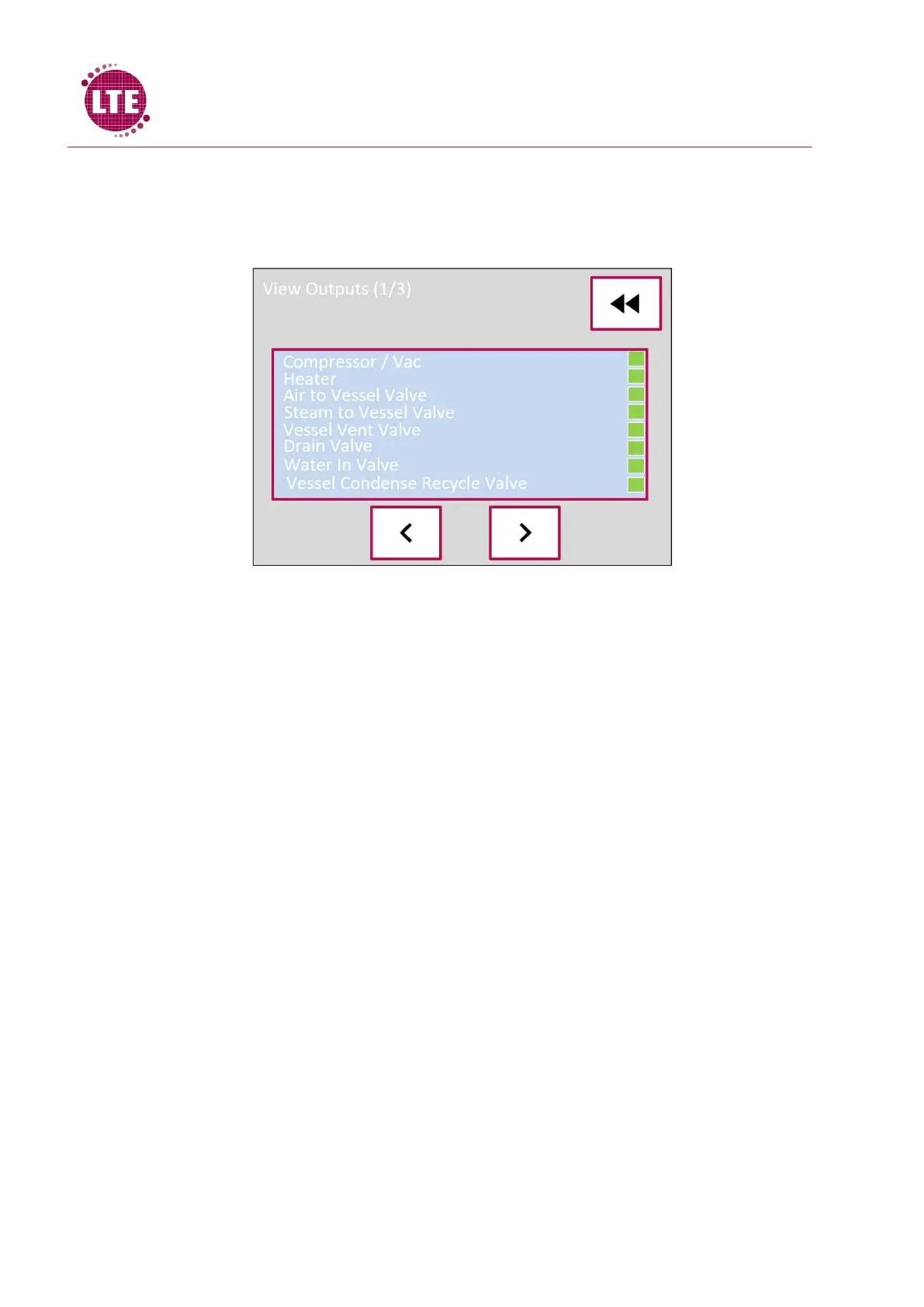
View Outputs
The View Output screen displays the outputs that are currently active on the machine, like with the
“View Inputs” screen, a green indicator represents an active output. Arrow buttons allow user to
navigate through the output list.
Cycle Info
The Cycle information screen will display the accumulative F
0
value as the cycle progresses.



 To Next Page