Touchclave Ecotech
53
View Cycle Data
With the data successful transferred to PC or network, cycle data can now be viewed.
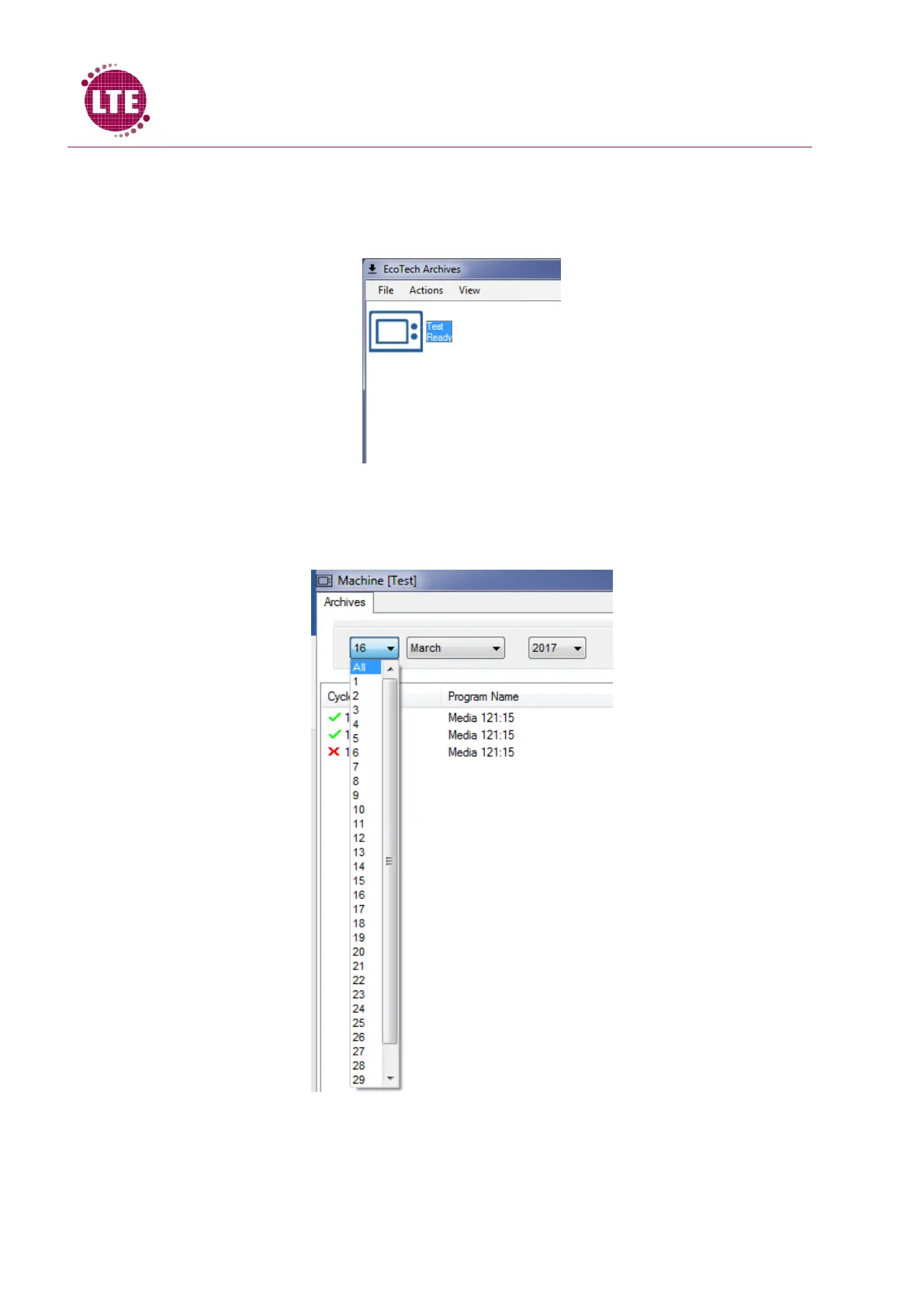
1. Double click on the machine icon of the relevant Ecotech on the Ecotech Archives menu
2. The cycles are sorted into date order of when the cycle was run. The date is selected in the
top left hand corner of the Machine Archive window using the drop down menus. Selecting
“All” in the day drop down menu will allow the user to search by month and year:
3. The cycles will be displayed and have a green tick to indicate that the cycle passed or a red
cross to indicate that the cycle failed, illustrated below:



 To Next Page