Touchclave Ecotech
38
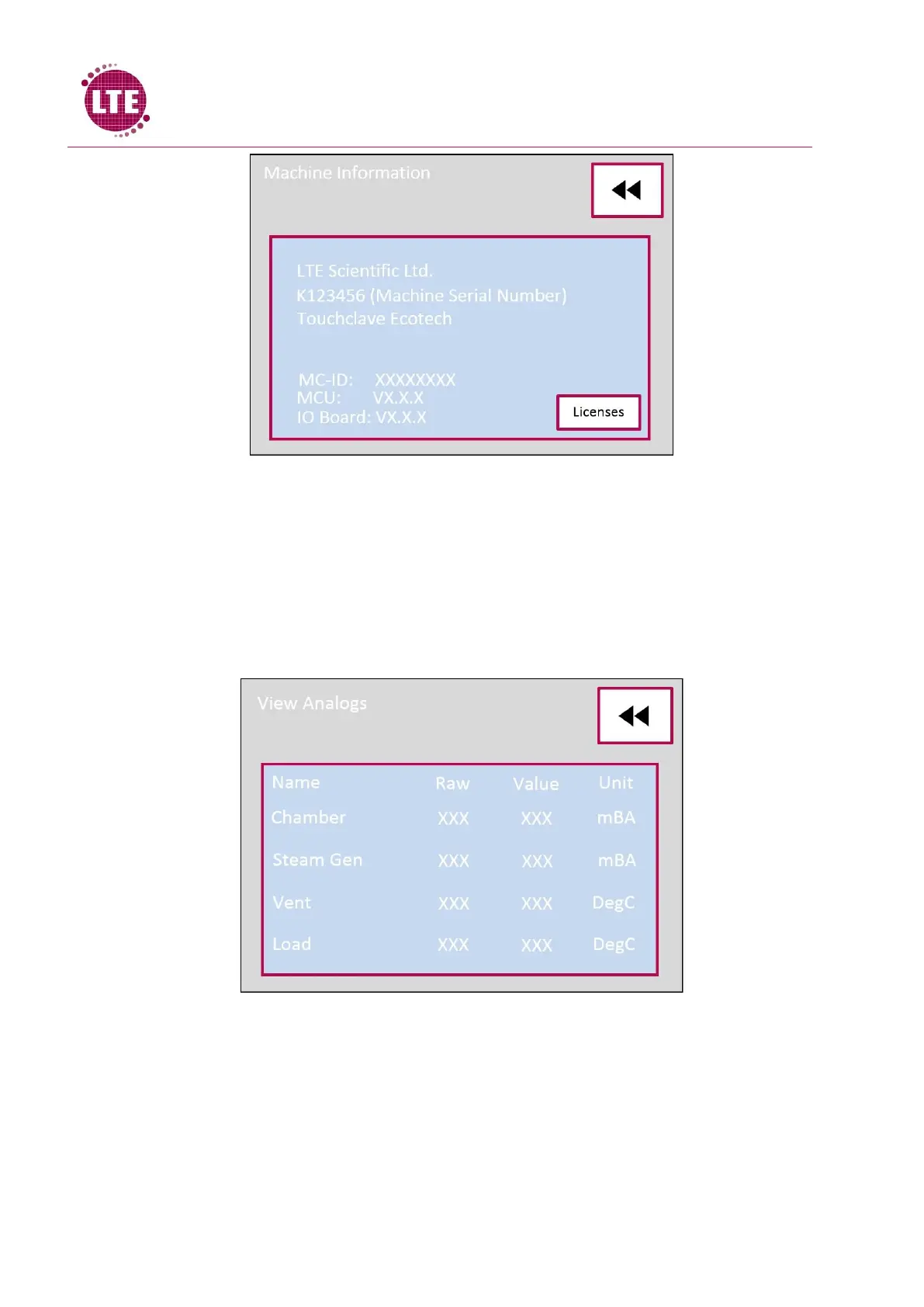
View Analogs
Selecting “View Analogs” will list the Analog sensor readings for the Chamber Pressure transducer,
Steam Generator pressure transducer, Vent PT100 temperature probe and Load PT100 temperature
probe.
View Inputs
Selecting “View Inputs” will display a list of digital inputs and their current state, the input state is
given by an indicator with green indicating that the Input signal is being received by the control
system. Arrow buttons allow user to navigate through Input list.



 To Next Page