Touchclave Ecotech
29
3.5 Menu Screen
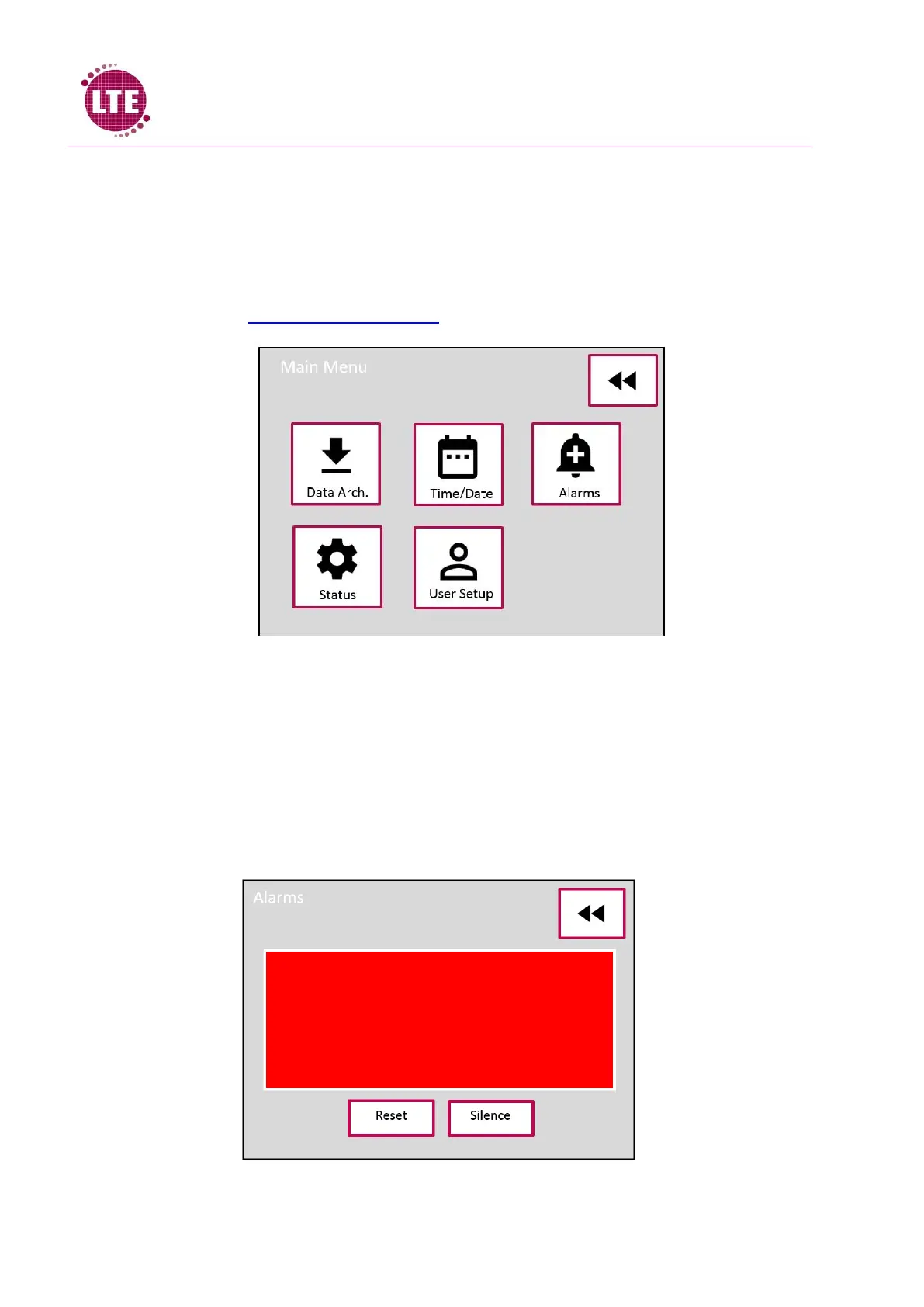
Menu screen is available for supervisor level login or higher.
Maintenance Engineer and Commissioning Engineer level menu is covered in the Touchclave Ecotech
Service manual. Supervisor menu has buttons which allow the user to archive cycle data, set the
time and date, enter alarm screen, see the machine status and access the user setup. These are
covered in detail in Section 5- Supervisor Menu.
3.6 Alarm Screen
If there are alarms active during a cycle, a sounder will alert the user and the Alarm icon will turn
Red on the process screen to alert the user that there is a problem. On pressing the alarm icon, the
alarm screen will be displayed. The alarm screen will display the alarms that are active and give the
user the option to silence the audible alert, once the alarm condition has been resolved the alarm
can be reset by entering a supervisor passcode.



 To Next Page