Touchclave Ecotech
50
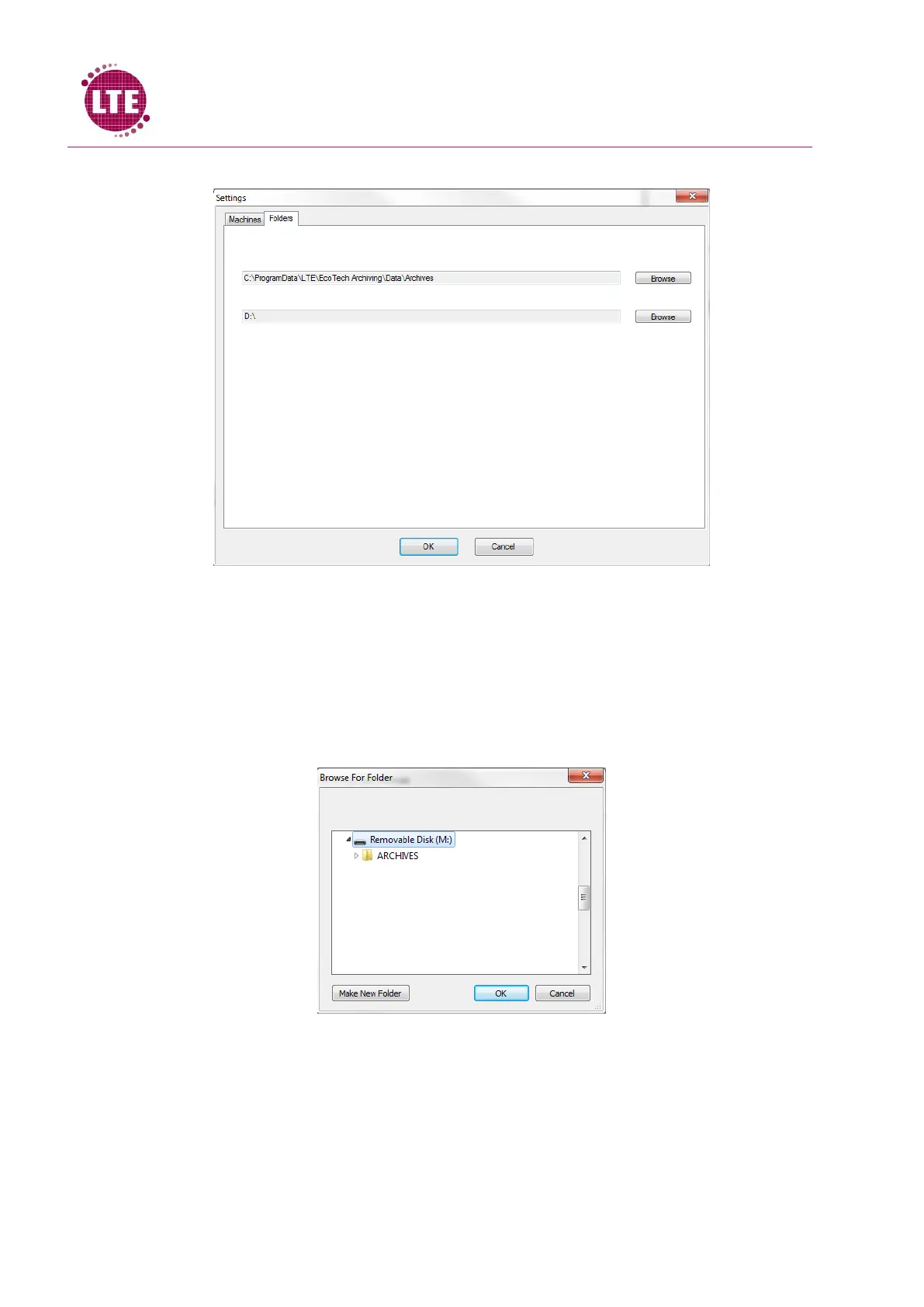
3. Select the “Folders” tab
4. Directories will be displayed. The first Directory is where the archive files are stored when
they are transferred from the USB memory stick to the PC. Pressing the “Browse” button
next to this directory will allow the user to select a specific destination they wish the
archives to be stores. If the PC is connected to a network, a folder can be created on a
network drive so that these are accessible to anyone with access to that network.
5. Select “Browse” button on the second directory and select the USB memory stick drive from
the list without selecting any sub folders and select “OK”.
6. Select “OK” on the Setting window.



 To Next Page