English - 13
4.2.2.7 How to remove
1. Remove the connecting wires from the camera
2. Uninstall the camera together with the ceiling, loosen the three screws that fix the metal plates A and B
and push to the left to remove the machine
3. Then remove the screws on the hanger and the machine
4.3 Connecting devices
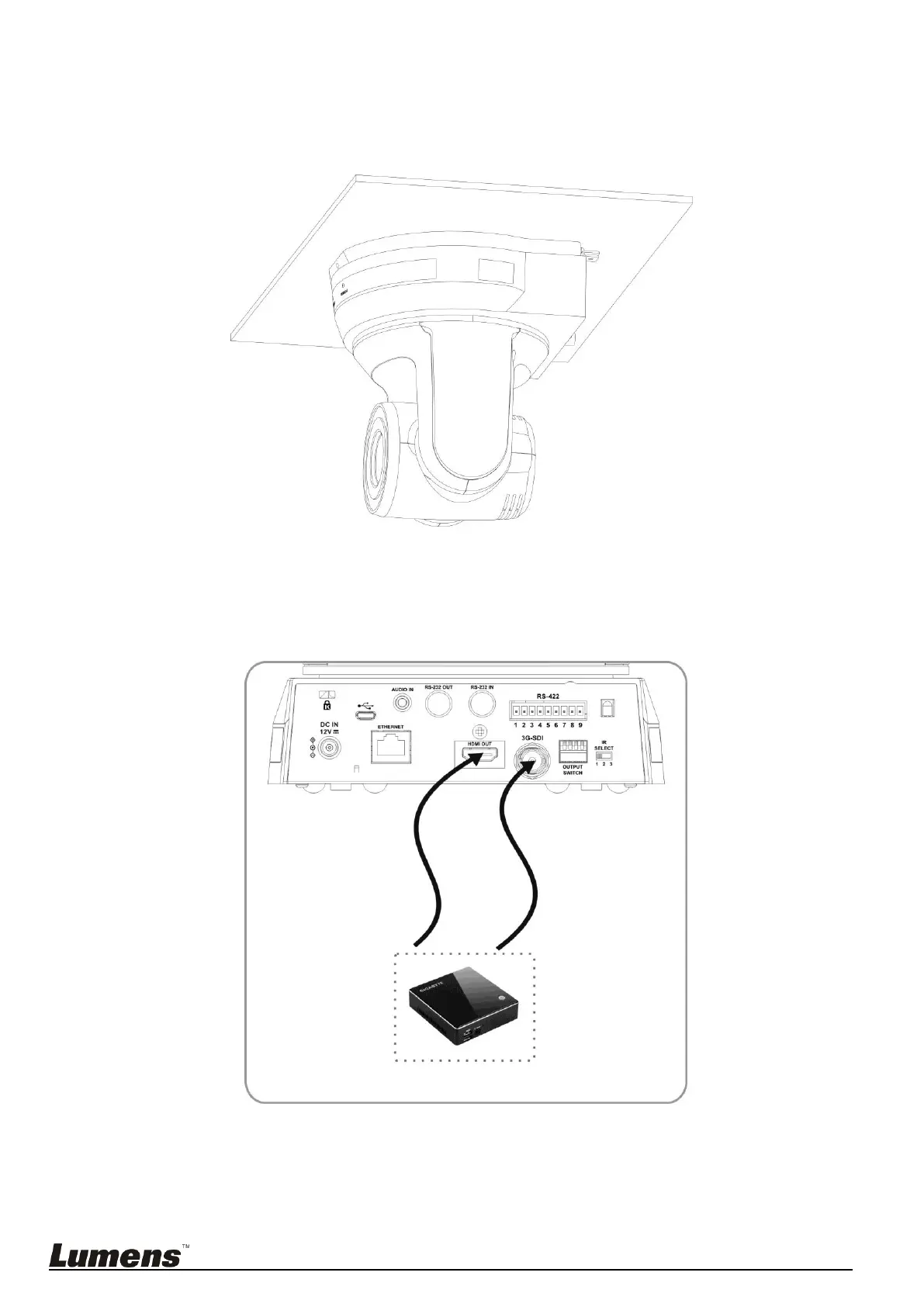
4.3.1 Image Output
4.3.1.1 Connecting to PC (video conference)
<Remark 1> SDI supports the audio output of 48 KHz only.



 To Next Page
 Loading...