INTERFACE
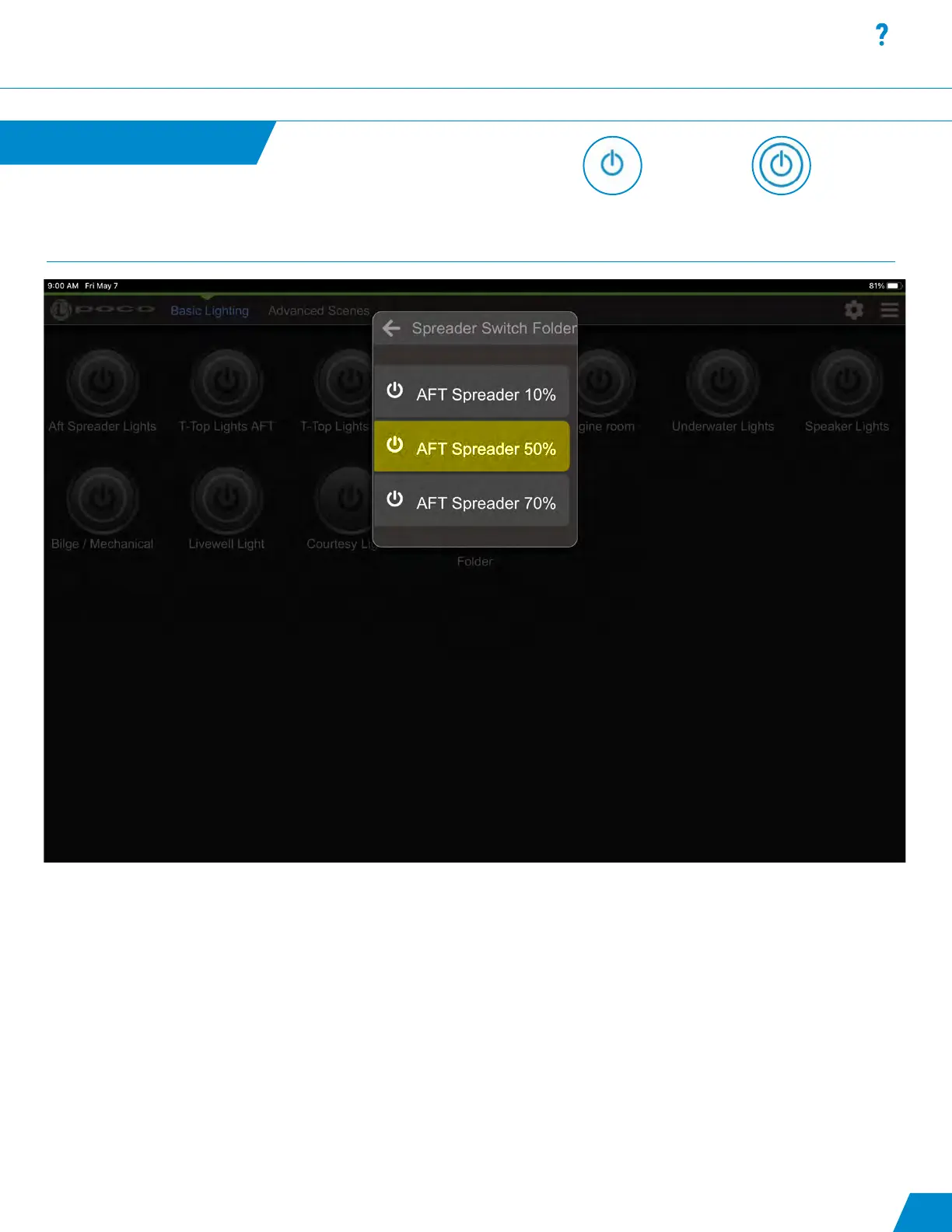
Switch Folder Widget:
- Switch Folder popup appears when a Switch Folder button is pressed and held.
- A quick press of a Switch Folder button will activate the rst button in the list.
- Highlighted switch showing that switch is activated.
Switch Folder Widget
continued...
Latching or momentary
ON/OFF switch with no
ability to modify.
Omnillume switch with the
ability to be modied from
default intensity and color.
13



 To Next Page