EasyManua.ls Logo

Lumitec Poco 3 - Automation; Startup Switch

Lumitec Poco 3
35 pages
Print Icon
To Next Page IconTo Next Page
To Previous Page IconTo Previous Page
Loading...
SETUP
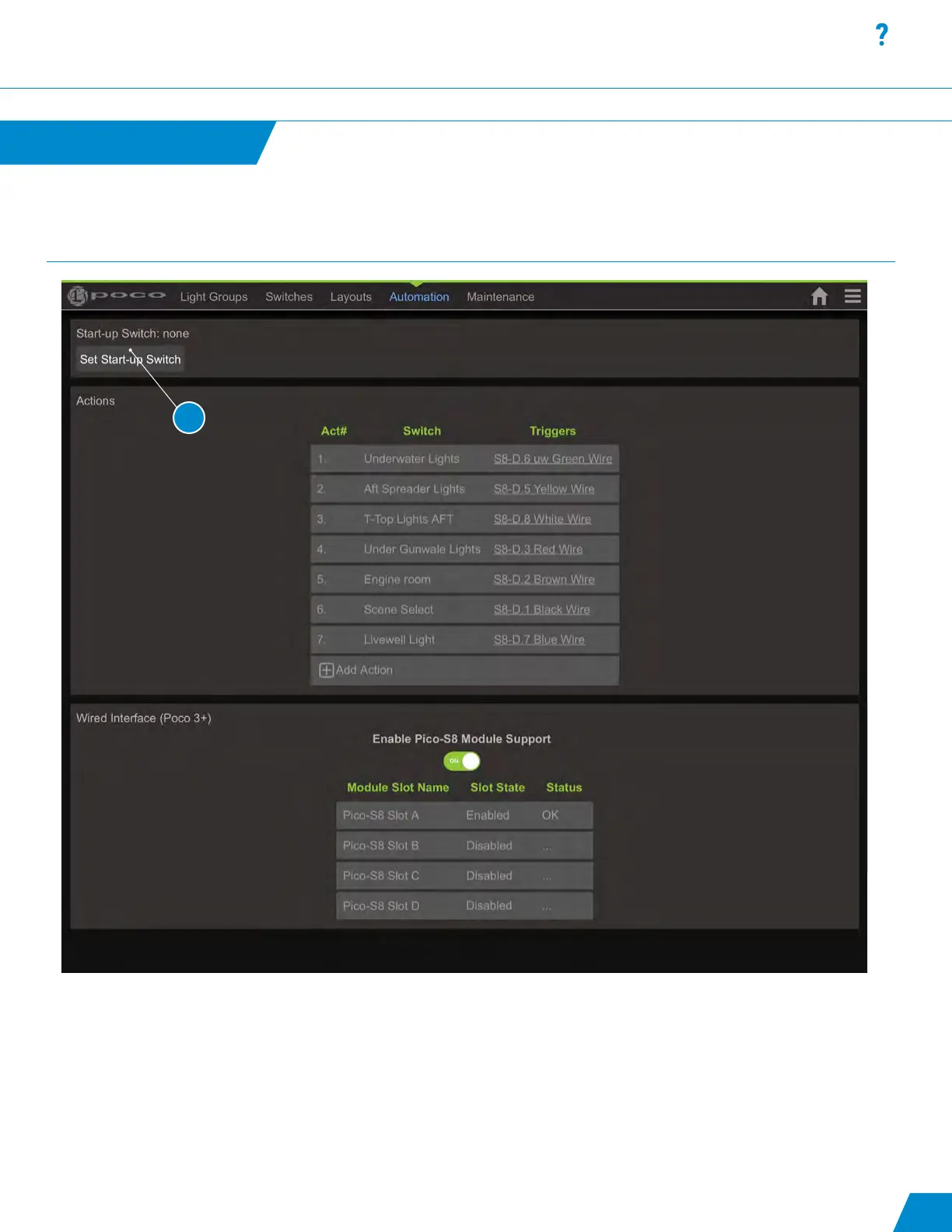
Startup Switch:
1. Denes a switch to be automatically activated when Poco is powered-on. This could be used to turn on some amount of
lighting at power up like courtesy lighting or could be used to turn on all 4 channels as an ON/OFF switch when wired in
series with SPST switches. This allows for rocker switches to be used as typical and PLI commands would modify the
behavior of the connected lights. Note: Create and congure the switch as usual prior to selecting it here. Press reboot
to test it.
Automation
Automation continued...
continued...
23
1
1
Specications
Installation
Interface
Setup
TroubleShooting
Updates
Quick Start
NAVIGATION MENU

Related product manuals