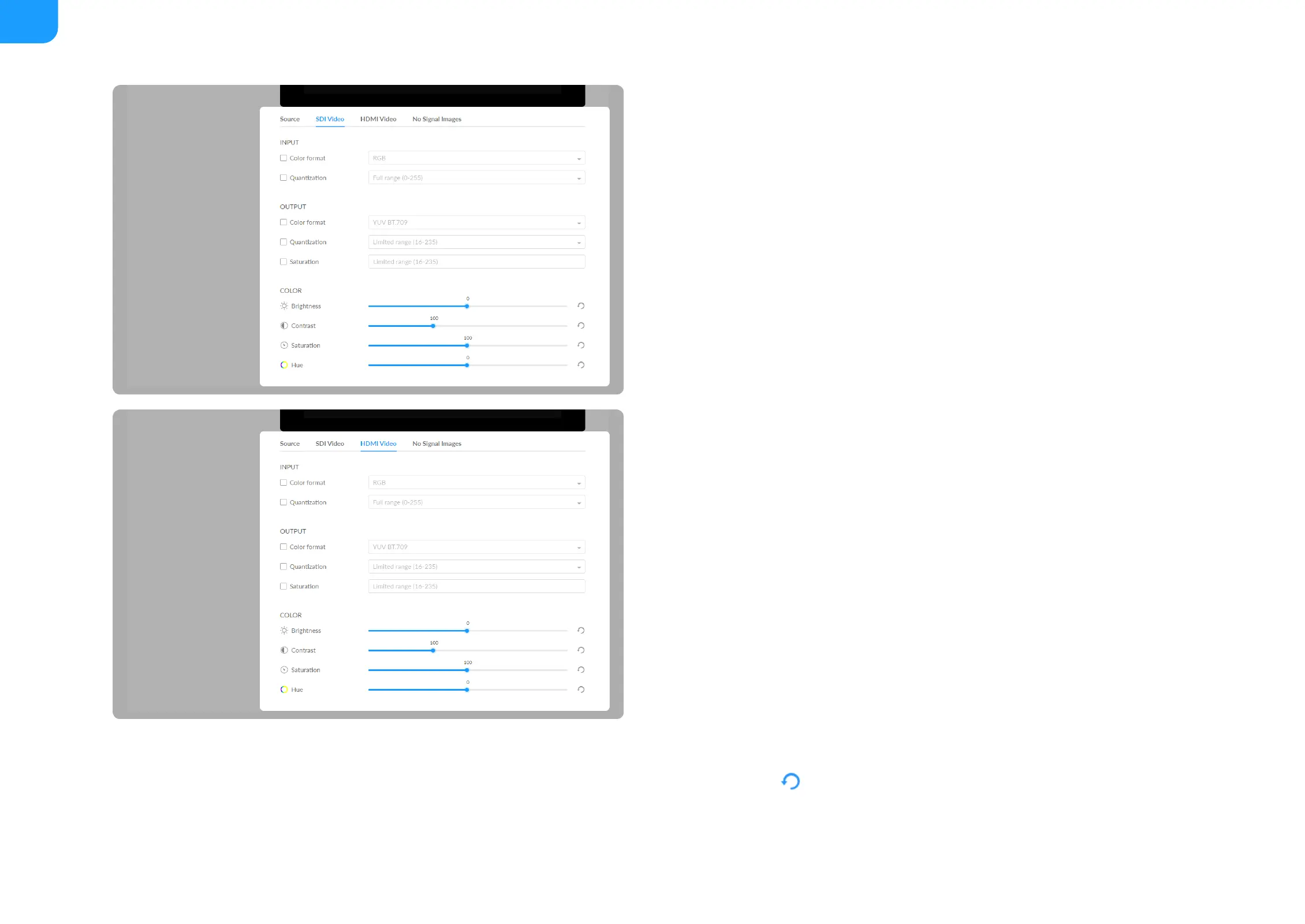
Set SDI/HDMI INPUT
Set SDI/HDMI OUTPUT
Set SDI/HDMI Color
Set color format of preview and stream video.
Color format: input video color format. Check the box to select other
options, including RGB, YUV BT.601, YUV BT.709, YUV BT.2020.
■
Quantization: input quantization range. Check the box to select other
options, including Full range(0-255), Limited range(16-235).
■
Save: save current configuration.
■
Color format: check the box to select other options, including YUV BT.601,
YUV BT.709.
■
Quantization: check the box to select other options, including Full range(0-
255), Limited range(16-235).
■
Saturation: check the box to select other options, including Full range(0-
255), Limited range(16-235), Extended GAMUT range(1-254).
■
Save: save current configuration.
■
Brightness: range from -100 to 100, the default value is 0.
■
Contrast: range from 50 to 200, the default value is 100.
■
Saturation: range from 0 to 200, the default value is 100.
■
Hue: range from -90 to 90, the default value is 0.
■
Reset: Click icon to restore the current setting to default value.
■



 To Next Page