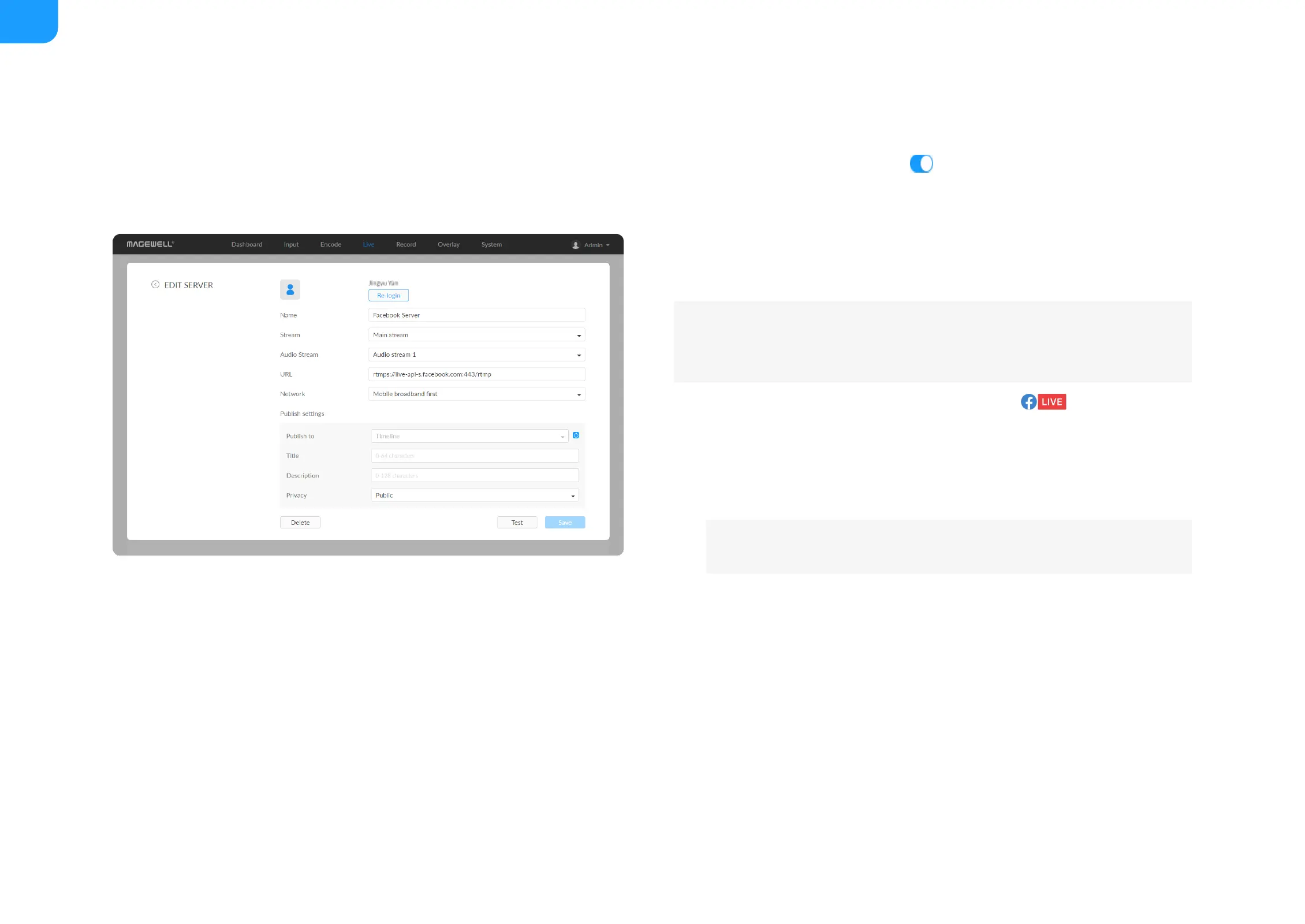
7. Click Test to check the connection between the server and encoder.
8. When prompted, click OK.
9. Go back to Live page, turn on before streaming.
Live Streaming to Facebook Live
You can live broadcast to Facebook if you have a Facebook account.
1. Click + Add Destination in the Live tab, select , enter the Stream
Name.
2. Click Log In. Follow the on-screen instructions to open Facebook, enter
the code prompt, and log in.
3. Specify a Name for your streaming session, which can be 1 to 30
characters.
4. Choose main or sub stream for streaming, parameters of which can be set
in Encode tab.
5. Choose an audio stream (1 to 4) for streaming, and the default value is
Audio stream 1. Audio encoding parameters can be set in Encode >
AUDIO STREAM.
6. Input facebook destination URL.
7. Choose the prime network for streaming.
To ensure smooth live streaming experience, connecting to a wired
Ethernet network is recommended.
Your avatar will be displayed after a successful logging-in.



 To Next Page